10
Daily use of the TV Connector
and Moxi All
Balance of the environment
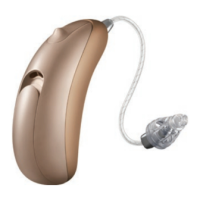
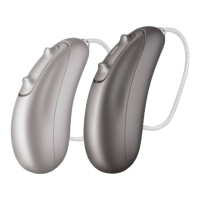
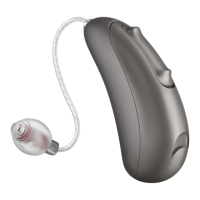
While listening with Moxi All hearing aid(s) and the TV Connector or a
mobile phone, the patient has the ability to adjust the balance between
sounds captured from the audio source (TV or phone) and the surrounding
environment by the microphones of the hearing aids.
How to adjust the balance between mobile phone calls, the
TV Connector and the surrounding environment
While on a call on a mobile phone:
•
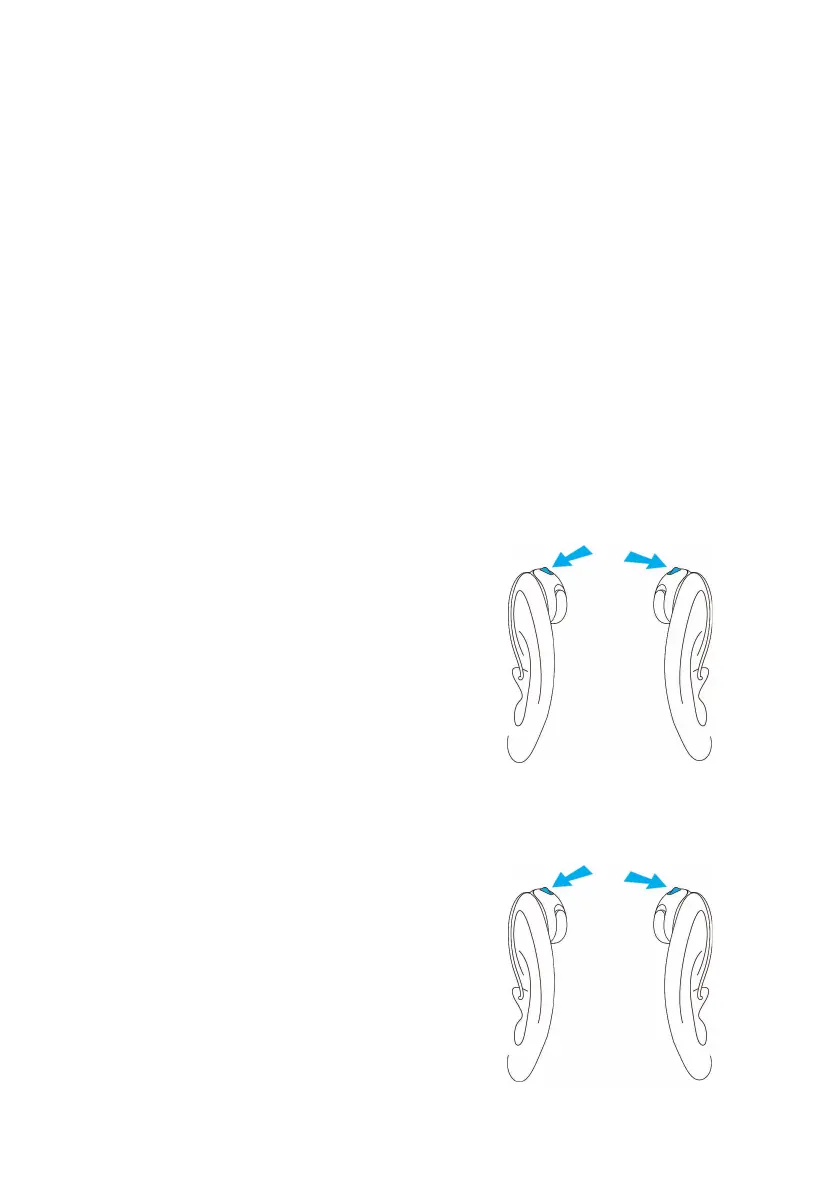
Short press the push button of the
right ear hearing aid to increase
the volume of the call and reduce
environmental sound.
•
Short press the push button of the
left ear hearing aid to decrease the
volume of the call and increase the
environmental sound.
Adjusting the volume balance between
the television and the environment
•
Short press the push button of the
right ear hearing aid to increase the
volume of the television and decrease
environmental sound.
•
Short press on the push button of the
left ear hearing aid to decrease the
volume of the television and increase
the environmental sound.
Decrease the
volume of the
television
Right ear
Right ear
Left ear
Left ear
Increase the
volume of the
call
Increase the
volume of the
television
Decrease the
volume of the
call


 To Next Page