CHECKING THE CODES
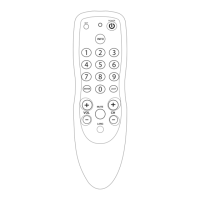
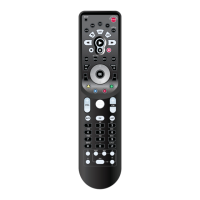
If you have set up the Cogeco Atlas DVR 5-Device Universal
Remote Control using the Searching For Your Code proce-
dure (on the previous page),you may need to find out
which four-digit code is operating your equipment.
For example,to find out which code is operating your TV:
1. On the remote control, press TV once; it will
blink once.Then press and hold SETUP until
the TV key blinks twice,then release SETUP.
2. Enter 9 - 9 - 0.The TV key will blink twice.
3. To view the code for the first digit,press 1
once.Wait 3 seconds and count the number
of times the TV key blinks (e.g., 3 blinks = 3)
and write down the number in the leftmost
TV Code box on page 11.
NOTE: If a code digit is “0”, the selected mode key
will not blink.
4. Repeat step 3 three more times for the
remaining digits. Use 2 for the second digit,
3 for the third digit, and 4 for the fourth digit.
Finish writing down the code in the TV Code
boxes on page 11.
5. To check for other device codes,repeat steps
1 through 4, but substitute the appropriate key
(e.g., AUX, DVD, AUD, or CBL) for the device
you are checking.Write down the codes in the
appropriate boxes on page 11.
14



 To Next Page