Computer Power Management
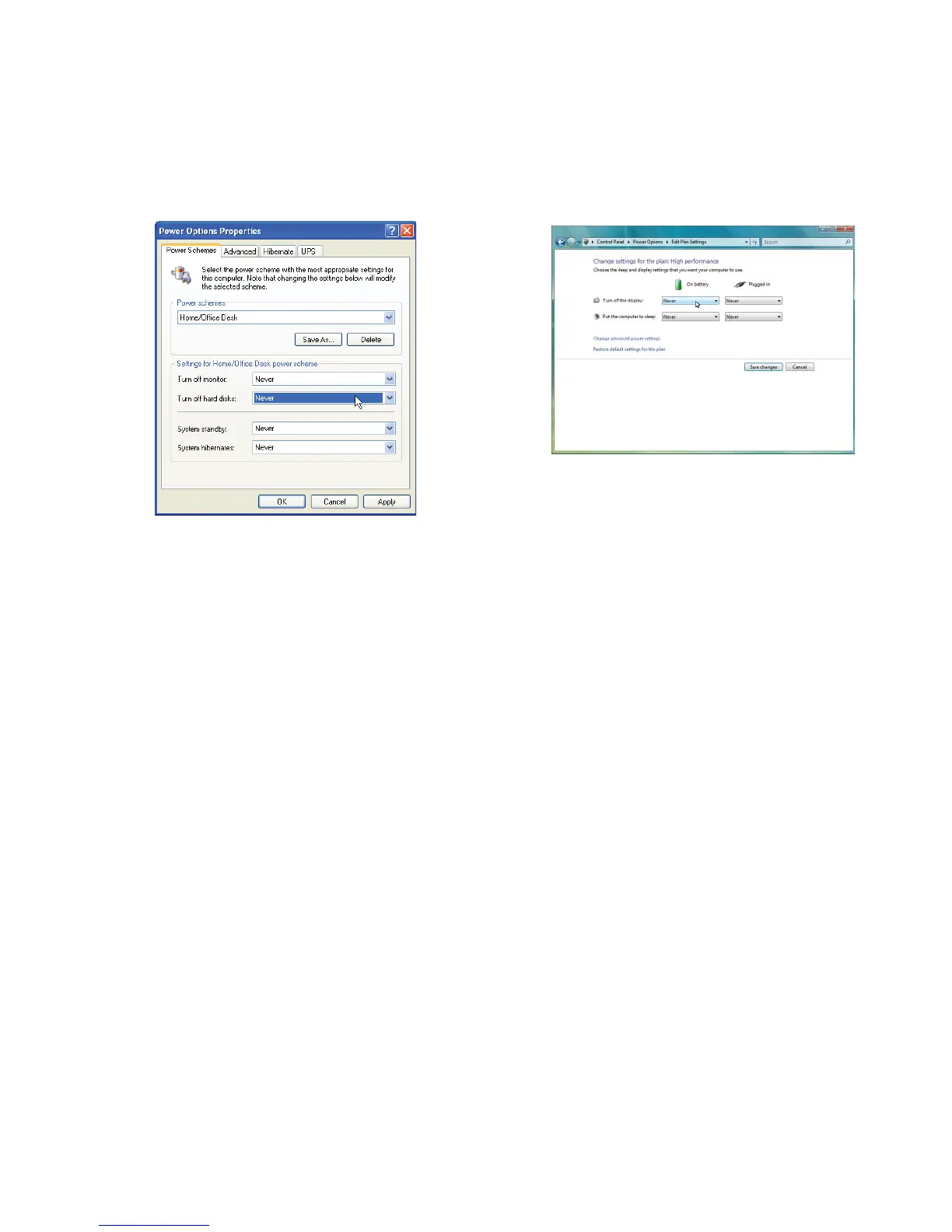
Power management settings on your computer can interfere with proper operation of the laser system by putting
the PC in standby or sleep mode while the laser system is processing material. The settings can be controlled
through the power options in the Windows control panel on your PC. The illustrations below show you how to
disable power management.
XP Vista and 7
For the Power Scheme in use, select “Never” for
all the options: Turn off display and Put the
computer to sleep.
For the Power Scheme in use, select
“Never” for all the options: Turn off monitor,
turn off hard disks, system standby and
system hibernates.
24


 To Next Page