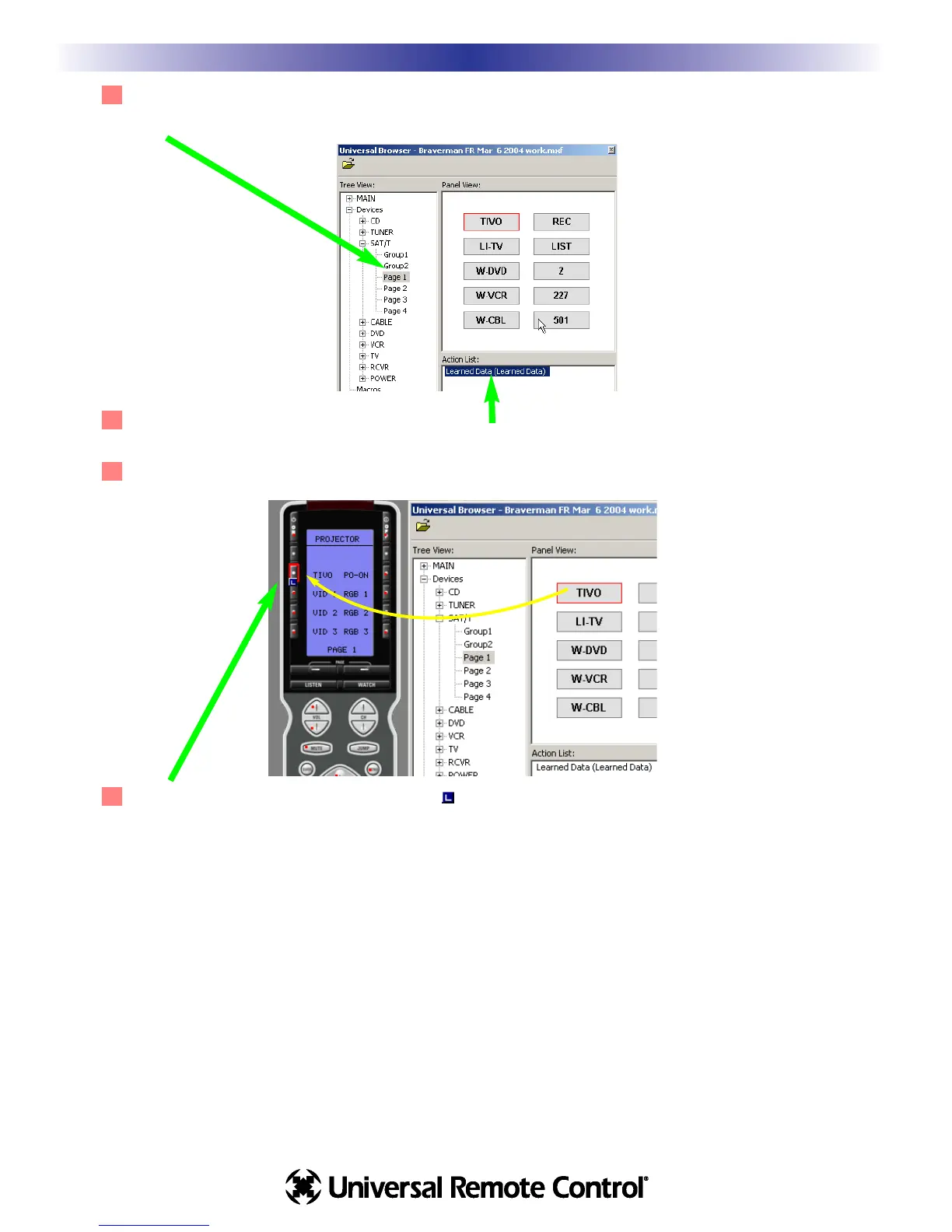
3 Use Tree View to Navigate to the Panel containing LEARNED IR codes you want. Click on the panel
name in Tree View to make the panel appear in Panel View.
4 Click on a button in Panel View and the Action List view will reveal whether it has Learned Data or
not. Only buttons with Learned Data can be transferred.
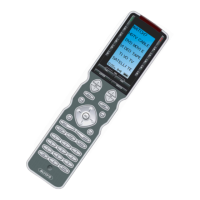
5 Click and drag the button to the MX-950 simulator.
6 After you’ve dragged the button, the blue indicating a Learned IR command is
displayed on the button.
4
Finding Discrete Commands for Reliable Macros
U
S
I
N
G
M
X
9
5
0
E
D
I
T
O
R
T
O
P
R
O
G
R
A
M









 To Next Page