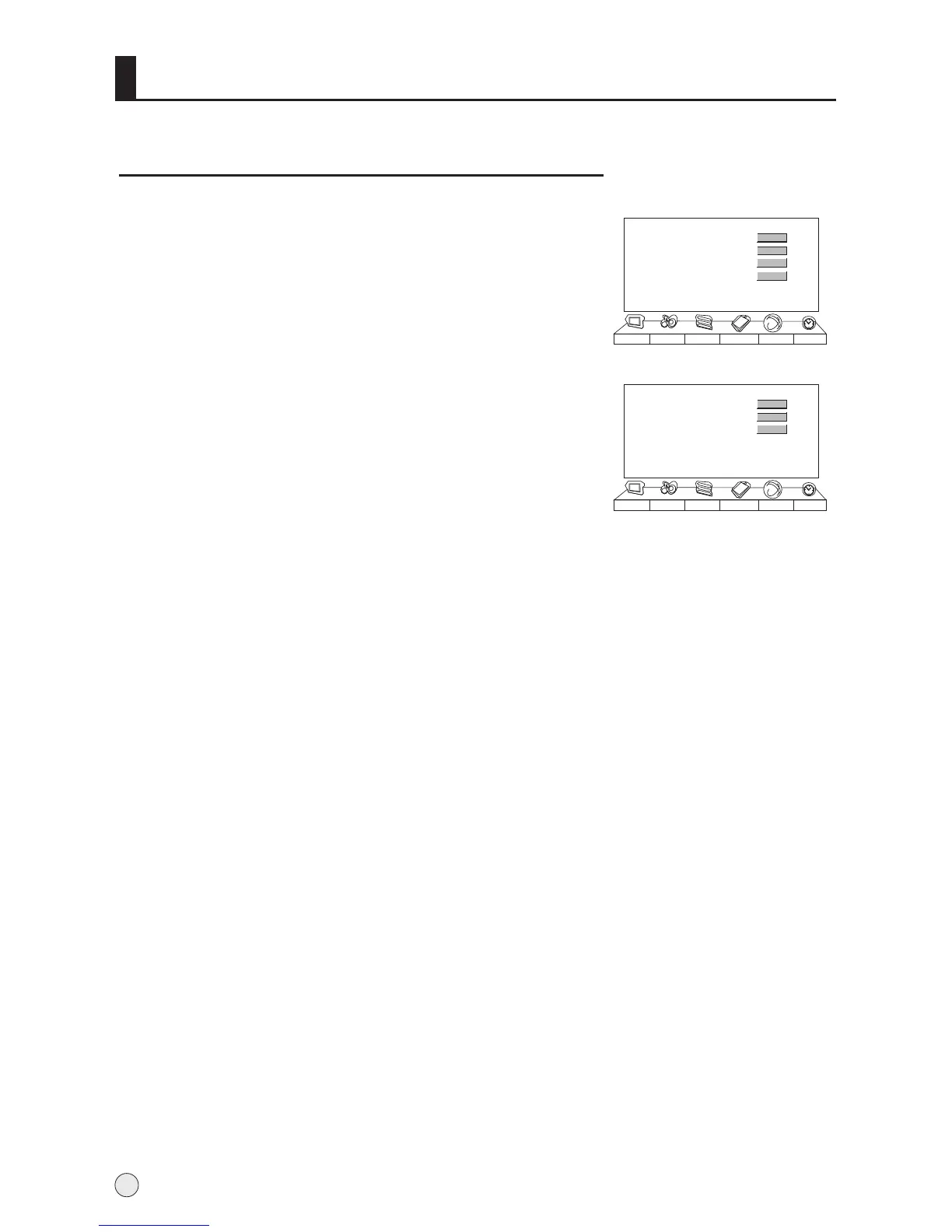
Channel Exchange
1 Press MENU button and then use VOL+/- button to
select the Tuning menu.
Press VOL+ to enter the submenu.
4 Press CH+/- button to select the To Channel item,
and use VOL+/- button to set the desired channel
number.
5 When you are satisfied with your choice, press
CH+/- button to select Exchange item, and then
press VOL+ button to confirm, at this time, the
Exchange OK! will display on the screen.
2 Press CH+/- button to select "Exchange" item.
3
Channel Edit
Exchange
Search Set
Auto search
Picture Sound Adjust
Tuning
Function Timer
>>>
>>>
>>>
>>>
Current Channel
To Channel
Exchange
Picture Sound Adjust
Tuning
Function Timer
17
10
>>>
Searching Channel
16



 To Next Page