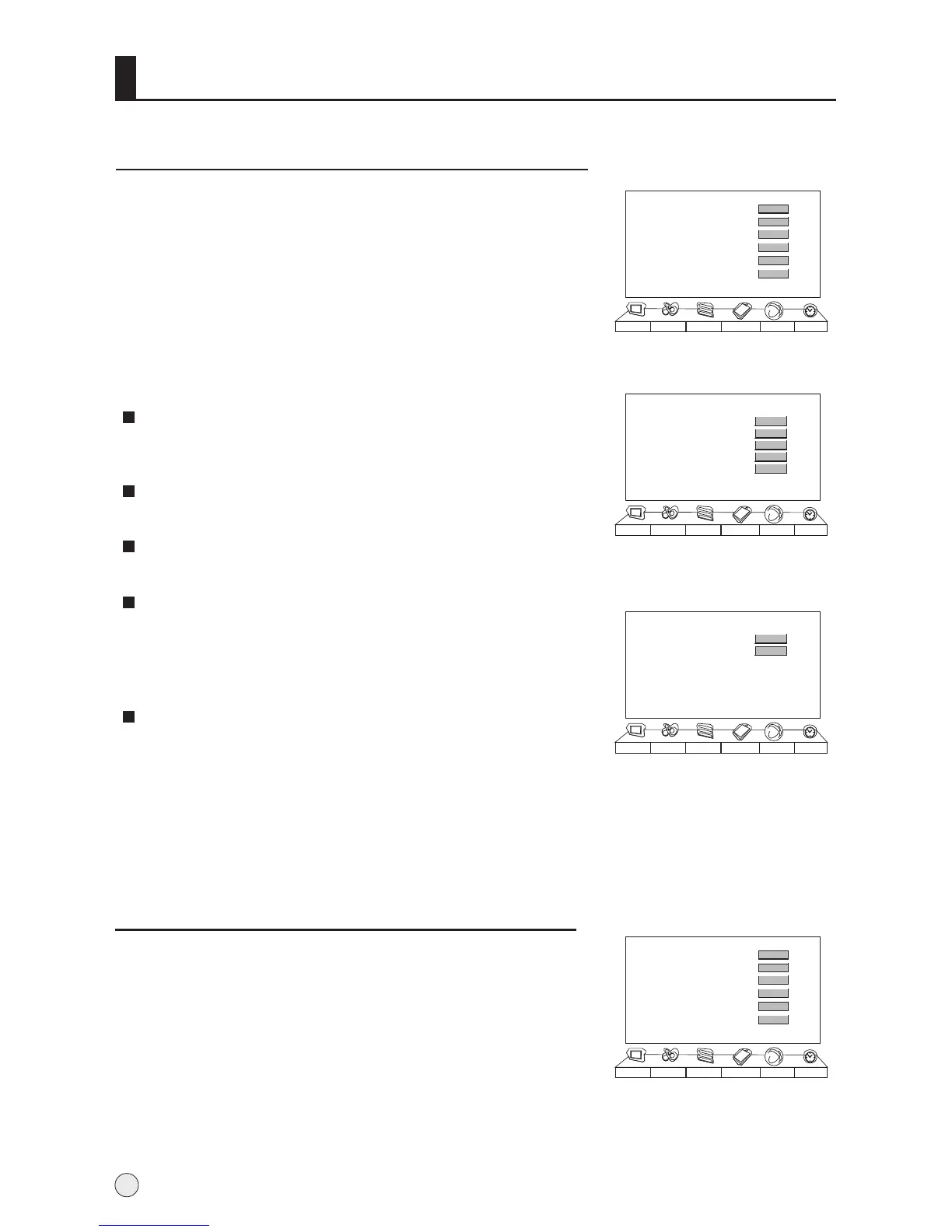
Function Menu
MADI (Motion, Adaption De-Interlacing)
To select the sport mode.
Press VOL+ button to select the standard or Auto mode.
DCDI (Directional Correlational De-Interlacing)
To adjust and improves picture quality.
CCS(Gross Color and Control)
To adjust and improves picture quality.
DNR (Noise Reduction )
Automatically filters out and reduces the image noise and
improves picture quality when receiving weak video signals.
Select Off/Auto/Low/Medium /High according to the image
noise of the broadcast signal.
Auto Color
The function being able to examine the edge , angle ,
centre part of the screen signal homogeneity and
compatibility.
It is available only under AV(except for no signal) and
TV mode.
Picture Optimize
1 Press MENU button and then use VOL+/- button to select
Function menu .
2 Press CH+/- button to select AAA Picture Optimize, and
then press the VOL+ button to enter the submenu.
3 Press CH+/- button to select the item to be adjusted, then
press VOL+/- button to adjust the desired value.
MADI
DCDI
CCS
DNR
Auto Color
Picture Sound Adjust
Tuning
Function Timer
Standard
Off
Off
Scene Mode
1 Press MENU button and then use VOL+/- button to select
Function menu .
2 Press CH+/- button to Scene Mode option.
3 Press VOL+/- button to select the Film, Vivid, Natural, Sport
and off in turn.
24
Menu Set
AAA Picture Optimize
Scene Mode
Multicolor Window
Time Skip
Intelligent Calibration
Picture Sound Adjust
Tuning
Function Timer
>>>
00:00
>>>
>>>
Menu Set
AAA Picture Optimize
Scene Mode
Multicolor Window
Time Skip
Intelligent Calibration
Picture Sound Adjust
Tuning
Function Timer
>>>
00:00
>>>
Film
>>>
AAA Picture Optimize
Off
>>>
Demo off
Demo off
Film
Exit
Auto Color Test
Picture Sound Adjust
Tuning
Function Timer
>>>
>>>
Color Calibration OK! Press Menu To Exit



 To Next Page