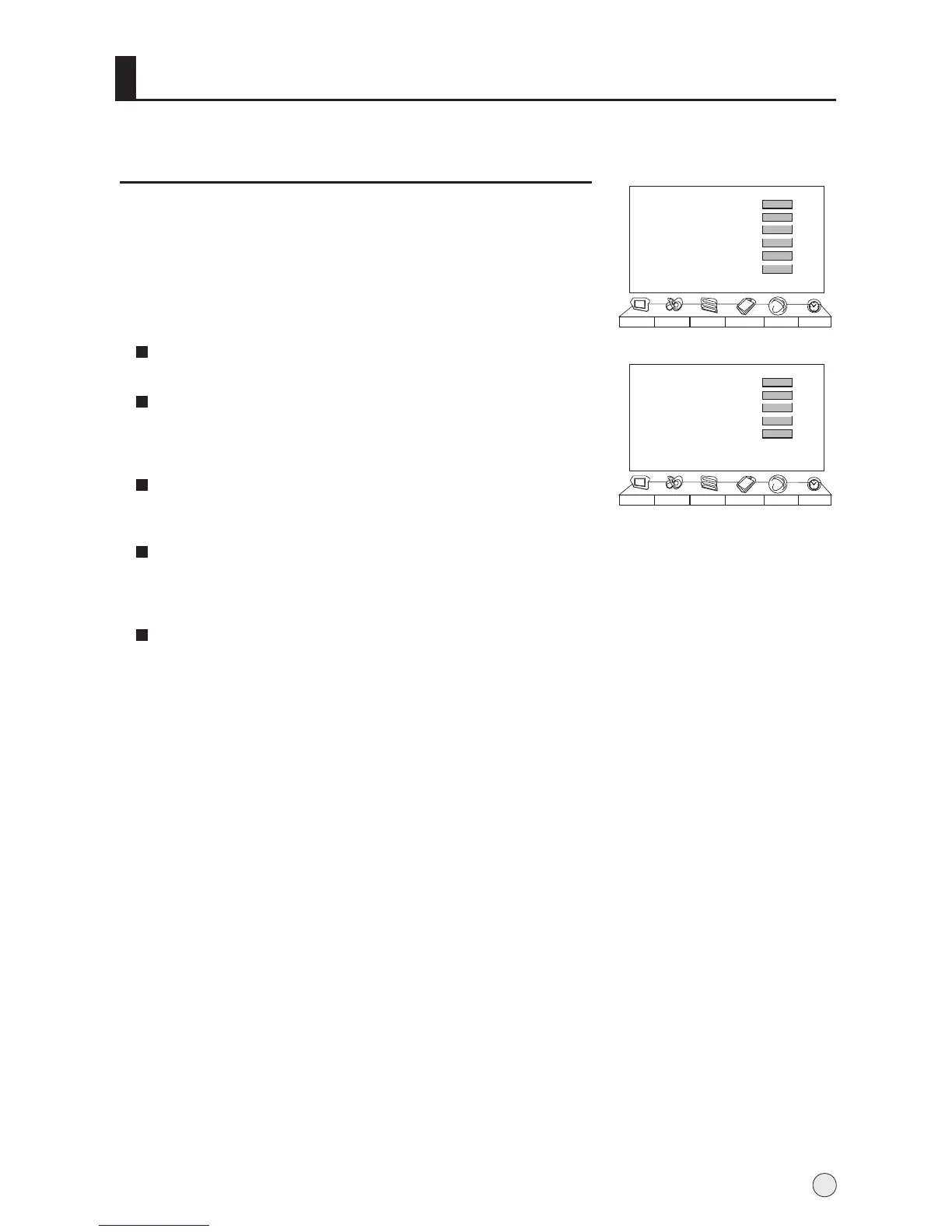
Function Menu
Language
To select the menu language.
Menu H-Position
To adjust the menu H-positon, press VOL- button to move
menu toward left, press VOL+ button to move menu toward
right.
Menu V-Position
To adjust the menu V-positon, press VOL- button to move
menu toward down, press VOL+ button to move menu toward up.
Menu Timeout
Each Press of VOL+/- button repeatedly to select the number
of preset minutes, the Time will be set in sequence: 5s, 10s,
15s, 20s, 25s, 30s, 35s,40s,45s,50s,55s,60s.
Transparency
To set transparency background of OSD.
Menu Set
Menu Set
AAA Picture Optimize
Scene Mode
Multicolor Window
Time Skip
Intelligent Calibration
Picture Sound Adjust
Tuning
Function Timer
>>>
Demo off
00:00
>>>
Film
>>>
1 Press MENU button and then use VOL+/- button to select
Function menu .
2 Press CH+/- button to select Menu Set, and then press
VOL+ button to enter the submenu.
3 Press CH+/- button to select the item to be adjusted, then
press VOL+/- button to adjust the desired value.
Language
Menu H-Position
Menu V-Position
Menu Timeout
Transparency
Picture Sound Adjust
Tuning
Function Timer
English
60s
50
50
0
23



 To Next Page