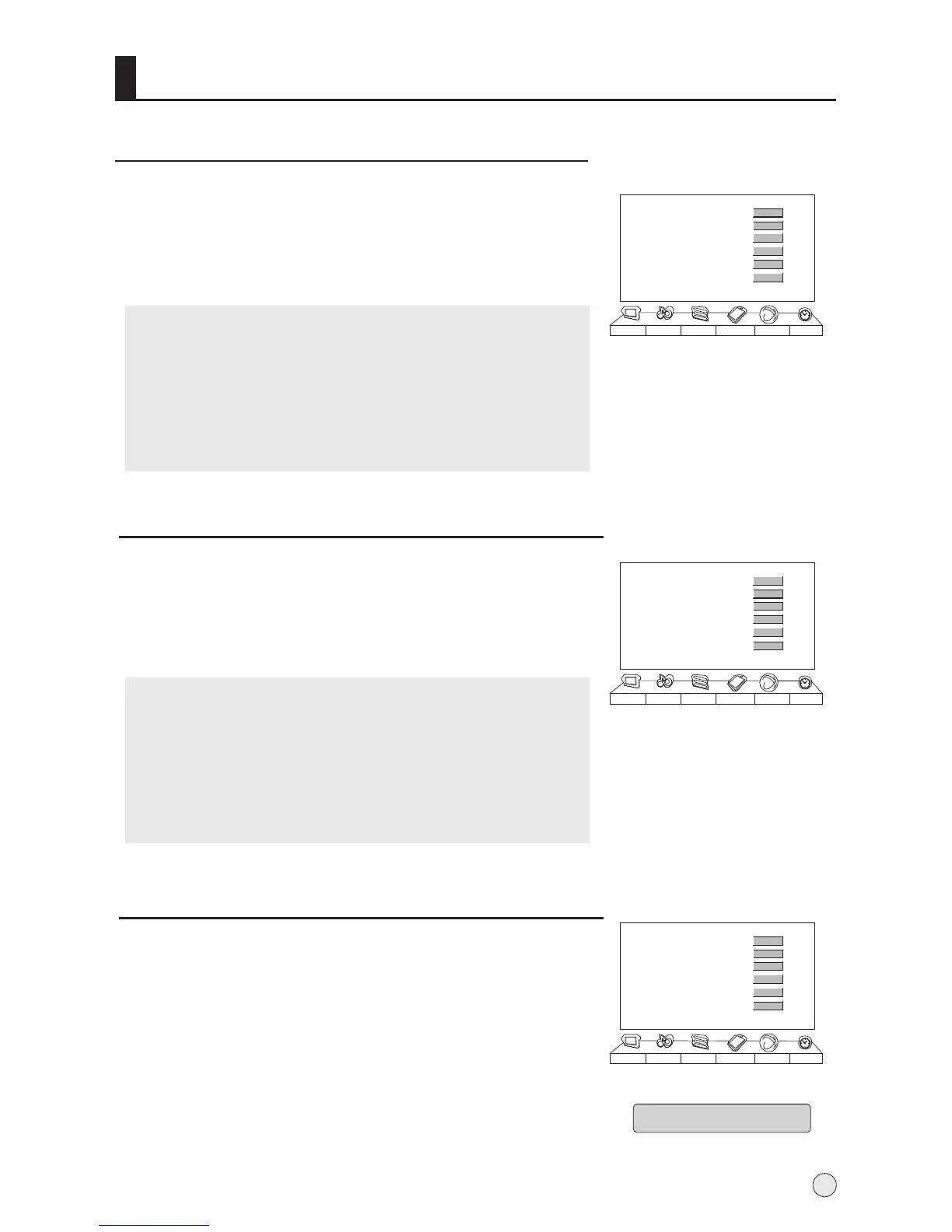
Function menu
Multicolor Window
1 Press MENU button and then use VOL+/- button to select
Function menu .
2 Press VOL+ button and then use CH+/- button to select
Multicolor Window, and then press VOL+ button to start.
Time Skip
Note:
1. In VGA mode, the function will not be available.
2. When the scene mode set as on, the function will not
be available.
3. In 4:3 and wide screen mode, the Mult-color Window
will not be available.
1 Press MENU button and then use VOL+/- button to select
Function menu .
2 Press VOL+ button and then use CH+/- button to select Time
Skip, and then press VOL+ button to set the desired time.
Note:
1.
2. The function will be available in TV mode.
3.
If prior to the completion of the countdown time,
press the Timer Skip button, the function will be
canceled.
After start-up time skip function, if switched to other
sources, the function automatically canceled.
25
Menu Set
AAA Picture Optimize
Scene Mode
Multicolor Window
Time Skip
Intelligent Calibration
Picture Sound Adjust
Tuning
Function Timer
>>>
00:00
>>>
>>>
Menu Set
AAA Picture Optimize
Scene Mode
Multicolor Window
Time Skip
Intelligent Calibration
Picture Sound Adjust
Tuning
Function Timer
>>>
Domo off
00:00
>>>
>>>
Intelligent Calibration
1 Press MENU button and then use VOL+/- button to select
Function menu .
2 Press VOL+ button and then use CH+/- button to select
Intelligent Calibration, and then press VOL+ button to
enter submenu, at this time, the menu moves on the
screen, press MENU button to cancel the move, contrarily,
After 3 minutes, the menu disappears automatically.
Menu Set
AAA Picture Optimize
Scene Mode
Multicolor Window
Time Skip
Intelligent Calibration
Picture Sound Adjust
Tuning
Function Timer
>>>
Film
00:00
>>>
>>>
>>>
Demo off
If there is any shadow caused by long time static picture,please
try to use this function to adjust under the same picture and the
shadow will be eliminated.
Film
Film
Adjusting, Press Menu To Exit



 To Next Page