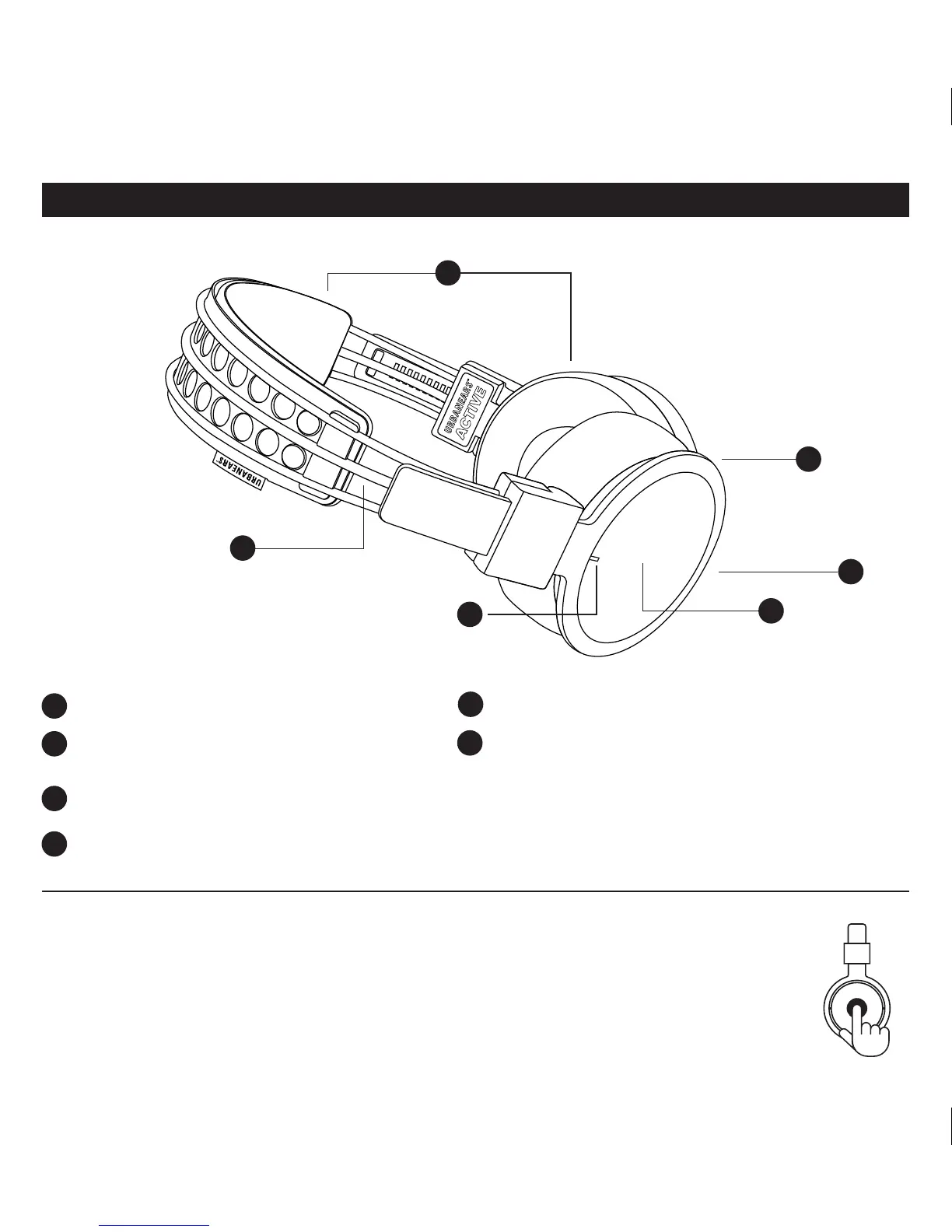
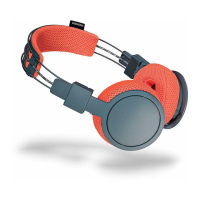
Machine washable headband and ear cushions
LED indicator – Discrete and unlit during normal
operation.
Built-in touch interface (right side)
Micro USB connector for charging the battery
Reflective cord
Microphone for answering phone calls
INTERFACES
1
1
4
4
3
3
2
5
2
6
5
6
HELLAS USER MANUAL ENG
USING THE HEADPHONES
Locate the Touch Interface on the right ear cup. All user interfac-
es are done through commands on the touch interface. An audio
signal indicates when a command is activated.
TURN THE HEADPHONES ON/OFF
Power On: Press and hold the touch interface for
4 seconds Power Off: Press and hold the touch
interface for 4 seconds.
Note! The headphones will auto shut-off if
inactive and disconnected for 10 minutes.


 To Next Page