Urive Zest ... 29 ... User's Guide
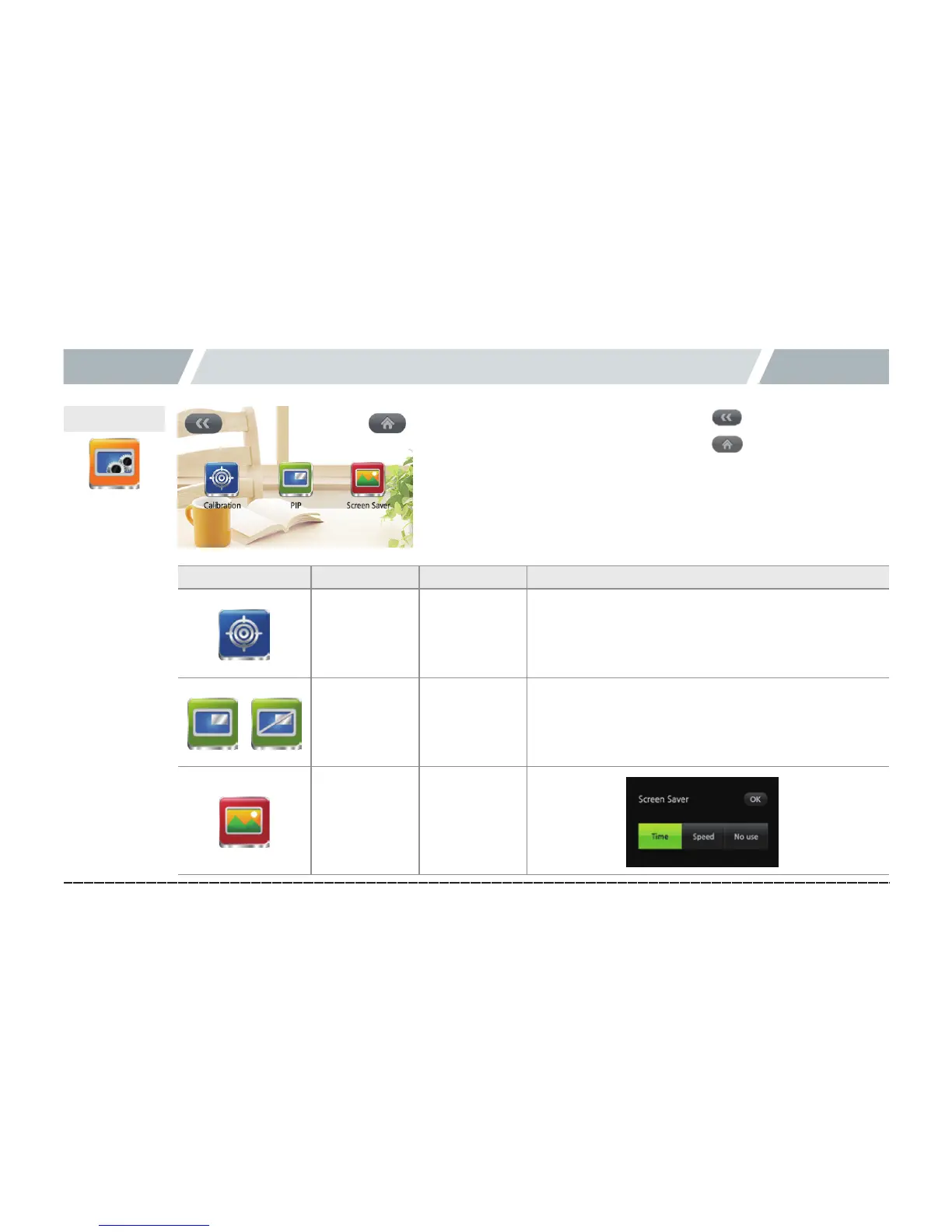
09. Urive Zest GUI -Display setting
Icon
Meaning
Details
Coordinate
correction
Touch
coordinate
correction
5 points on the display
Press (upper left, upper right, bottom right, bottom
left, and center) to complete the correction, and reboot
PIP ON/OFF
Whether to
use PIP or
not
Screen saver
setting
Clock, Speed,
and None
Display setting
[Previousbutton]
[Menu(home)button]



 To Next Page