Urive Zest ... 32 ... User's Guide
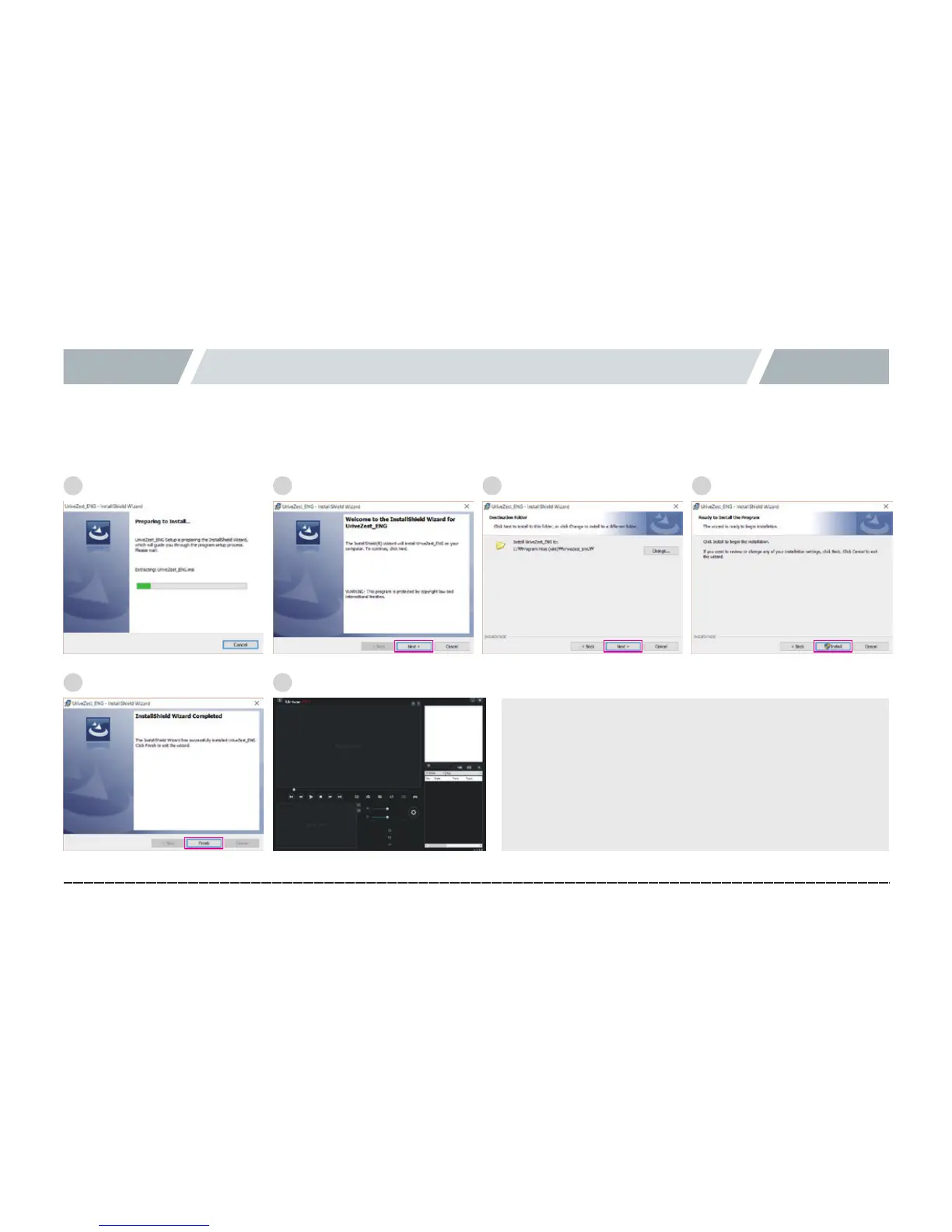
11. PC Viewer -Installation
1.
#
Run the PC Viewer installation file (UriveZest.exe) from a micro SD card (or where you downloaded it), and follow
the items to finish the installation.
[ Recommended Specifications for PC Viewer ]
ㅇ
#
ComputerOS:XP(32bit),Vista(32bit),Windows
7(32/64bit),orWindows8(32/64bit)
ㅇ
#
ComputerH/W:PENTIUM42.8GHzorhigher/1GB
RAMormore
ㅇ
#
Webbrowser:MicrosoftInternetExplorer7.0orlater
1
5
2
6
3 4



 To Next Page