Urive Zest ... 42 ... User's Guide
12. Black box configuration -Configuration
◆ Black box configuration :
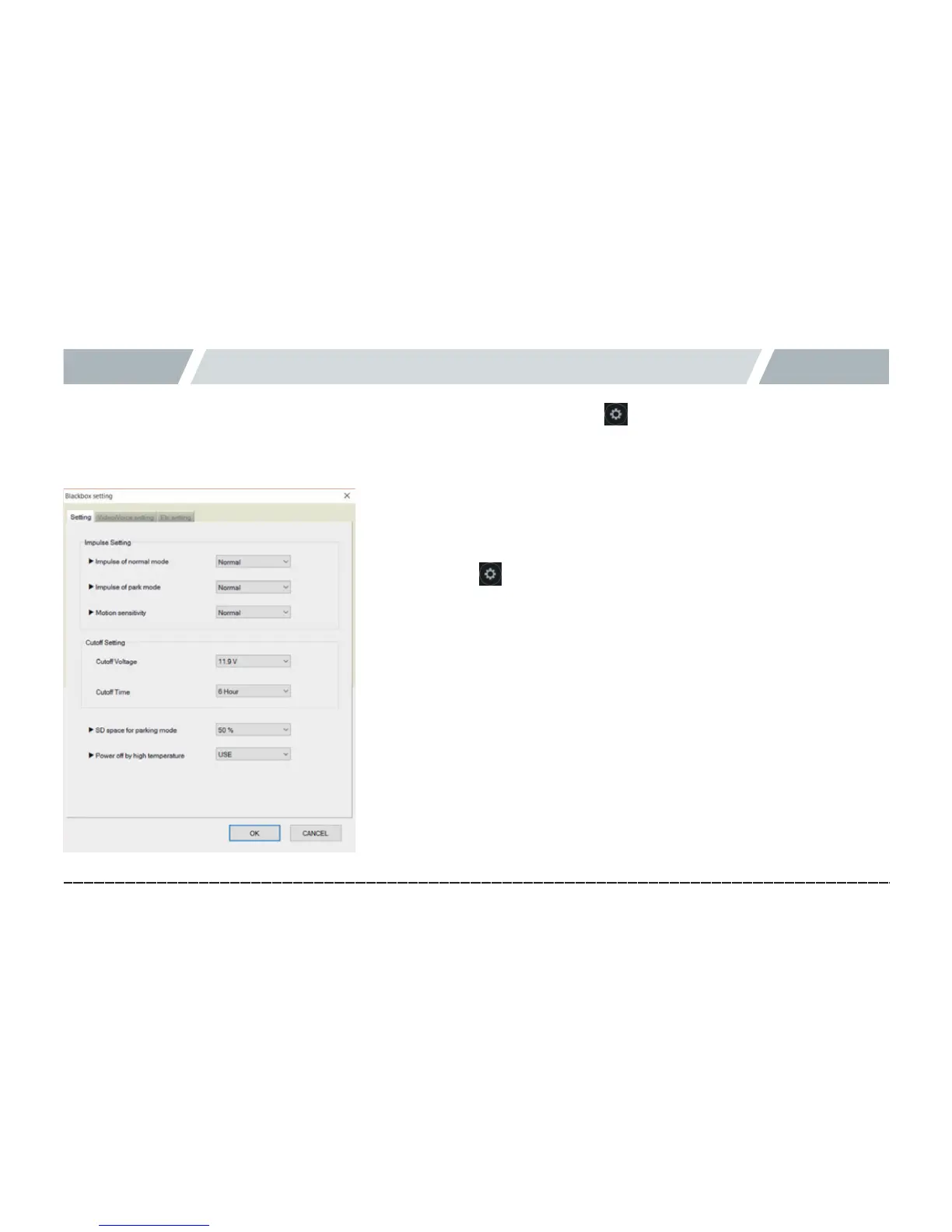
In the main screen of dedicated viewer, press to open the Black box configuration
window as follows. The settings consist of Configuration, Display setting, Clock setting, Voice/video setting, and
User setting tabs.
[Configuration]
[ Configuration ]
1.
#
Take out the micro SD card from the black box, and insert it into a PC.
2.
#
Select the button in the main screen. Select the drive of the
memory card.
3.
#
In the Configuration tab, you can set the impact level of drive/
parking mode, motion sensitivity of parking mode, cutoff voltage/
time, memory space of parking mode, and power cutoff because of
high temperature.
4.
#
Impact level of drive mode: Set the level of impact to record an event.
You can select one of High, Medium, or Low.
5.
#
Impact level of parking mode: Set the level of impact to record an
event while parking. You can select one of High, Medium, or Low.
6.
#
Motion sensitivity of parking mode: Set the sensitivity to sense a
motion while parking. You can select one of High, Medium, or Low.



 To Next Page