Urive Zest ... 34 ... User's Guide
11. PC Viewer -Buttons
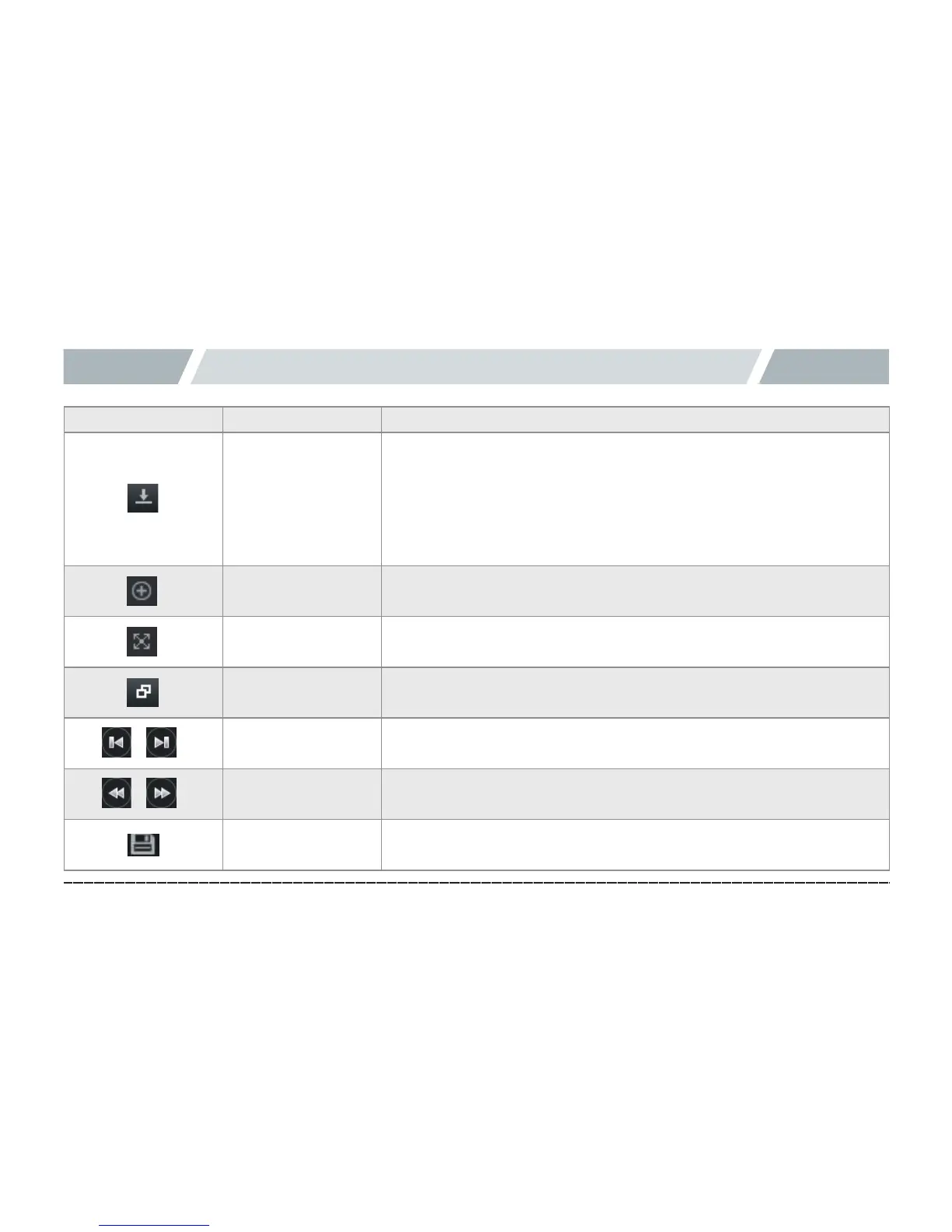
Icon Function Explanation
Program version
information
Provides the version information of PC Viewer and firmware of the black
box, and shortcut to the download center of Urive’s Web page. Insert the
micro SD card into a PC to check the version information. PC Viewer and
firmware can be automatically updated.
※ When downloading the PC Viewer or firmware, select “Unblock” button
in the “Windows Security Warning” prompt.
Zoom in
It indicates selection of either front or rear view, which can be zoomed in
with the mouse scroll wheel.
Full screen
Front or rear view can be seen in full screen.
Return to main
screen
Switches from the full-screen play back to the main screen of PC Viewer.
Play previous/next
file
Plays back previous/next file while playing a video.
Previous/next frame
While playing a video, press it to pause the video, and move it by frame
Copy file
Copies currently playing video to the PC



 To Next Page