Urive Zest ... 46 ... User's Guide
13. Image saving type -Folder hierarchy
1.
#
Blackbox folder: To save videos in driving mode. Drive modes saves consecutive video files in 35 MB.
2.
#
Event folder: To save event files (for impact or force saving) from 10 seconds before to 20 seconds after (30-second
duration) an event. (The size is limited to 35 MB).
3.
#
Parking folder: To save a file of sensed motion in parking mode. A video of motion is saved from 10 seconds
before to 20 seconds after( 30-second duration). (The size is limited to 30 MB).
4.
#
Parking Event folder: To save a file of sensed impact in parking mode. A video of the impact is saved from 10
seconds before to 20 seconds after (30-second duration).
5.
#
Setup folder: User configuration folder
―
#
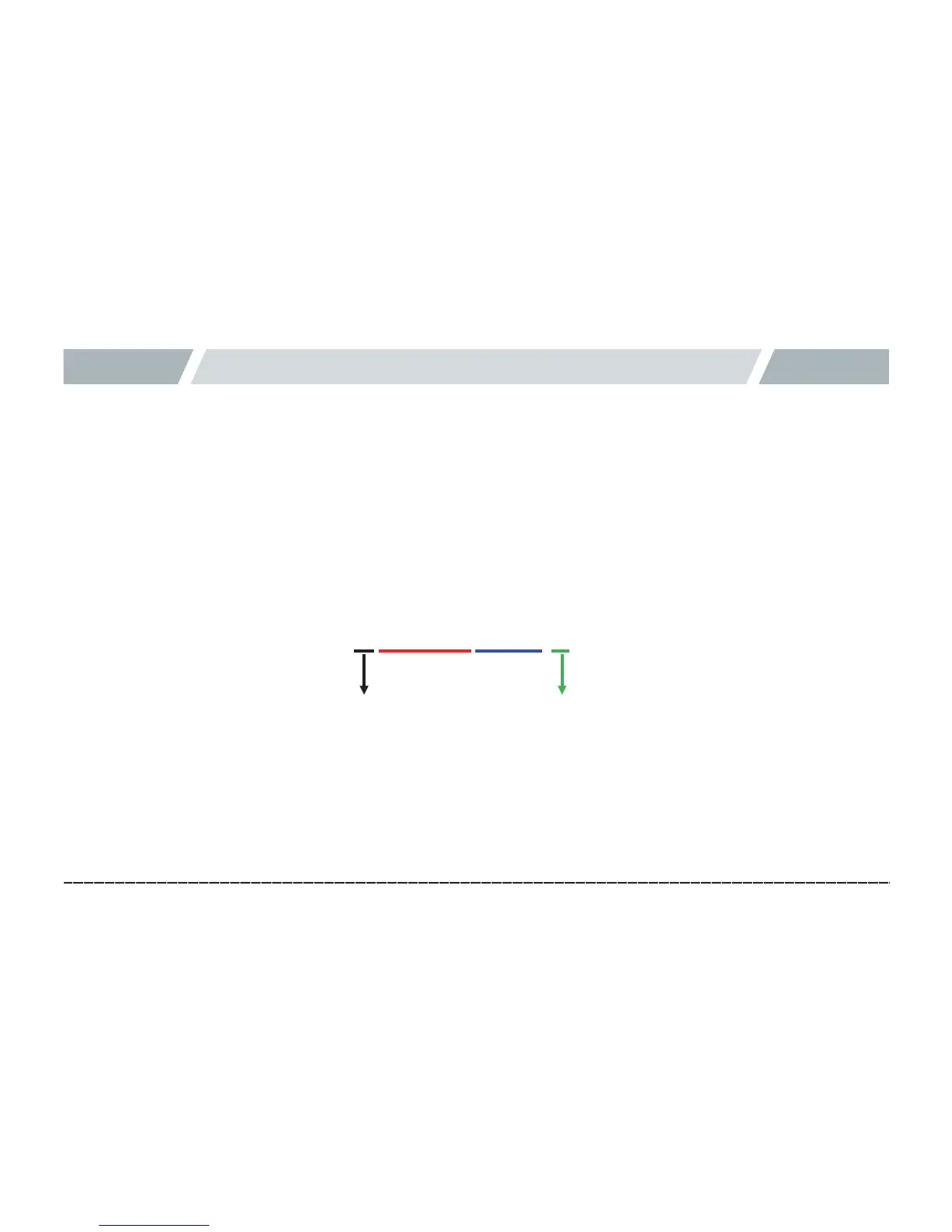
Example of video file name
―
#
Type
I: Driving, E: Driving event,
P: Parking motion sensed, A: Parking event
mdr0_20150601093025_I.mp4
년/월/일 시/분/초
영상종류0(전방) / 1(후방)
Yr/Mon/Day
0 (Front view) /
1 (Rear view)
Type
Hr/Min/
Sec



 To Next Page