EasyManua.ls Logo

urmet domus 1093/064 - User Manual

urmet domus 1093/064
136 pages
Go to English
Print Icon
To Next Page IconTo Next Page
Loading...
DS1093-013
Mod.
1093
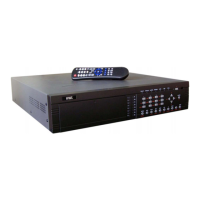
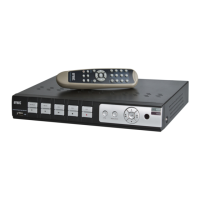
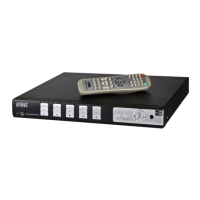
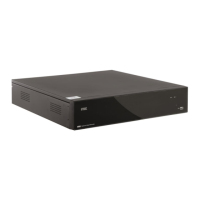
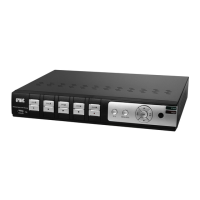
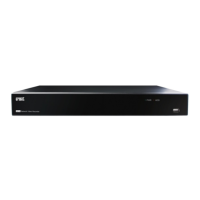
DVR 4 CANALI VIDEO/AUDIO LOOPING H.264 CIF/2CIF Sch. 1093/064
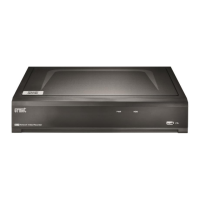
DVR 8 CANALI VIDEO H.264 CIF/2CIF Sch. 1093/065
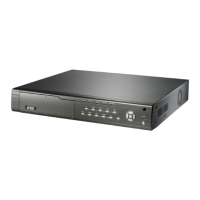
DVR 16 CANALI VIDEO/AUDIO LOOPING H.264 CIF/2CIF Sch. 1093/066
4 CHANNEL VIDEO/AUDIO LOOPING DVR H.264 CIF/2CIF Ref. 1093/064
8 VIDEO CHANNEL DVR H.264 CIF/2CIF Ref. 1093/065
16 CHANNEL VIDEO/AUDIO LOOPING DVR H.264 CIF/2CIF Ref. 1093/066
MAGNETOSCOPE NUM.4 CAN. VIDEO/AUDIO LOOP. H.264 CIF/2CIF Réf. 1093/064
MAGNETOSCOPE NUM. 8 CAN. VIDEO H.264 CIF/2CIF Réf. 1093/065
MAGNETOSCOPE NUM. 16 CAN. VIDEO/AUDIO LOOP. H.264 CIF/2CIF Réf. 1093/066
DVR 4 VIDEO/AUDIO-LOOPING-KANÄLE H.264 CIF/2CIF Typ 1093/064
DVR 8 VIDEO-KANÄLE H.264 CIF/2CIF Typ 1093/065
DVR 16 VIDEO/AUDIO-LOOPING-KANÄLE H.264 CIF/2CIF Typ 1093/066
DVR 4 CANALES VÍDEO/AUDIO LOOPING H.264 CIF/2CIF Ref. 1093/064
DVR 8 CANALES VÍDEO H.264 CIF/2CIF Ref. 1093/065
DVR 16 CANALES VÍDEO/AUDIO LOOPING H.264 CIF/2CIF Ref. 1093/066
GUIDA RAPIDA
QUICK GUIDE
GUIDE RAPIDE
SCHNELLANLEITUNG
GUÍA RÁPIDA

Table of Contents

Question and Answer IconNeed help?

Do you have a question about the urmet domus 1093/064 and is the answer not in the manual?

Summary

General Settings and Power Management

Device Power On;Off Procedures

Details methods for switching the DVR on from rear/front panel and off directly or via menu.

DVR Configuration

Main Configuration Menus

Introduces the main configuration menus for Display, Recording, Network, and User settings.

Basic Recording Settings

Configures basic recording settings such as handling of full hard disks and camera selection.

Camera and Recording Parameters

Sets camera selection, resolution, bit rate, frame rate, and enables/disables recording per camera.

Recording Schedule Configuration

Configures detailed recording schedules for specific days, periods, and recording modes.

Network Settings Configuration

Configures essential network parameters including NIC type, IP address, port, mask, and gateway.

DVR Functions

Recording Search Functionality

Instructions for searching recorded video footage using various criteria.

Playback Operations

Guides on selecting and playing back recorded video files, controlling playback speed and audio.

Internet Explorer Interface

Summary

General Settings and Power Management

Device Power On;Off Procedures

Details methods for switching the DVR on from rear/front panel and off directly or via menu.

DVR Configuration

Main Configuration Menus

Introduces the main configuration menus for Display, Recording, Network, and User settings.

Basic Recording Settings

Configures basic recording settings such as handling of full hard disks and camera selection.

Camera and Recording Parameters

Sets camera selection, resolution, bit rate, frame rate, and enables/disables recording per camera.

Recording Schedule Configuration

Configures detailed recording schedules for specific days, periods, and recording modes.

Network Settings Configuration

Configures essential network parameters including NIC type, IP address, port, mask, and gateway.

DVR Functions

Recording Search Functionality

Instructions for searching recorded video footage using various criteria.

Playback Operations

Guides on selecting and playing back recorded video files, controlling playback speed and audio.

Internet Explorer Interface

urmet domus 1093/064 Specifications

General IconGeneral
Video Input4 channels
Video CompressionH.264
Operating SystemEmbedded Linux
Hard Drive CapacityUp to 2TB
Network InterfaceEthernet
Power Supply12V DC

Related product manuals