EasyManua.ls Logo

urmet domus 4501 - User Manual

urmet domus 4501
40 pages
Print Icon
To Next Page IconTo Next Page
Loading...
DS 4501-006A LBT 8321
Mod.
4501
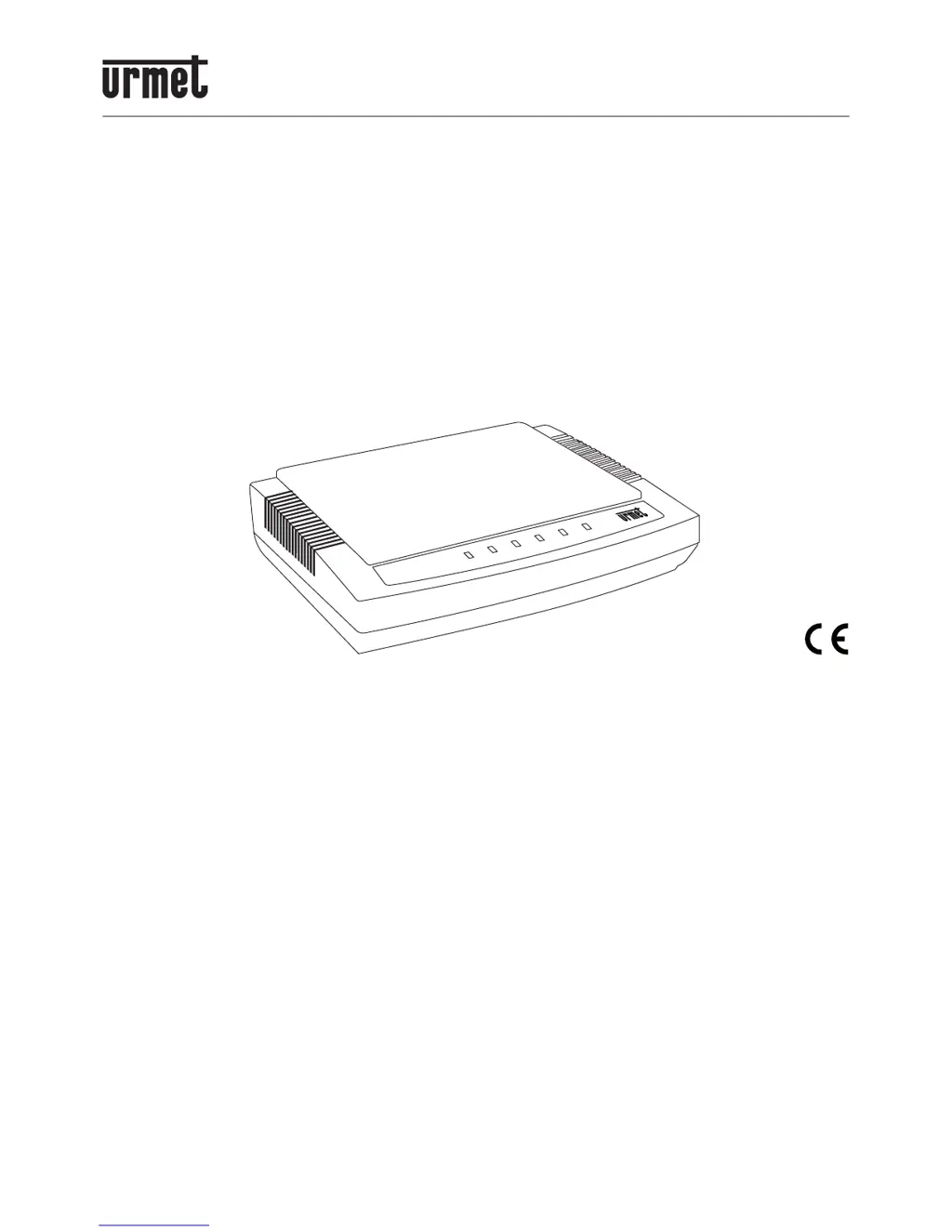
VOIP INTERFACE “DOMUS VOIP ATA”
Ref. 4501/30
QUICK INSTALLATION GUIDE
&
USER MANUAL
VOIP ATA

Questions and Answers

  • J
    Jon HammondAug 9, 2025
    How to fix 'do not hear dial tone' on urmet domus Recording Equipment?
    • L
      Lisa JonesAug 9, 2025
      If you do not hear a dial tone on your urmet domus Recording Equipment, it might be caused by the WAN port not being connected. Ensure the ADSL Ethernet cable is securely connected to the WAN port of the VoIP ATA, and then power reset the device.
  • M
    Michelle BowenAug 25, 2025
    What to do if I can not access web page of urmet domus Recording Equipment?
    • W
      wrushAug 25, 2025
      If you cannot access the web page for your urmet domus Recording Equipment, it might be because your PC has different subnet IP settings from 192.168.123.xxx. You must change the VoIP ATA IP address to be on the same subnet as your PC and router.

urmet domus 4501 Specifications

General IconGeneral
Brandurmet domus
Model4501
CategoryRecording Equipment
LanguageEnglish

Related product manuals