EasyManua.ls Logo

UROVO P8100P - User Manual

Default Icon
69 pages
Print Icon
To Next Page IconTo Next Page
Loading...
Urovo Technology Co., Ltd. Tle400 888 6989 Fax+86 755 86186290 Websitewww.urovo.com
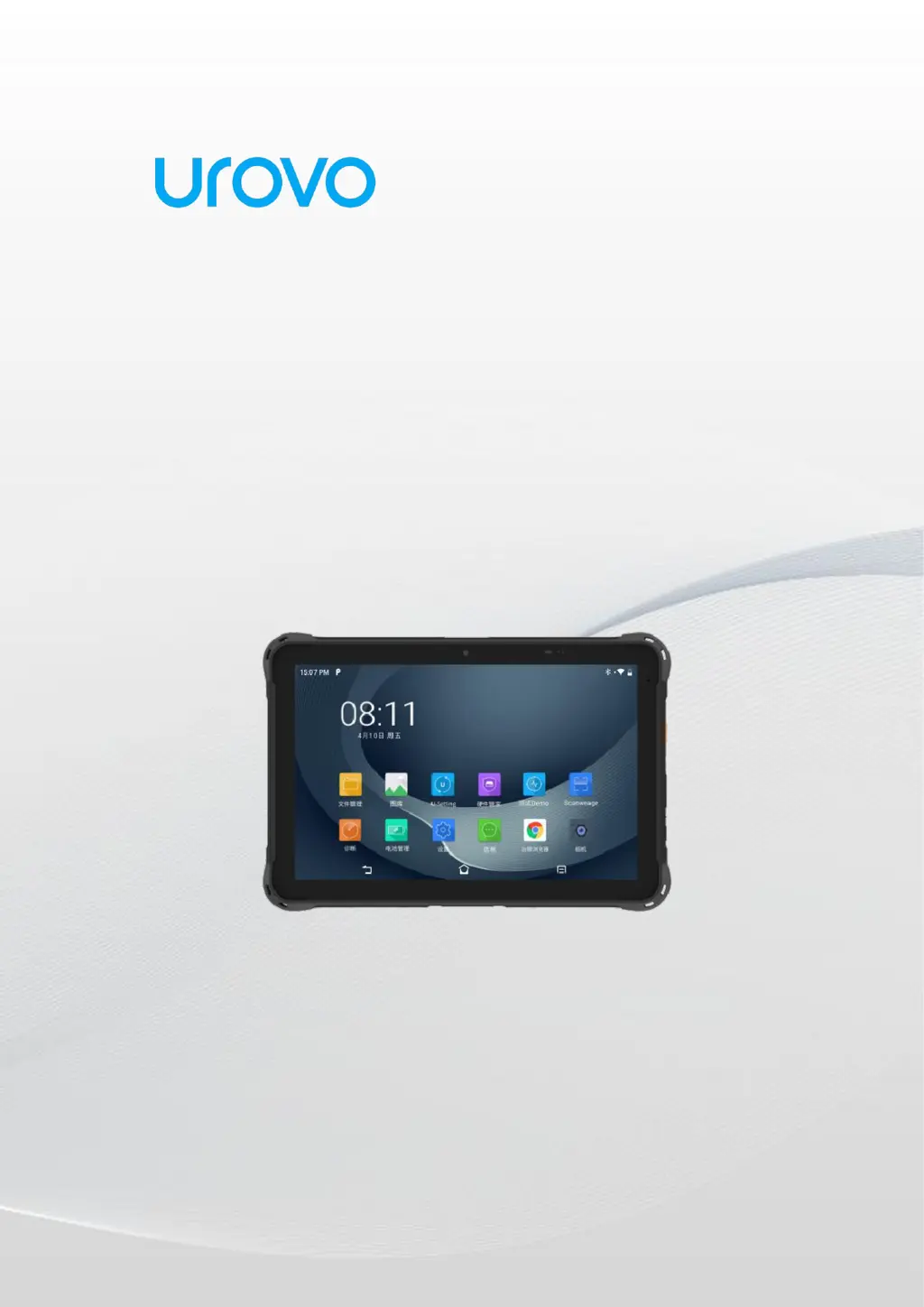
Enterprise Tablet
P8100P
User Guide
Urovo Technology Co., Ltd.

Questions and Answers

Summary

Chapter 1 Getting Started

Unpacking

Guide to unboxing the device and checking contents.

Appearance

Details on the device's front, side, and back views.

Installation Guide

Instructions for installing the battery and SIM/TF cards.

Caution on Battery Charging

Precautions and guidelines for safe battery charging.

Charging Method

Explains charging the device via USB and desktop charger.

Battery Optimization

Tips to maximize battery performance and longevity.

Usage of Touchscreen

Explains different touch gestures for device operation.

Chapter 2 Device Settings

Access Device Settings

Steps to open the device's settings menu.

WLAN

How to connect to and manage Wi-Fi networks.

WWAN

Settings and troubleshooting for mobile data (4G networks).

Bluetooth

How to pair and use Bluetooth devices.

Display

Adjusting screen rotation, sleep settings, brightness, etc.

Sound Settings

Configuring volume levels, ringtones, and notification sounds.

Privacy Settings

Managing application permissions and privacy controls.

Date and Time Settings

Setting or verifying the device's date and time.

Reset Settings

Instructions for factory reset and system restoration.

About Devices

Viewing device model, serial number, software version, etc.

Scan Settings

Configuring scanner behavior, modes, and output.

ScanWedge Profiles

Creating and managing custom scan settings profiles.

Feature Settings

Adjusting status bar, navigation bar, and input methods.

Remap Key

Assigning new functions to physical keys.

Chapter 3 Applications

Access Application

Navigating to and opening installed applications.

App Profile

Descriptions of common system applications and their functions.

Enterprise Launcher

Setting up and managing a restricted enterprise environment.

U Stage

Tools for quick device configuration synchronization.

Computer Connected Operation

Connecting device to PC for file transfer and debugging.

Chapter 4 Accessories

Standard Accessories

List of accessories that come with the device.

Optional Accessories

List of available accessories for purchase.

Chapter 5 Maintenance and Troubleshooting

Maintenance

Guidelines for proper care and upkeep of the device.

Cleaning

How to clean the display, camera, and housing.

Troubleshooting

Solutions for common problems like battery issues, connectivity, and sound.

UROVO P8100P Specifications

General IconGeneral
BrandUROVO
ModelP8100P
CategoryTablet
LanguageEnglish