Urovo Technology Co., Ltd. Tle:400 888 6989 Fax:+86 755 86186290 Website:www.urovo.com
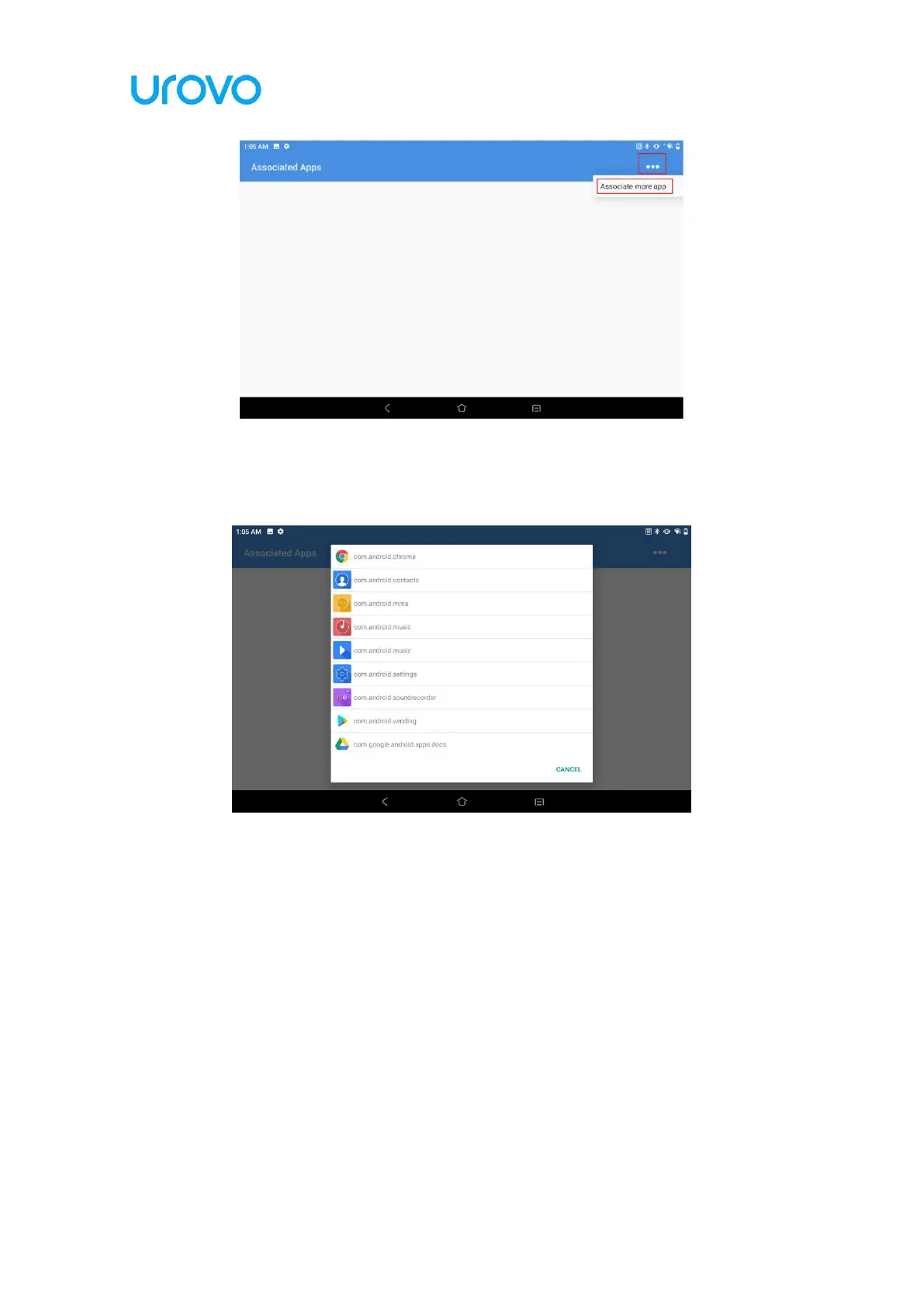
Figure 2- 34 Associated Apps
(e) Select the app you want to associate with.
Figure 2- 35 Associated Apps
2.13 Feature Settings
The following setting switches are available in the system feature settings:
Status bar pull down: the default is "on", if disabled, the status bar function
cannot be modified.
Virtual key: the default is "on", click on the virtual key at the bottom of the
screen does not take effect after disabling the corresponding virtual switch.



 To Next Page