USM Haller E
Operating Instructions
Date
02.19/us
14 15
— Make sure that no conductive or metal
objects are causing a short circuit at the
e-Balls.
— Check whether the system is dimmed so
low that the light is not visible.
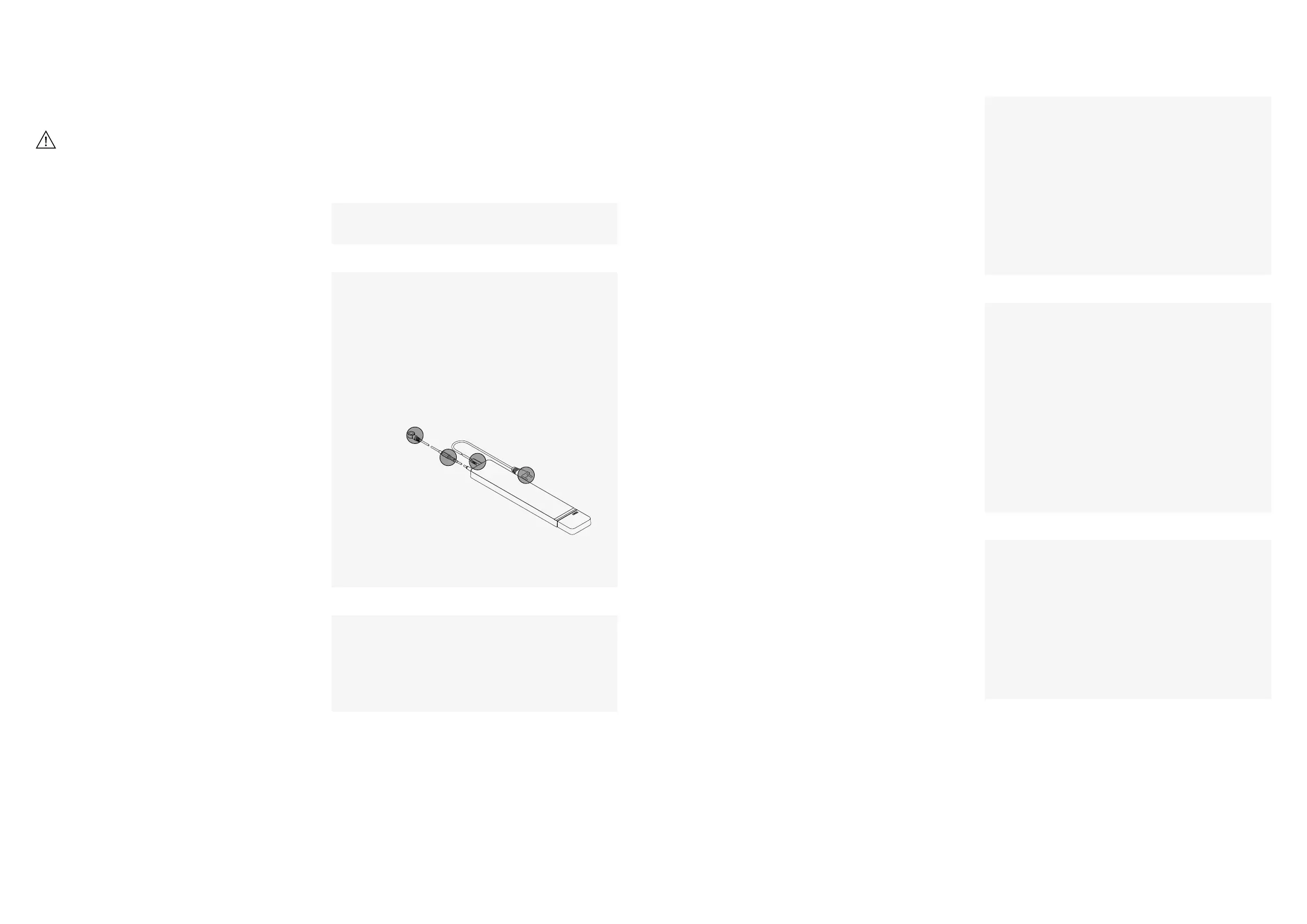
— Make sure that power connections marked
below are properly plugged in. Unplug the
e-Power supply, wait 30 seconds and plug it
back in. This resets the system.
— Make sure that the building’s circuit breaker
is functioning properly (fuse box).
— Make sure that the door is completely
closed.
— Make sure that the e-Reflective film is on the
door (see 3.3.2 Attaching the e-Reflective
film).
— Use the part number on the light to check
that an e-Light with the “light at
compartment opening” function has actually
been installed (part No. 18338 or 18339).
— Remove any dirt from the e-Reflective film
on the door.
— Check according to problem situations
1 and 2.
— Make sure that the white LED on the e-USB
charger is illuminated. If the white LED is not
lit, use the foot switch to check whether the
system is dimmed.
Note: The e-USB charger only works when
the system is not dimmed. The white LED
must be illuminated.
— Check according to problem situations
1 and 2.
— Use the part number on the light to check
that an e-Light with the “light at
compartment opening” function has actually
been installed (part No. 18338 or 18339).
— Make sure that the e-Light has a clean
surface.
— Make sure that there is no object in front
of the e-Light interrupting the sensor
(e.g., a binder).
— Remove any dirt from the e-Reflective film
on the door.
— Check according to problem situation 1.
— Uninstall and reinstall the insert as specified
in 3.3.1 Replacing the e-Inserts.
— Make sure that the e-Inserts are flush with
the tube after installation.
4 Troubleshooting
If the problem could not be resolved,
please contact an authorized USM retailer.
USM Haller E cannot
be turned on
or
USM Haller E suddenly
turns off
The e-Light “light at
compartment opening”
function does not
automatically turn off
when the door is closed.
The e-USB charger
will not charge
The e-Light “light at compart-
ment opening” function
does not automatically turn
on when the door is opened.
or
The e-Light “light at compart-
ment opening” function
is not turned on when the
door is open.
Individual e-Inserts
do not work
1
3
5
4
2
Remedial actionProblem
You can fix most errors and faults that occur as part of
daily operation yourself. However, please note:
Repairs to electrical devices may only
be carried out by qualified professionals.
Improper repairs may create significant
hazards for the user.


 To Next Page