07
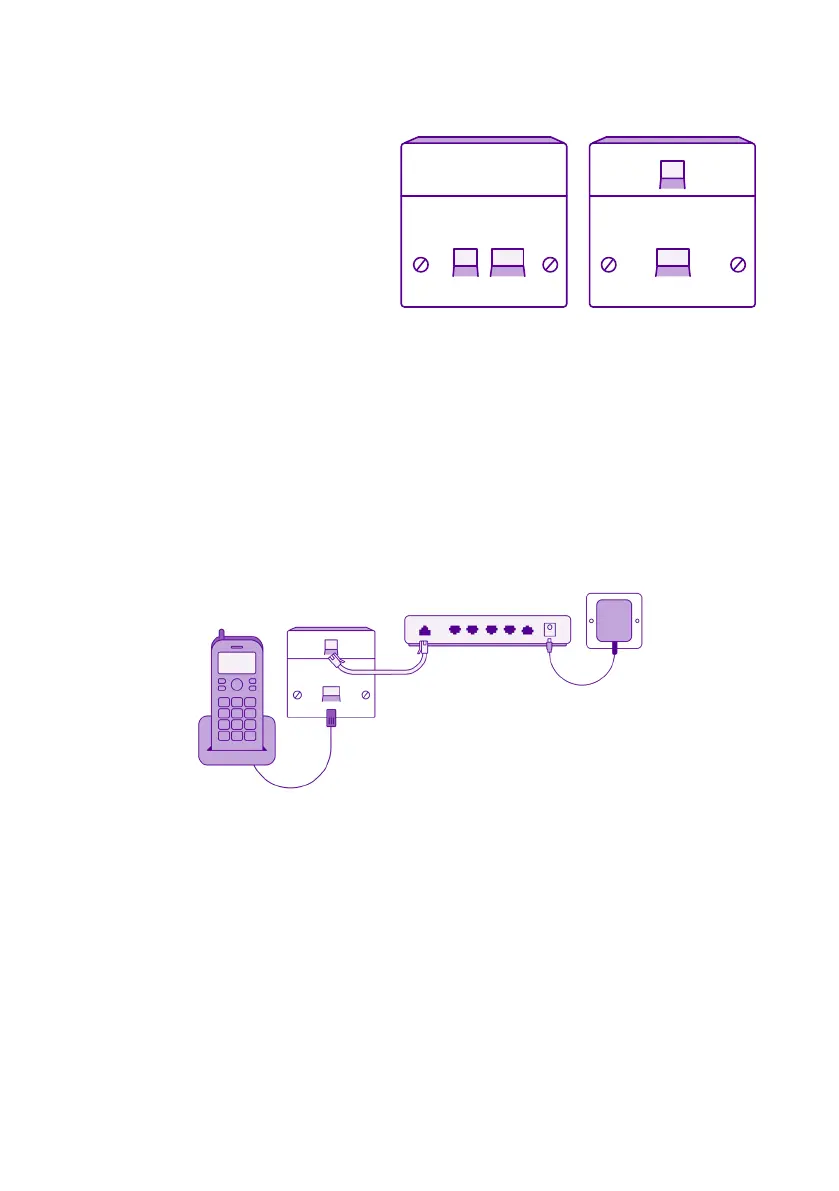
If you have a pre-filtered
master socket you won’t need
to use microfilters in your
property.
Connect your telephone cable into the larger of the two sockets
on the pre-filtered master socket, and the DSL cable into the
smaller socket.
Connect the other end of the DSL cable into the grey socket labelled
‘DSL’ on the back of the router.
Assemble the power supply by sliding the plug into the slot on the
power adapter and connect it to the router.
1.
2.
3.
Turn on the main switch and push the black on/off button on the
back of the router.
A sequence of lights will come on and may take a minute or two
to stabilise.
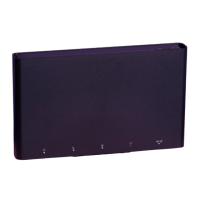
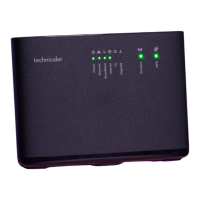
Router
Power supply
DSL cable
Telephone
Pre-filtered
master socket


 To Next Page