TOOLS TOOLS
VOICE MEMO
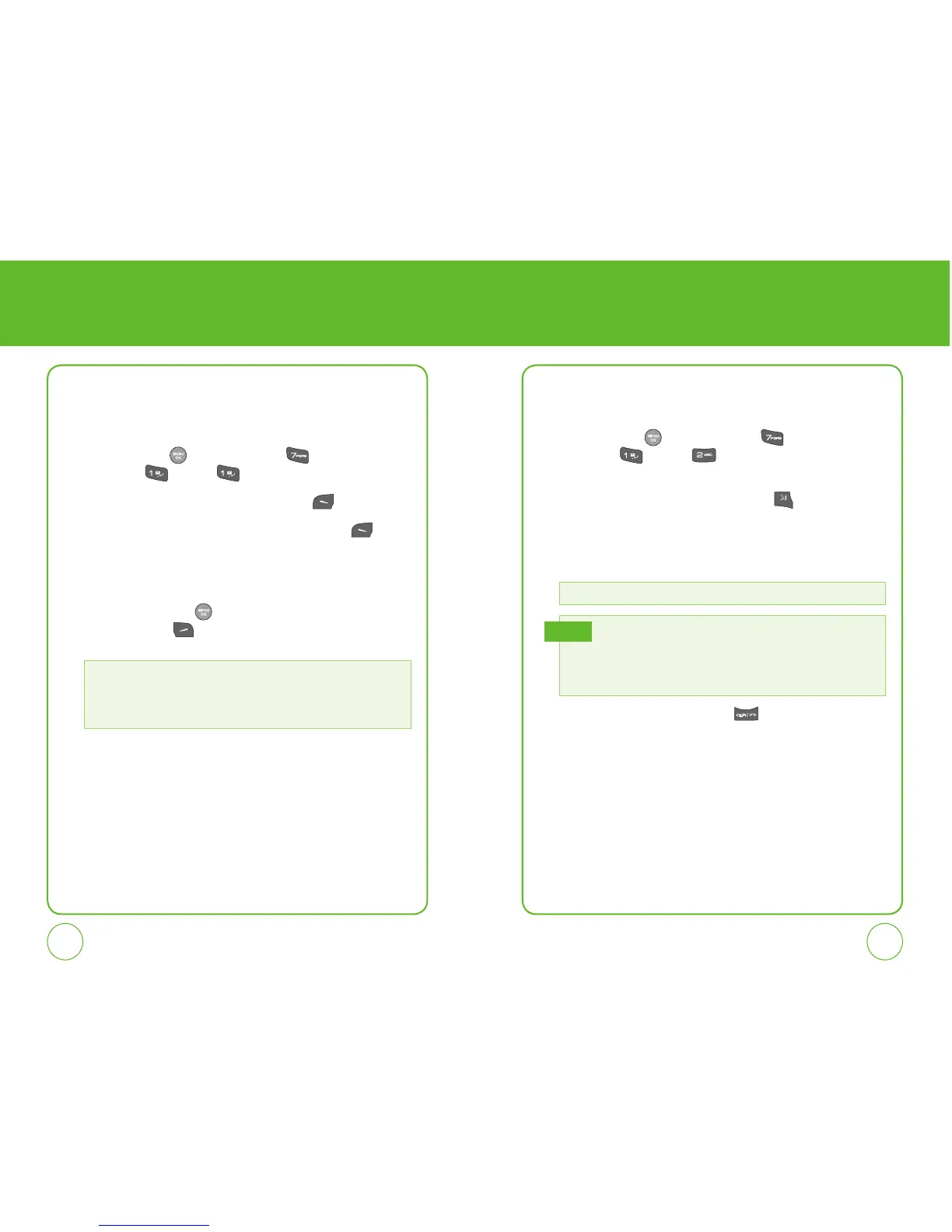
Voice Memo allows you to record a reminder message that can be up to
60 seconds. To record a memo:
1.
Press the OK Key [Menu], then press for the “Tools”
menu. Press
”Voice”, ”Voice Memo”.
2.
To record a voice memo, press the Left Soft Key [Record].
3.
To stop recording a voice memo, press the Left Soft Key [Stop].
Stopping the recording will automatically save the entry. The list is
sorted by the date of the recording.
4.
To play voice memo, select the voice tag you want to play then
press the Left Soft Key
. To erase one or all voice memos, press
the Right Soft Key
[Options] to select one of the following
options:
VOICE COMMAND
To use Voice Command:
1.
Press the OK Key [Menu], then press for the “Tools”
menu. Press
”Voice”, ”Voice Command”.
OR
In Idle Mode, press the Voice C
ommand Key to access
the Voice Command menu. You will hear
“Please Say a
Command”.
2.
When prompted,say one of the following commands:
3.
To return to the previous page, press .
• Rename
• Erase
• Erase All
• Information
Call, Digit Dial, Voicemail, My Phone #, Status, Help.
When it recognizes one of these commands,the phone
launches the associated application. You may be asked to
repeat a command if the command is not recognized by
voice recognition.
Tip



 To Next Page