EasyManua.ls Logo

UVISION X1 - User Manual

UVISION X1
21 pages
Print Icon
To Next Page IconTo Next Page
Loading...
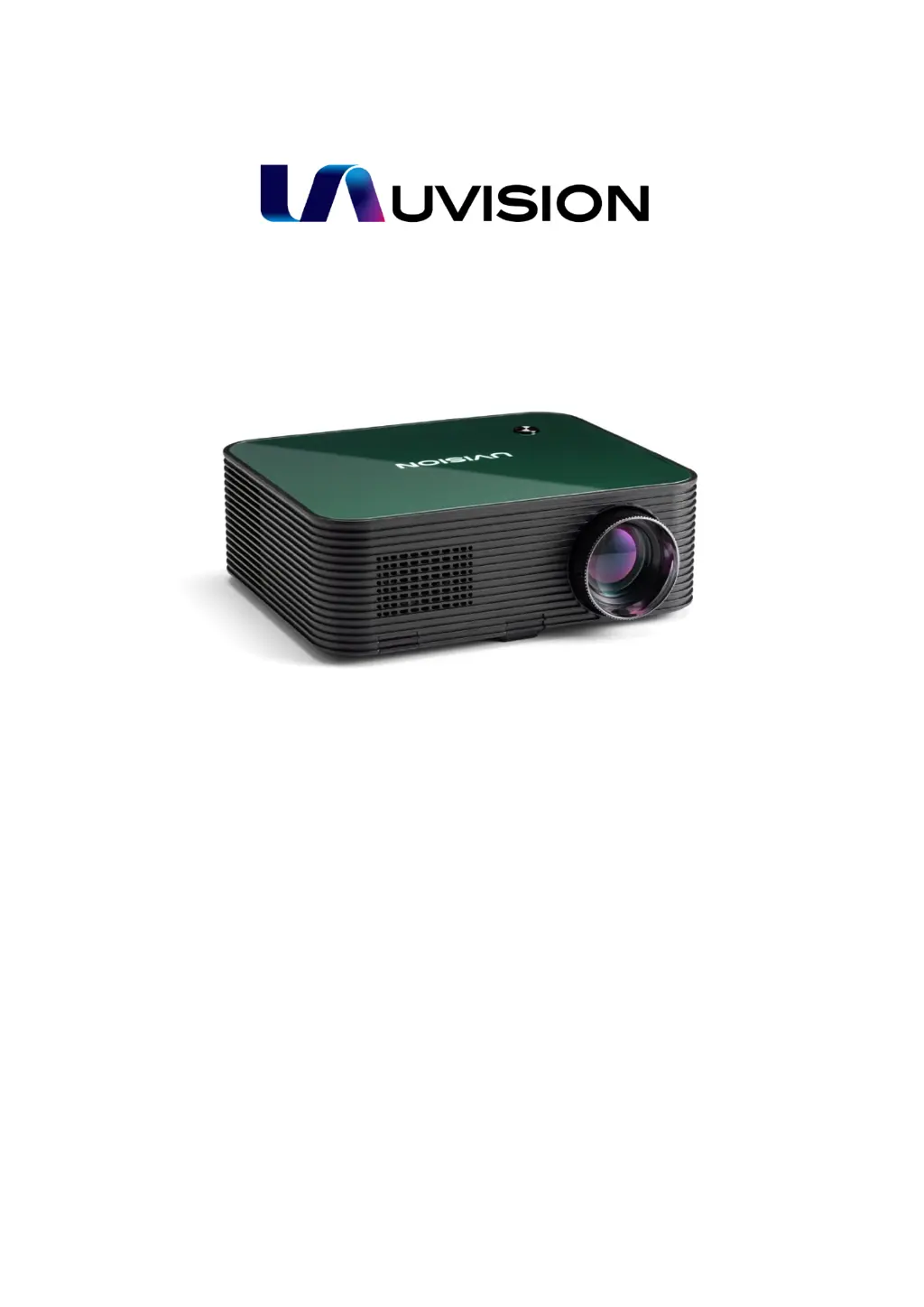
UVISION X1
LCD Multimedia Projector
User Manual
WWW.UVISION.COM.TW
SUPPORT@UVISION.COM.TW

Questions and Answers

Summary

Safety Instructions

Connection Ports

Remote Control

Using the UVISION X1

Turning On and Off the Projector

Step-by-step instructions for powering the projector on and off.

Adjusting the Projection Image

Adjusting Projection Image Focus

Adjusting Projection Image Size

Adjusting Projection Image Keystone

Signal Source Choosing

Connection to HDMI Playback Devices

Connection to a USB Drive

Connection to a AV Device

Connection to External Audio Devices

Picture Menu Settings

Sound Menu Settings

Troubleshooting

UVISION X1 Specifications

General IconGeneral
Projection Size30 - 300 inches
Input Lag16 ms
Lamp Life10, 000 hours (Eco)
Input PortsHDMI, VGA, AV
Noise Level30dB (Eco mode)