5.4.3
515 CCD Camera with Motorized Zoom Lens
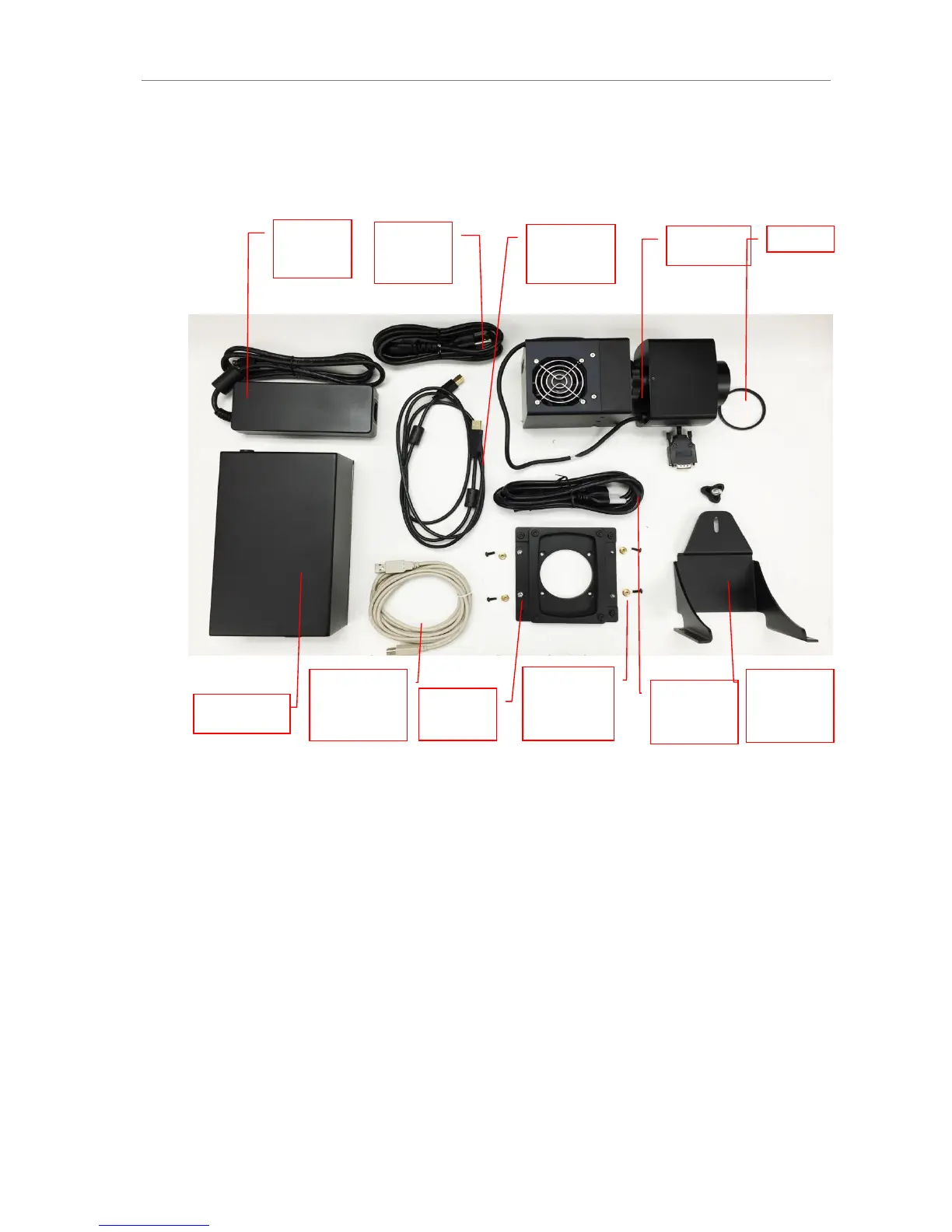
Note: The picture below shows the 12.5-75mm f/1.2 motorized zoom lens. The camera,
zoom lens and diopter are assembled at the UVP factory.
Note: The camera, lens and brackets, may appear different than pictured.
Camera Installation
1.
Note: If not already removed, take the lens cap off the lens by pulling straight off. Do not
unscrew the lens cap as it will simply pull off.
2.
Follow steps 1-4 from the Camera Installation section under 5.4.2 Cameras with Mo-
torized Lens.
3.
Plug the camera cable into the top of the camera but do not plug in the other end of the
USB cable until VisionWorks software has been installed.


 To Next Page