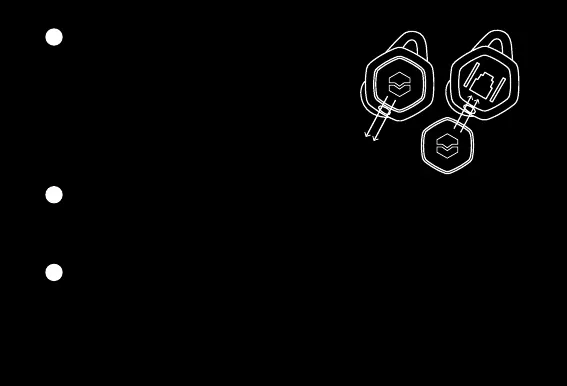
CHANGING SHIELDS
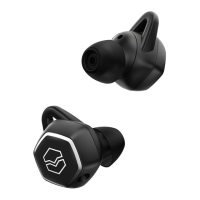
a. To remove shield, press the shield down
toward the earbud and slide it downward,
away from the earbud
b. To insert shield, align the clip on the bottom
of the shield with its input on the earbud
c. Lightly push the shield upward and toward
the input to slide and lock the shield into place
CONNECT A REPLACEMENT EARBUD IN NEW PAIR
The earbud will automatically detect the closest earbud and pair it when a pair
is removed from charging case.
CLEAR PAIRED DEVICE HISTORY / RESET HEXAMOVE PRO
a. Insert the earbuds in the charging case
b. Close the case and press and hold the button on the bottom of the case for 5
seconds
c. When the charging case LED flashes green, remove Hexamove Pro from their
11
12
13


 To Next Page