4
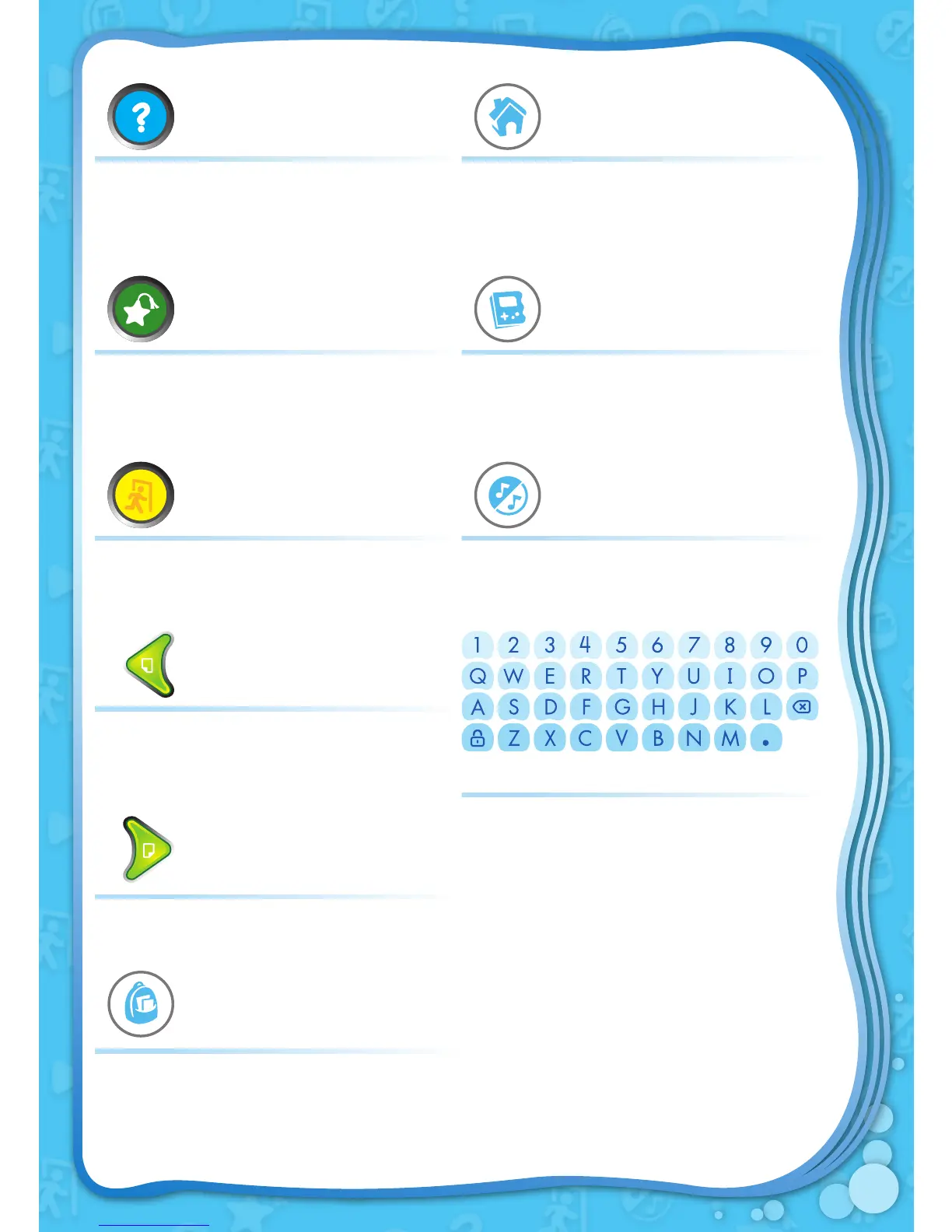
HELP BUTTON MENU KEY
Replay instructions, or ask for a
hint in Reading Games.
Exit out to the unit’s main menu.
BOOKMARK BUTTON GAME KEY
Save a bookmark for the current
page in Watch the Story.
Play the built-in game.
EXIT BUTTON MUSIC KEY
Exit to the previous menu. Turn the background music on/off.
PREVIOUS PAGE ARROW
Turn to the previous page.
NEXT PAGE ARROW
QWERTY KEYPAD
Press the keys to type in your user
name, write a welcome message,
or enter answers for some reading
game questions.
Turn to the next page.
BACKPACK KEY
Go directly to the Backpack.


 To Next Page