FUNCTIONS BUTTONS
Menu
Title
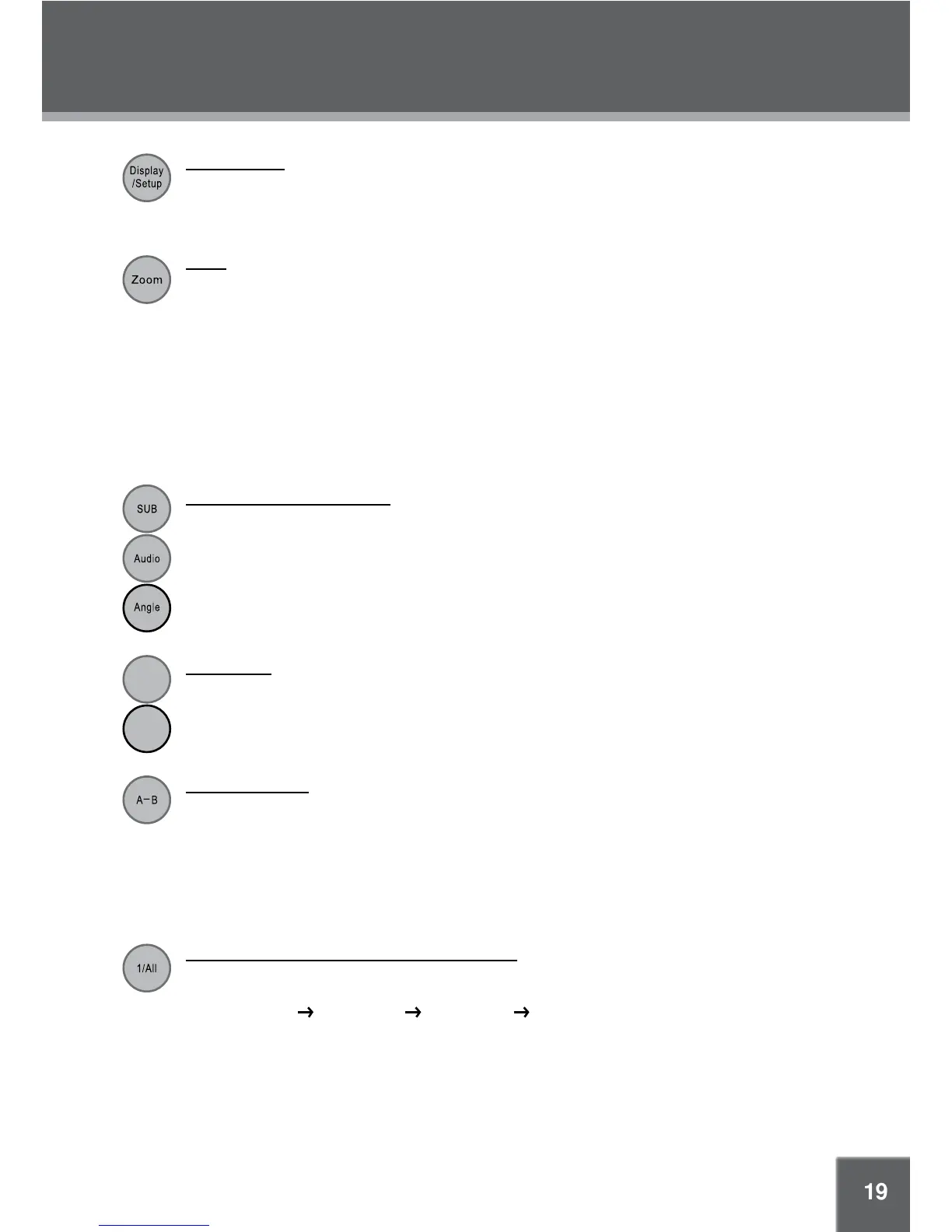
Display/Setup
Press the DISPLAY button once to show playback information.•
Press it twice to enter the player’s setup menu. Enter the Setup menu to adjust the player’s •
internal settings, please see the SETUP section for more details.
Zoom
Press ZOOM to change the magnification level of the picture.
During DVD playback, each successive press of ZOOM will change the level of magnification •
to:
Zoom 1x, Zoom 2x, Zoom 3x, Zoom Off.
In picture mode, each successive press of ZOOM will change the level of magni
fication to: •
Zoom 1x, Zoom 2x, Zoom 3x, Zoom Off.
When the magnification level is greater than Normal/100%, use the direction keys to pan around
the magnified picture.
Note: The picture quality will decrease as the zoom level increases.
Multi-Subtitle / Audio / Angle
During playback of a DVD that has been mastered with subtitles, press SUBTITLE to view the •
available subtitle tracks. (A DVD may have up to 32 selectable subtitles )
During playback of a DVD that has been mastered with alternate language/audio tracks, press •
AUDIO to hear the alternate tracks. (A DVD may have up to 8 selectable audio tracks.)
During playback of a DVD that has been mastered with multiple angles, press ANGLE to view •
the available alternate camera angles. (A DVD may have up to 9 selectable angles.)
Menu / Title
Press the MENU button during DVD playback to return to the DVD’s Main menu.
Press the TITLE button during DVD playback to return to the DVD’s Title menu.
R
epeat A-B Mode
To repeat playback of a specific section of a disc (loop):
Press A-B to set the desired start point (“A”) of the section to be repeated.1.
Press A-B again to set the desired end point (“B” )of the section to be repeated.2.
The section “A-B” will now play repeatedly as a loop. Press A-B again to resume normal 3.
playback.
Repeat Playback of Chapter/Title/ALL of a Disc
Use REPEAT to change the repeat mode of the player. Each successive press of REPEAT will
change the mode as follows:
Repeat Chapter
Repeat Title Repeat Disc Repeat Off



 To Next Page