7
GB
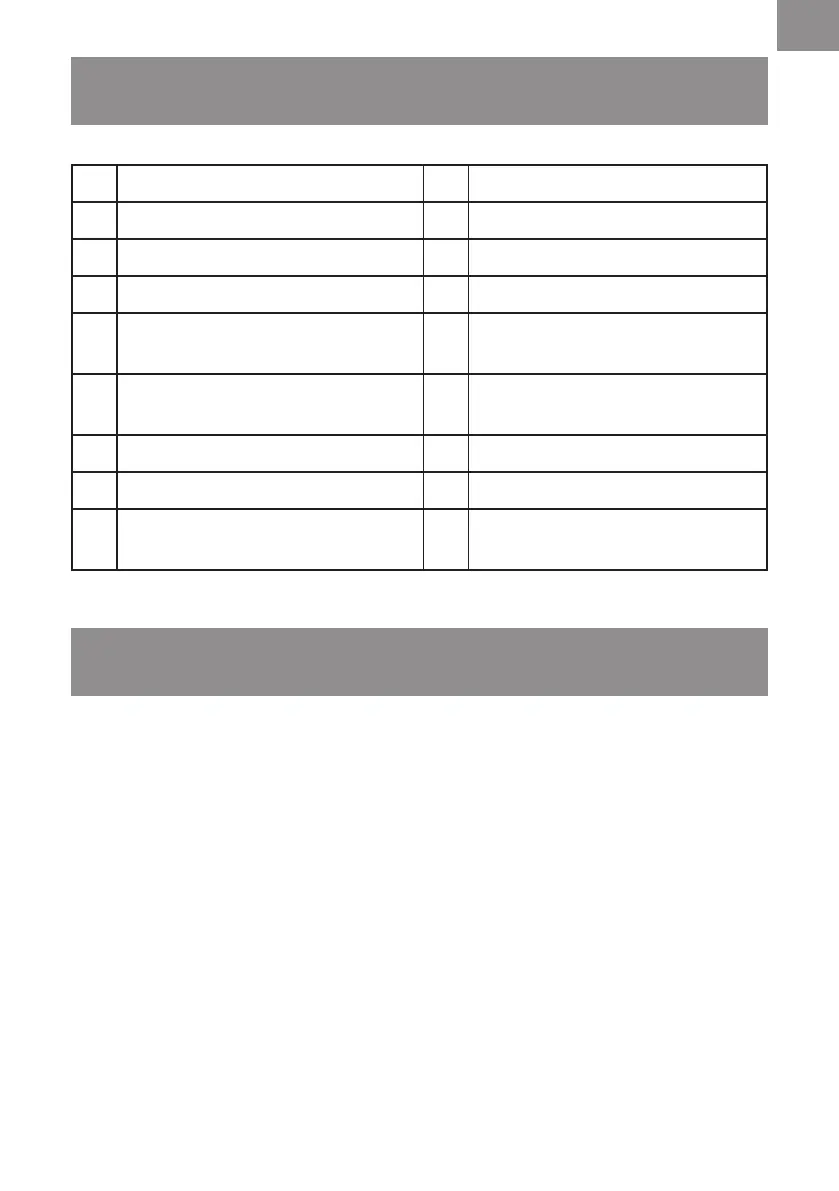
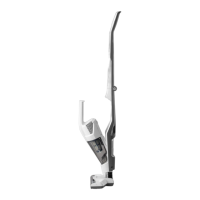
1 Handle 10 Motorised Floor Head
2 Power Switch 11 LED Task Lights
3 Speed Switch 12 Dust Bin
4 Folding Handle Release Button 13 Filter (x2) (x1 pre-installed)
5
Handheld Vacuum Cleaner
Release Button
14 Filter Basket (pre-installed)
6
Power Switch & Battery
Charging Indicator
15 Charging Base
7 Handheld Vacuum Cleaner 16 Charging Adapter
8 Dust Bin Release Button 17 Combination Tool
9
Motorised Floor Head
Release Button
18 Instruction Manual
UNPACKING AND PRODUCT FEATURES
ASSEMBLY
1.
Remove all the contents from the packaging; make sure you have all contents as listed on page 7.
2. This vacuum cleaner features a foldable handle for easy storage. Unfold the upper section of
the handle until it securely clicks into position. Make sure the handle is locked into place (Fig. 1).
3. Positiontheneckoftheoorheadintotheuprightposition.Insertthecompletehandle
assemblyontotheneckofthemotorisedoorheadensuringthatthereisnothingtrapped
betweentheunitconnections.Checkthatbothsecuritylatchesonthemotorisedoorheadare
clicked into place (Fig. 2).
4. Place the handheld unit into the docking bay on the main body. Ensure the suction port of the
handheldunitispositionedintoplacerstandthatthedustbinissecurelyttedbeforepressing
the handle into the locking position (Fig. 3).
5. Insert the vacuum cleaner support onto the charging base and click into place (Fig. 4).








 To Next Page