10
GB
OPERATION
1. Switching On/Off
Connect the mains plug to a suitable a power outlet.
2. Power Tool Take-Off Operation (Fig. 6)
Position Status
I on
O off
II automatic synchronized start-up
WARNING:
Always check the maximum wattage compatibility of the power tool take
off socket against the desired power tool before connecting to prevent overloading.
1) Connect the power cable of your power tool to the power take-off socket.
2) If applicable, connect the vacuum suction hose to the dust extractor connector on your tool with
the supplied adaptor.
4. Unfold the upper handle assembly into the upright position. The upper handle has two
adjustable height positions. Secure in place by tightening the wing knobs clock-wise (Fig. 3).
5. Your vacuum cleaner comes ready for dry vacuum cleaning with the cartridge lter. If the
cartridge lter and nylon pre-lter are not installed, refer to page 10.
6. Optionally, for improved dust ltration, fully t the dust bag ange onto the inlet stub (Fig. 4).
7. For wet vacuuming, replace the cartridge lter and pre-lter with the foam lter supplied. Do not
use a dust bag when wet vacuuming. If foam lter is not installed, refer to page 11.
8. Secure the power head back on the container, using the 2 side latches. Insert the locking end
of the hose into the suction port of the container and turn clockwise to lock into place (Fig. 5).
9. Choose the desired accessories and/or extension wands and push t onto the hose nozzle.
ASSEMBLY
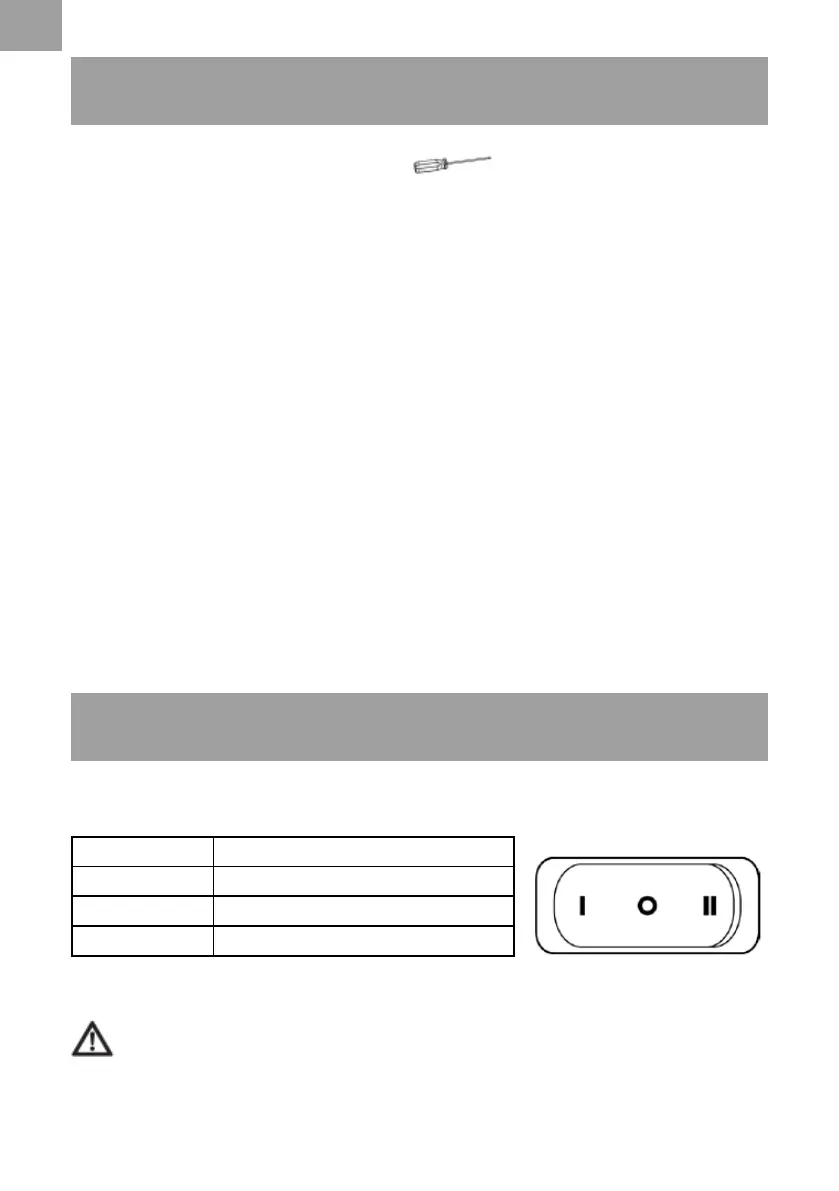
NOTE: A Phillips screwdriver is required.
1. Remove all the contents from inside of the vacuum cleaner container.
2. Turn the container upside down and insert the feet with casters into the slots and apply
pressure until they click into place (Fig. 1).
3. Insert the wheel axle into the rear wheel housing on the base. Insert a washer onto the axle
followed by the rear wheel and another washer. Insert the wheel retaining pin into the hole on
the end of the axle to lock into place. Push t the hub cap onto the wheel. Repeat the same
steps on the other end of the axle (Fig. 2).






 To Next Page