EasyManua.ls Logo

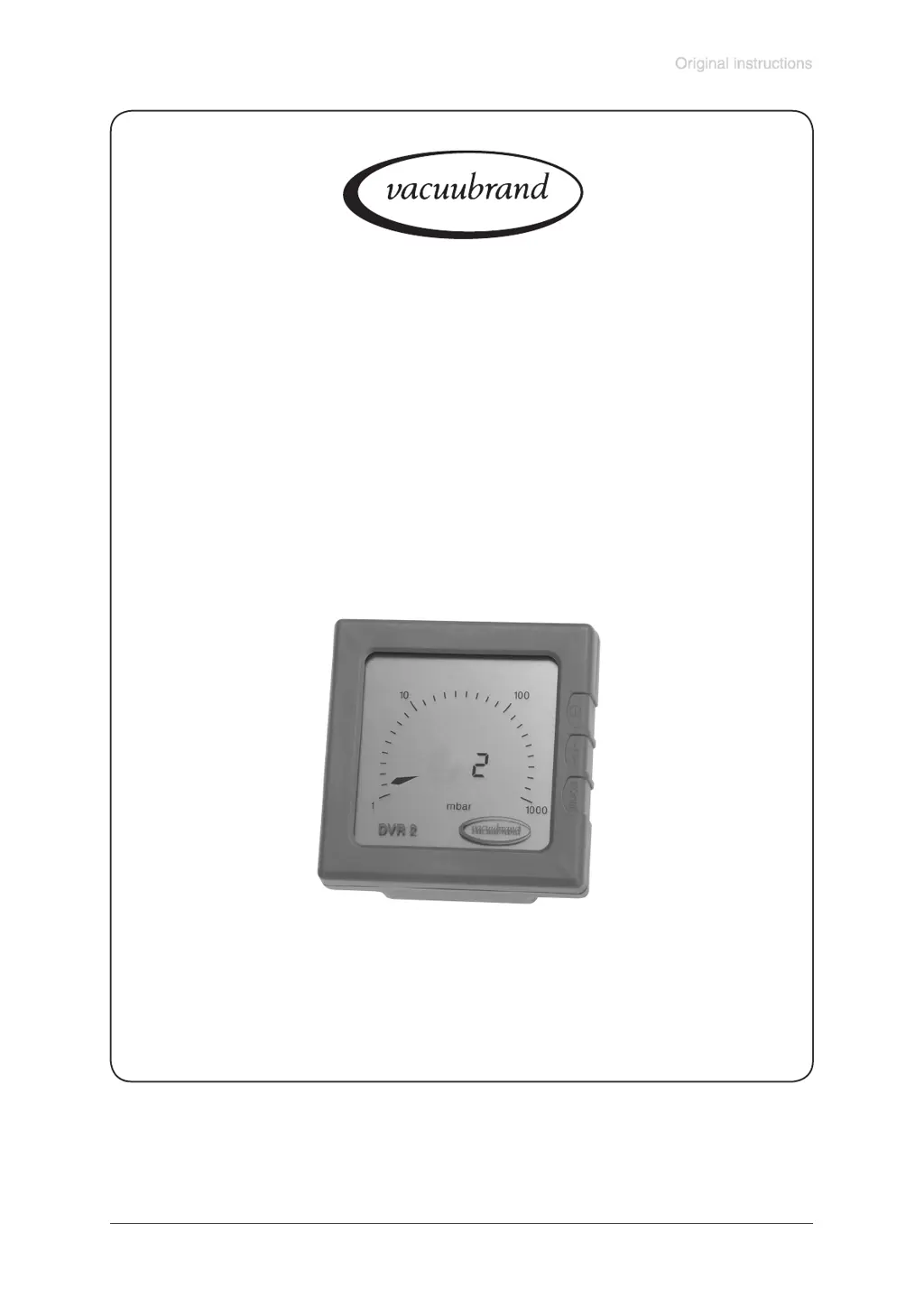
vacuubrand DVR 2 - User Manual

vacuubrand DVR 2
17 pages
Print Icon
To Next Page IconTo Next Page
Loading...
page 1 of 17
Documents are only to be used and distributed completely and unchanged. It is strictly the users´ responsibility to check carefully
the validity of this document with respect to his product. manual-no.: 999001 / 04/04/2012
DVR 2
Analog/Digital Rough Vacuum Gauge
Technology for Vacuum Systems
Instructions for use

Questions and Answers

  • Y
    Yolanda GarciaAug 2, 2025
    Why is my vacuubrand Measuring Instruments display flickering and/or showing the battery symbol?
    • R
      Robert HuangAug 2, 2025
      The display might be flickering, and/or the battery symbol might appear because the battery is empty. Replace the battery.
  • J
    Joel LeonardAug 12, 2025
    Why is my vacuubrand DVR 2 display incorrect?
    • S
      Sarah BlackAug 13, 2025
      An incorrect display could be due to several reasons: * The pressure transducer has drifted off. Readjust the pressure transducer. * There's moisture in the pressure transducer. Dry or evacuate the transducer, and then readjust if necessary. * The battery is empty, and the battery symbol is displayed. Replace the battery.
  • A
    Angel MartinezAug 21, 2025
    What to do if my vacuubrand DVR 2 Measuring Instruments has no display or the display disappears?
    • T
      tracy82Aug 21, 2025
      If there is no display or the display disappears, consider the following: * The battery might be empty. Replace the battery. * The device might be in automatic sleep mode. Switch it on and increase the operating time if needed. * For other causes, contact your local distributor.

Summary

Safety Information

Intended Use

Specifies the device's design for ambient and gas temperatures, and measurement of vacuum.

Connecting the Device

Instructions on avoiding overpressure, temperature compliance, and proper connection of hoses.

Safety During Operation

Measures to prevent release of hazardous substances and protect against vacuum exposure.

Use and Operation

Pressure Measurement

Explains how absolute pressure is displayed and the factory adjustment of the pressure transducer.

Troubleshooting

Readjustment of the Vacuum Gauge DVR 2

Explains the need for and process of user-initiated readjustment of the device.

Notes on Return to the Factory

Health and Safety Clearance Form

vacuubrand DVR 2 Specifications

General IconGeneral
TypeDigital vacuum gauge
Protection categoryIP40
Measurement Range1080 to 1 mbar
Accuracy+/- 1 digit
DisplayDigital
Power Supply9 V battery
SensorCeramic diaphragm sensor
Materials (wetted parts)Ceramic
Operating temperature range0 to 50°C
ConnectionDN 16 ISO-KF
OutputAnalog output
Operating temperature0 to 50°C
Dimensions96 x 96 x 60 mm

Related product manuals