EasyManua.ls Logo

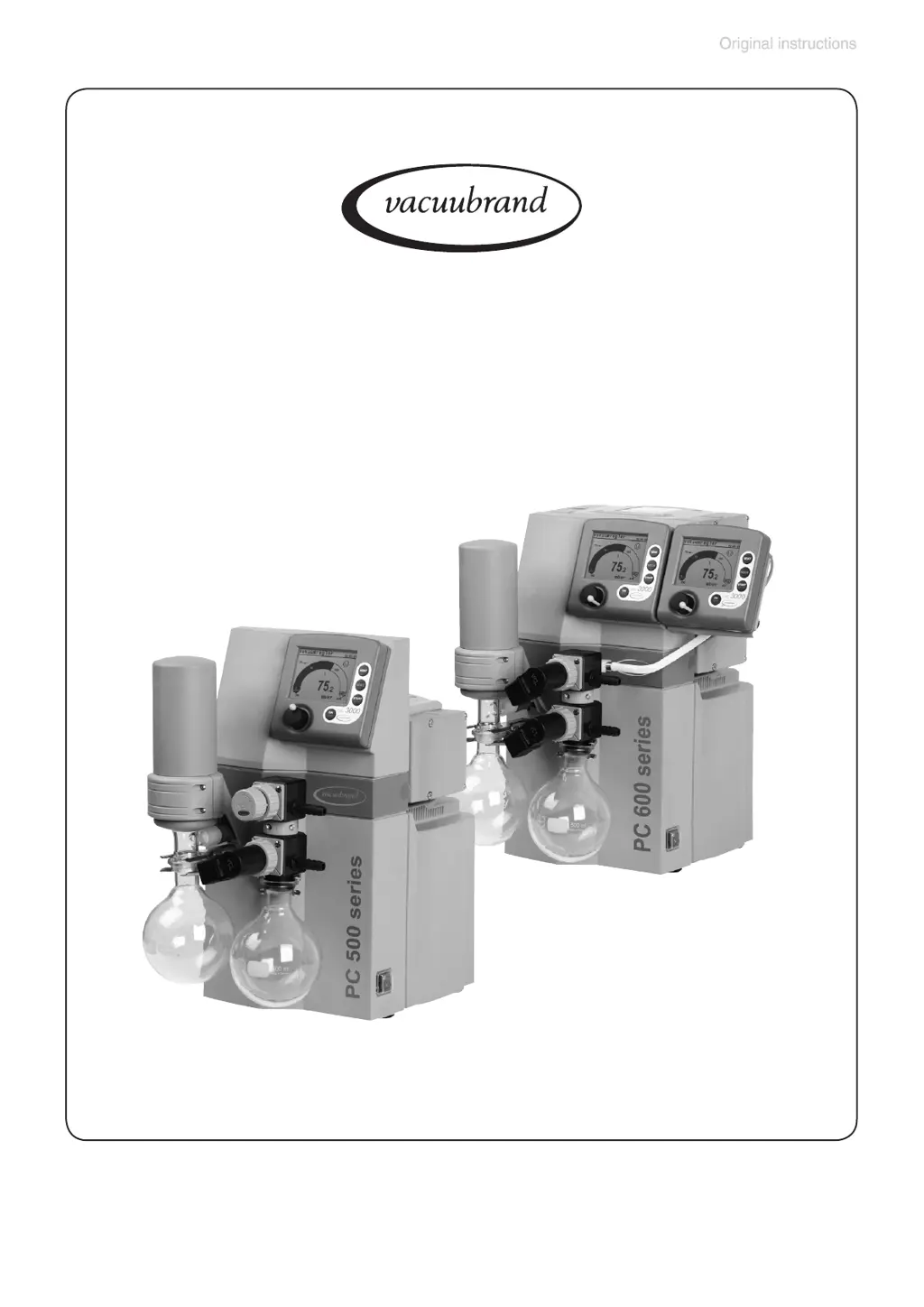
vacuubrand PC 510 NT - User Manual

vacuubrand PC 510 NT
106 pages
Print Icon
To Next Page IconTo Next Page
Loading...
page 1 of 106
Chemistry pumping units
Instructions for use
Technology for Vacuum Systems
PC 510 NT
PC 511 NT
PC 520 NT
PC 610 NT
PC 611 NT
PC 620 NT
Part I of II
Part I
Part I:
Safety information - Technical data -
Use and operation

Questions and Answers

  • S
    Scott WallSep 10, 2025
    What does it mean when no digital pressure reading and warning triangle is flashing, five or seven blips on vacuubrand PC 510 NT?
    • S
      Stephen HudsonSep 10, 2025
      If there is no digital pressure reading and the warning triangle is flashing with five or seven blips on your VACUUBRAND laboratory equipment: * Five blips: The external sensor is defective or removed; plug in an external sensor, use a new one, or reconfigure without the sensor. * Seven blips: No answer.
  • W
    whendersonAug 22, 2025
    What to do if vacuubrand PC 510 NT Laboratory Equipment pump doesn't start and warning triangle is flashing?
    • J
      julieharrisAug 23, 2025
      If your VACUUBRAND laboratory equipment pump doesn't start or stops immediately and the warning triangle with pump symbol are flashing, it could be due to several reasons: * The motor might be overloaded, so allow it to cool down and identify/eliminate the cause. * There might be overpressure in the outlet line, so remove any blockage and open the valve. * The pump may have been exposed to condensate; run it for a few minutes with atmospheric pressure at the inlet.
  • M
    Megan StevensAug 25, 2025
    Why vacuubrand Laboratory Equipment pump doesn't achieve ultimate vacuum?
    • C
      Corey MartinezAug 25, 2025
      If your VACUUBRAND laboratory equipment pump isn't reaching its ultimate vacuum or usual pumping speed, consider these possibilities: * There may be a leak in the pipeline or vacuum system; check all connections. * The controller settings might be incorrect; select the 'Pump down' function and check again. * A long, narrow vacuum line can restrict performance; use lines with a larger diameter and keep them as short as possible. * The pump may have been exposed to condensate; allow it to run for a few minutes with atmospheric pressure at the inlet to purge.
  • D
    deborah65Aug 27, 2025
    What to do if display disappears on vacuubrand PC 510 NT Laboratory Equipment?
    • J
      Juan KimAug 27, 2025
      If the display disappears on your VACUUBRAND laboratory equipment, it might be due to: * Too much load connected (e.g., valves); check the current draw of the connected devices. * A short circuit at connected valves; replace the valves. * A short circuit at the RS 232 plug; check the plug and cable.
  • R
    randy25Aug 28, 2025
    Why is the pressure reading incorrect on vacuubrand PC 510 NT?
    • D
      Daniel AlexanderAug 28, 2025
      An incorrect pressure reading on your VACUUBRAND laboratory equipment could be due to: * A decalibrated pressure transducer; readjust the CVC 3000. * Humidity in the measurement chamber; let the pressure transducer dry by pumping. * A contaminated pressure transducer.
  • J
    James HoodAug 29, 2025
    Why is the vacuubrand Laboratory Equipment pump too noisy?
    • M
      matthew93Aug 29, 2025
      If your VACUUBRAND laboratory equipment pump is too noisy, check the following: * Atmospheric or high pressure at the pump inlet; connect a hose or silencer to the pump outlet. * A diaphragm crack or loose diaphragm clamping disc; perform maintenance.
  • K
    kmorenoSep 18, 2025
    What to do if controller does not respond when pressing keys (except ON/OFF), PC symbol is displayed on vacuubrand PC 510 NT?
    • A
      Andrew LucasSep 18, 2025
      If the controller does not respond when pressing keys (except ON/OFF) and the PC symbol is displayed on your VACUUBRAND laboratory equipment, it means the controller is in remote mode. Control the CVC 3000 via the interface or switch off remote mode.
  • J
    Judy WrightSep 12, 2025
    What does it mean when clock symbol is flashing on vacuubrand PC 510 NT Laboratory Equipment?
    • L
      Laurie SmithSep 12, 2025
      If the clock symbol is flashing on your VACUUBRAND laboratory equipment, it indicates that the preselected process time is over. Confirm by pressing the START/STOP key.
  • J
    Jessica RuizSep 8, 2025
    What does it mean when warning triangle and coolant valve symbol are flashing, four blips on vacuubrand PC 510 NT Laboratory Equipment?
    • S
      Sarah RobertsSep 8, 2025
      If the warning triangle and coolant valve symbol are flashing with four blips on your VACUUBRAND laboratory equipment, it indicates that the coolant valve is either removed or defective. Check the connection cable of the valve, use a new valve, or reconfigure the system without the valve.
  • M
    Marcia Benson DDSSep 5, 2025
    What does it mean when warning triangle and black valve symbol are flashing, two blips on vacuubrand Laboratory Equipment?
    • A
      Angela YorkSep 5, 2025
      If the warning triangle and black valve symbol are flashing with two blips on your VACUUBRAND laboratory equipment, it indicates that the external venting valve is either removed or defective. Connect the valve, replace it with a new one, or reconfigure the system without the valve.

Summary

Part I

Reset; Language Selection

Guides user through initial language and unit setup.

Safety Information

Provides essential safety guidelines, warnings, and precautions.

General Information

Covers unboxing, inspection, and general handling of the equipment.

Intended Use

Specifies the designed applications and limitations of the equipment.

Setting Up and Installing Equipment

Details the necessary steps for proper installation and connection.

Ambient Conditions

Outlines environmental requirements for safe operation and storage.

Operating Conditions

Defines the parameters and environments for safe pump operation.

Safety During Operation

Highlights critical safety measures to observe while the pump is running.

Maintenance and Repair

Covers routine checks, wear parts, and repair procedures.

Technical Data

Presents detailed specifications, performance metrics, and component materials.

Use and Operation

Guides on connecting, operating, and optimizing pump performance.

Menu Guide

Explains navigation and usage of the controller's menu system.

Pump Down Function

Details the continuous pumping mode, settings, and operation.

Vac Control Function

Explains vacuum control to a preset value and its parameters.

Program Function

Describes how to define, store, and run custom vacuum programs.

VACUULAN Function

Details optimized vacuum control for vacuum networks.

Application Examples

Illustrates practical uses of the pump in various laboratory procedures.

Configuration

Covers device parameter settings, adjustments, and interface options.

Part II

Interface Parameters

Details the serial interface (RS 232C) and its configuration commands.

Accessories

Lists available optional components, kits, and spare parts.

Troubleshooting

Provides solutions for common faults, causes, and remedies.

Replacing Diaphragms and Valves

Step-by-step guide for replacing wear parts like diaphragms and valves.

Notes on Return to Factory

Outlines procedures for returning equipment for service or calibration.

Warranty Information

Details the product warranty terms, conditions, and limitations.

Health and Safety Clearance Form

Describes the required document for returning equipment for service.

Declaration of Conformity

Statement of compliance with applicable EC directives and standards.

vacuubrand PC 510 NT Specifications

General IconGeneral
Brandvacuubrand
ModelPC 510 NT
CategoryLaboratory Equipment
LanguageEnglish

Related product manuals