EasyManua.ls Logo

VADDIO HuddleSHOT - User Manual

VADDIO HuddleSHOT
69 pages
Print Icon
To Next Page IconTo Next Page
Loading...
Complete Manual for the
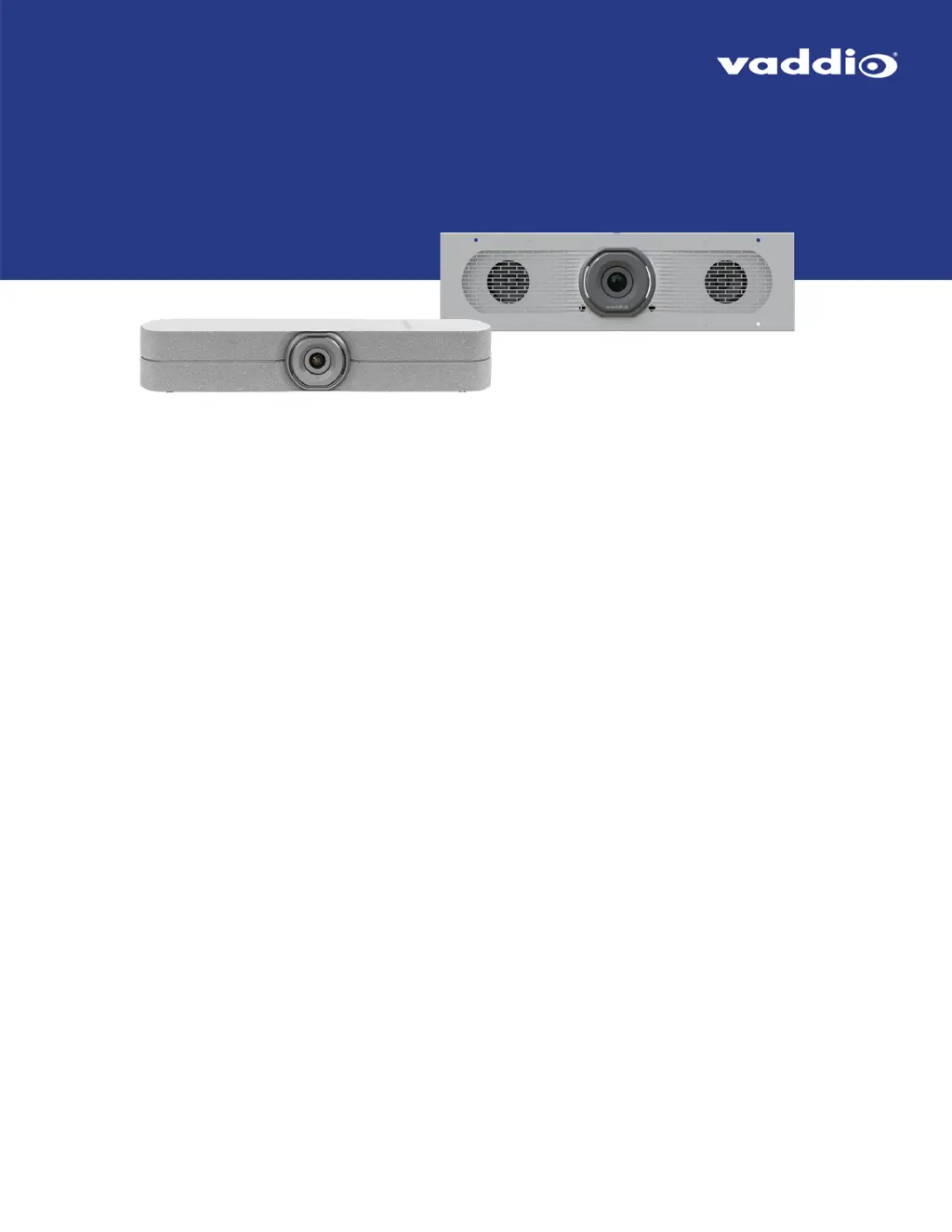
HuddleSHOT and HuddleSHOT FC
All-in-One Conferencing Cameras
Document 411-0037-30 Rev B
March 2021

Table of Contents

Other manuals for VADDIO HuddleSHOT

Questions and Answers

  • Z
    Zachary HowardAug 18, 2025
    What to do if VADDIO IP Camera conference uses laptop camera and audio?
    • J
      Julie Simpson DVMAug 18, 2025
      If your conference is using the laptop's camera and audio instead of the VADDIO HuddleSHOT camera, it might be due to the USB cable not being connected. Ensure the USB cable is properly connected from the camera to the computer.
  • B
    ballardangelaAug 20, 2025
    Why VADDIO IP Camera has no audio from speakers?
    • P
      perrymistyAug 20, 2025
      If you're not getting any audio from the speakers when using the VADDIO IP Camera, there could be a couple of reasons: * The far-end microphone might be muted. Check if the conferencing window shows a mute icon for the other site's microphone and ask the participants to unmute. * The speaker volume might be turned down. Make sure to check the volume level.
  • J
    Jack FitzgeraldAug 23, 2025
    What to do if VADDIO IP Camera far end reports they can't hear you?
    • C
      cartertaraAug 23, 2025
      If the far end reports they can't hear you when using the VADDIO IP Camera, the most likely reason is that your microphone is muted. Ensure that your microphone is unmuted.
  • S
    Scott MezaAug 26, 2025
    How to fix VADDIO IP Camera when it does not respond to the remote?
    • M
      Meghan SpearsAug 26, 2025
      If your VADDIO IP Camera isn't responding to the remote, but the web interface and video are working, here are a few things to check: * The remote may not be paired to the camera. You'll need to pair the camera and remote. * The batteries in the remote might be dead. Try putting new batteries in the remote. * The batteries might be installed incorrectly. Make sure they are installed as shown in the diagram inside the remote. * The remote could be in standby mode. Press the button again; this is normal if the remote hasn't been used for more than 3 minutes.
  • C
    cleAug 27, 2025
    What to do if VADDIO IP Camera does not respond to the remote and the light is white?
    • G
      Gabriella WilliamsAug 27, 2025
      If your VADDIO IP Camera isn't responding to the remote and the light is white, the issue might be: * The remote is not paired to the camera. Pair the remote to the camera. * The batteries are not installed correctly in the remote. Install the batteries as shown in the diagram inside the remote.
  • C
    Chris OliverAug 30, 2025
    What to do if VADDIO IP Camera is not responding to the remote and the indicator light on the remote is on?
    • E
      Edward McbrideAug 30, 2025
      If the VADDIO IP Camera isn't responding to the remote and the indicator light on the remote is on, it means that the remote is in the process of pairing or correcting an internal error. Wait until the remote's indicator light turns off.
  • B
    Benjamin RivasSep 1, 2025
    Why VADDIO IP Camera has no H.264 video stream?
    • D
      Daniel MaciasSep 1, 2025
      If you're not getting an H.264 video stream from your VADDIO IP Camera, it's likely that IP streaming is not enabled. To fix this, enable IP streaming via the Streaming page in the web interface.
  • A
    April WalkerSep 4, 2025
    What to do if VADDIO IP Camera operates normally but the light is blinking blue?
    • A
      Angelica WilliamsSep 4, 2025
      If your VADDIO IP Camera operates normally and its web interface is available, but the light is blinking blue, the camera either did not pair successfully with the remote, or the camera entered pairing mode and did not detect a remote. Reboot the camera or disable the indicator light.
  • S
    snormanSep 7, 2025
    Why VADDIO IP Camera is not responding to the remote and the light is yellow/green?
    • W
      William CastroSep 7, 2025
      If your VADDIO IP Camera is not responding to the remote and the light is yellow/green, a firmware update is in progress. Wait a few minutes, and try again when the light turns blue.
  • D
    delliottSep 9, 2025
    What to do if VADDIO IP Camera responds to the remote but the web interface is not available?
    • T
      Tyler RobertsSep 9, 2025
      If the VADDIO IP Camera responds to the remote but the web interface is not available, the camera is not using the IP address you browsed to. Press the Network button on the remote to see camera information.

VADDIO HuddleSHOT Specifications

General IconGeneral
Resolution1080p
Frame RateUp to 60 fps
Pan/TiltPan: ±170°, Tilt: +90°/-30°
FocusAuto/Manual
White BalanceAuto/Manual
Exposure ControlAuto/Manual
IP StreamingRTSP, RTMP
Video OutputHDMI, USB
Camera TypePTZ
AudioBuilt-in Microphone
ConnectivityEthernet, USB
PowerPoE
MountingWall
Dimensions144mm H x 146mm W x 146mm D

Related product manuals