EasyManua.ls Logo

VADDIO TableMIC - User Manual

VADDIO TableMIC
31 pages
Print Icon
To Next Page IconTo Next Page
Loading...
Complete Manual for
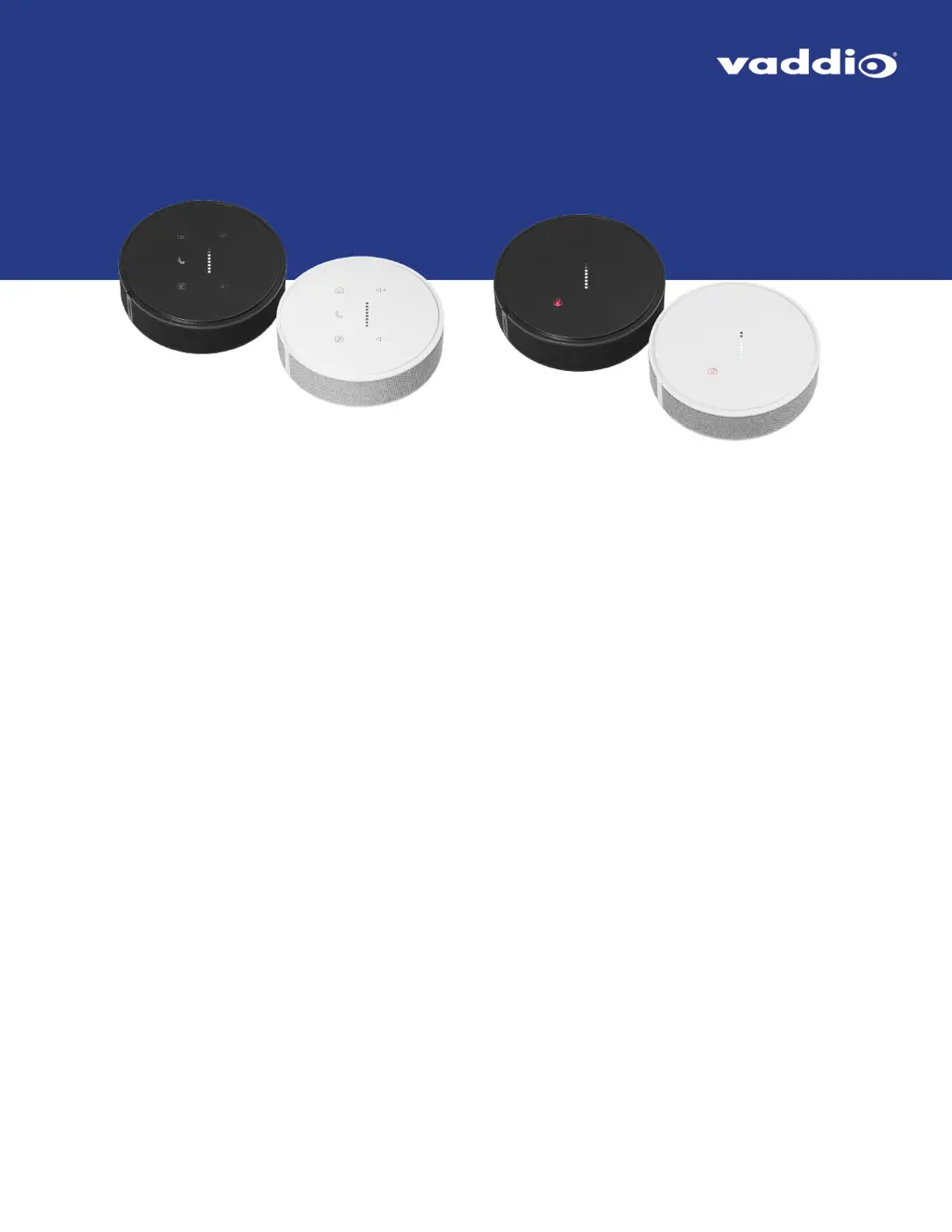
TableMIC and EasyIP TableMIC D
Conference Room Microphones
Document 411-0034-30 Rev C
April 2021

Questions and Answers

  • C
    Christine DavisAug 9, 2025
    How to troubleshoot VADDIO Microphone when connected devices don't recognize it?
    • T
      thomasmillerAug 9, 2025
      First, verify that the microphone cable is securely connected at both ends. If the connections are good, check the cable for correct pin-out and continuity. Ensure that you are connecting the microphone in a compatible environment. For EasyIP TableMIC D, use the Dante Controller application to pair the microphone with the conferencing device.
  • C
    Christopher PorterAug 25, 2025
    What to do if the VADDIO TableMIC Microphone Home button doesn't work?
    • L
      Lori Wilson MDAug 25, 2025
      The corresponding OneTouch trigger may not have been set up on the connected device. Set up the OneTouch trigger on the device connected to the microphone. Alternatively, the OneTouch trigger might be executing a macro that doesn't work properly. Test and debug the macro on the connected device, ensuring that if the macro uses the camera home command, a home preset is saved.

VADDIO TableMIC Specifications

General IconGeneral
Frequency Response50 Hz - 20 kHz
Output Impedance200 Ohms
Signal to Noise Ratio70 dB
Power48V Phantom Power
Sensitivity-38 dBV/Pa
ConnectorXLR
ColorBlack or White
Max SPL130 dB