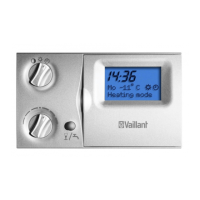
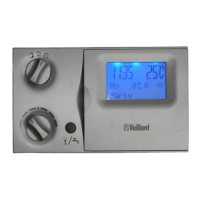
Operating Manual VRC 430 0020042468_0214
Dis-
play
screen
Title display
screen
adjustable operat-
ing values
(only display = A)
Remarks Unit Min.
value
Max.
value
Incre-
ment/
selection
option
Preset
value
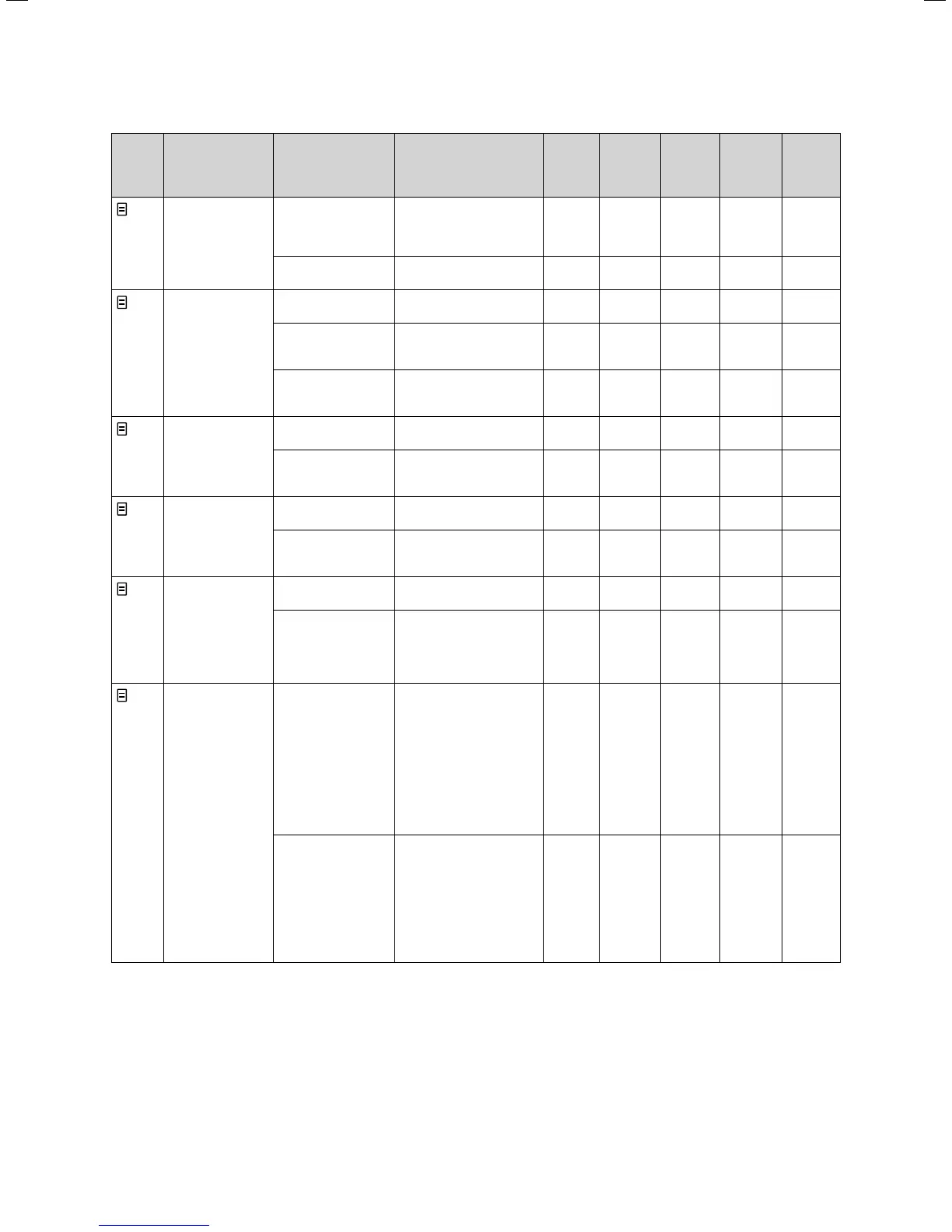
1
Basic data Date
Day
Time
Day, Month and Year se-
lected separately;
Hours and minutes se-
lected separately
Summer/Winter
changeover
Auto, Off Off
2
HC1
Time programmes
Day/block Select single day or block
of days (e.g. Mo-Fr)
1 Start/end time
2
3
There are three time pe-
riods available for each
day or block of days
Hours/
minutes
10 min
Temperature per
period
Individual room target
temperatures can be set
for each period
°C 5 30 0,5 20
4
Hot water timer
programmes
Day/block Select single day or block
of days (e.g. Mo-Fr)
1 Start/end time
2
3
Three time periods are
available per day or block
of days
Hours/
minutes
10 min
5
Circulation pump
time programmes
Day/block Select single day or block
of days (e.g. Mo-Fr)
1 Start/end time
2
3
Three time periods are
available per day or block
of days
Hours/
minutes
10 min
7
Holiday pro-
gramme for over-
all system
Holiday period Start Day, Month, Year
End Day, Month, Year
Holiday set target
value heating
Target room temperature
for holiday period
°C Frost
protec-
tion,
or 5
30 0,5 Frost
protec-
tion
8
HC1
parameters
Set-back tempera-
ture
You can specify a set-
back temperature for the
times between the holi-
day periods.
If your expert technician
has set the frost protec-
tion function, the set-
back temperature is au-
tomatically 5 °C. There is
no set-back temperature
display.
°C 5 30 0,5 15
Heating curve The supply temperature
of the heating is control-
led as a function of the
external temperature
This relationship is repre-
sented in heating curves.
You can select from a va-
riety of heating curves
(see Chapter 4.7.3).
0,2 4 0,05-0,1 1,2
Table 4.4 Screens in the operating level for the operator
4 Operation







 To Next Page