13VRT 230 Operating Manual
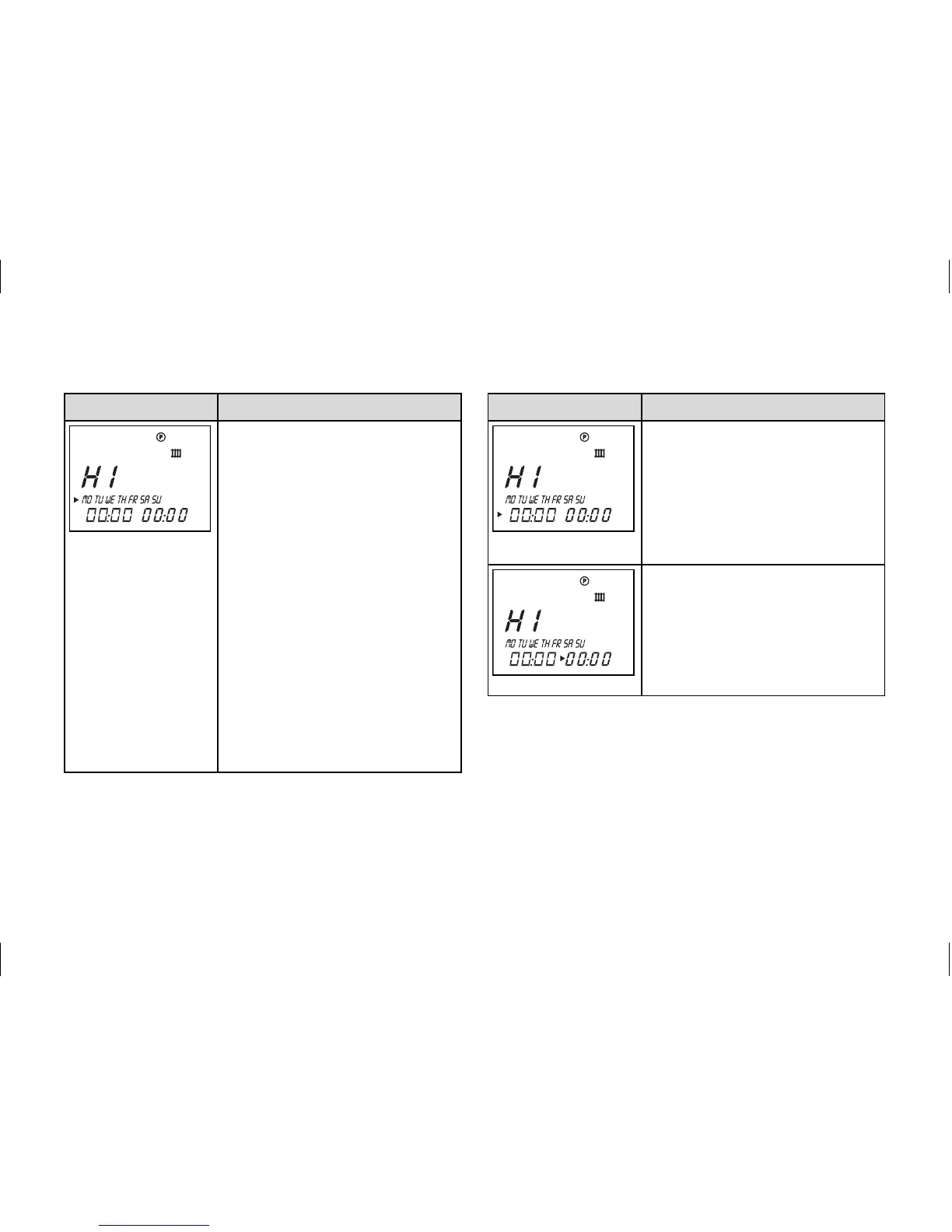
Display Required steps
Press the dial – the cursor
marks the days of week,
which also flashes.
Select a block of days or a
single day of the week by
turning the dial.
Settings:
MO - SU
MO - FR
SA - SU
MO = Monday
TU = Tuesday
WE = Wednesday
TH = Thursday
FR = Friday
SA = Saturday
SU = Sunday
Display Required steps
Press the dial – the cursor
marks the start time and the
hour display flashes.
Select the start time by
turning the dial. Press the
dial again to set the min-
utes.
Press the dial – the cursor
marks the end time and the
hour display flashes.
Select the end time by turn-
ing the dial. Press the dial
again to set the minutes.
Table 4.3 Setting time windows
Operation 4



 To Next Page