MUS0330202 03/10/2014
VALCO MELTON S.L.U. Pol. Ind. Agustinos C/G 34 3116 0 ORCOYEN, NAVARRA
TEL: +34 948 321580 Fax: +34 948 326584 melton@melton.es www.valcomelton.com
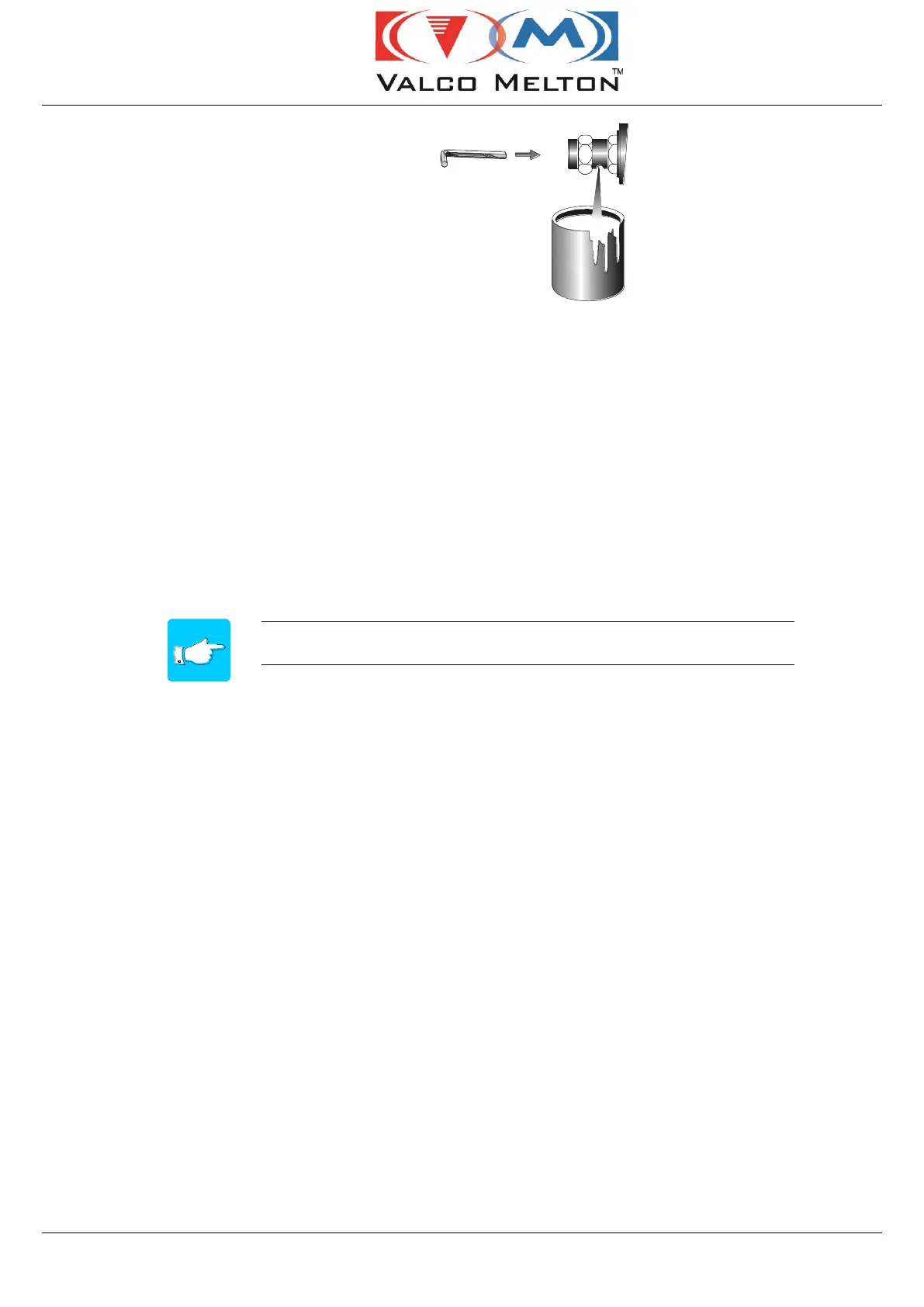
5. Increase the air pressure until the adhesive flows through
the bleed hole and leaves the filter free of any
contaminating particles.
6. Close the bleed valve with a screw driver.
7. Return the pressure to the appropriate working pressure.
5.10 STOPS:
There are two cases:
Pump stop:
If you wish to stop pumping, you must turn the pressure regulator to 0.
The temperature control will maintain the equipment temperature.
If the stop is to be for an extended period, activating the Setback
function is recommended. (See Section 4, 4.18 and Section 5, 5.5)
Total stop:
To power down the equipment, switch the unit off.



 To Next Page