Win 10 Connection Instructions:
Charging Interface
Power Switch
Please open the power switch, blue lights up.
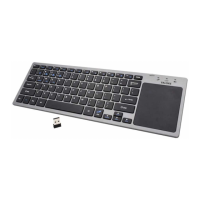
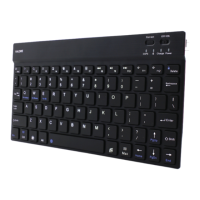
Select the channel, press the Fn+C connect
button, blue light twinkles.
1.
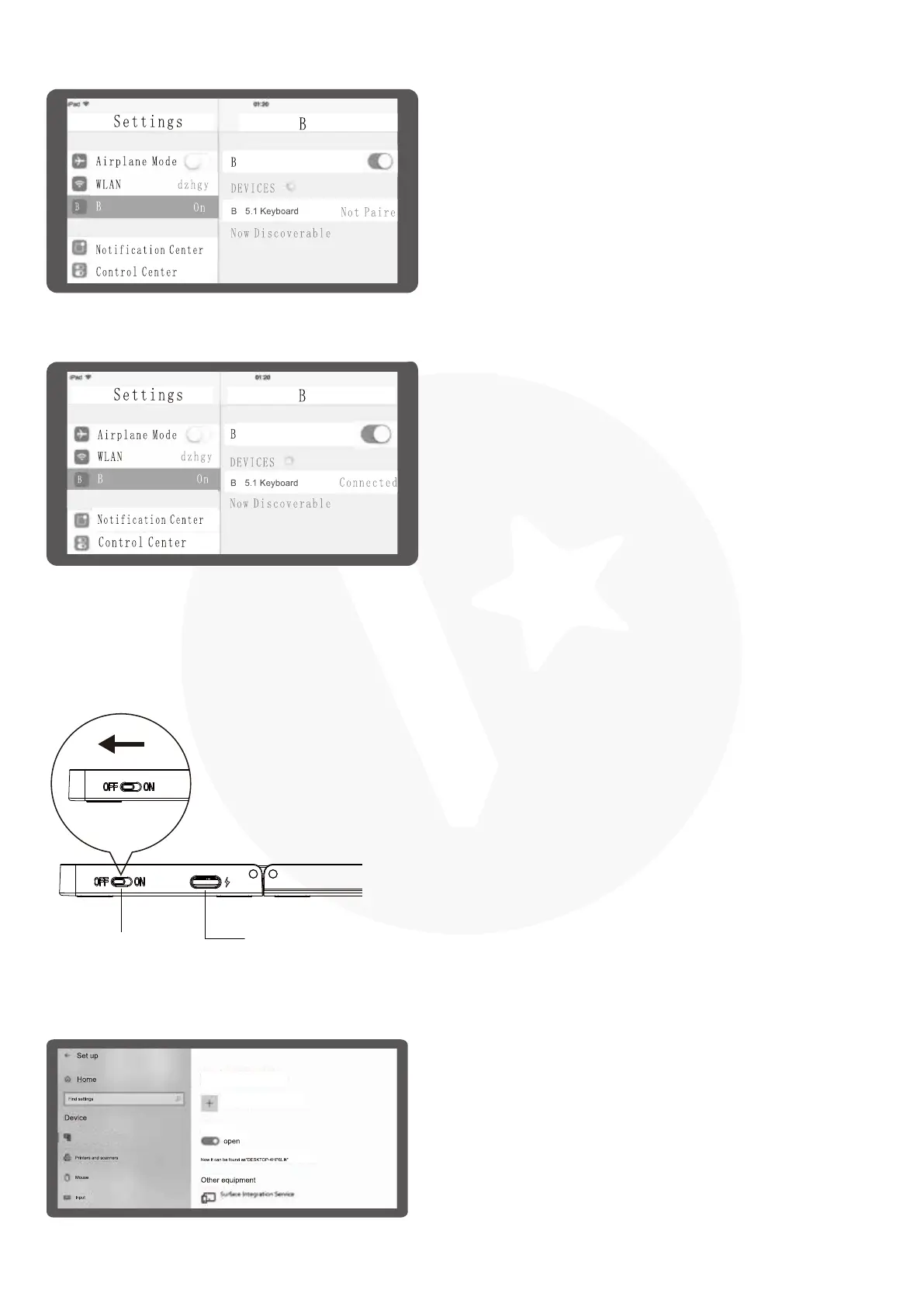
Open settings, turn on BT, click "Add BT or
other devices".
2.
You will find the "BT 5.1 Keyboard" and then
click to next step.
3.
There is a tip for connecting successfully,
you can use your keyboard comfortably.
4.
T
T
T
T
T
T
T
T
T
T
BT or other devices
BT or other devices
Add BT or other devices
BT



 To Next Page