Back
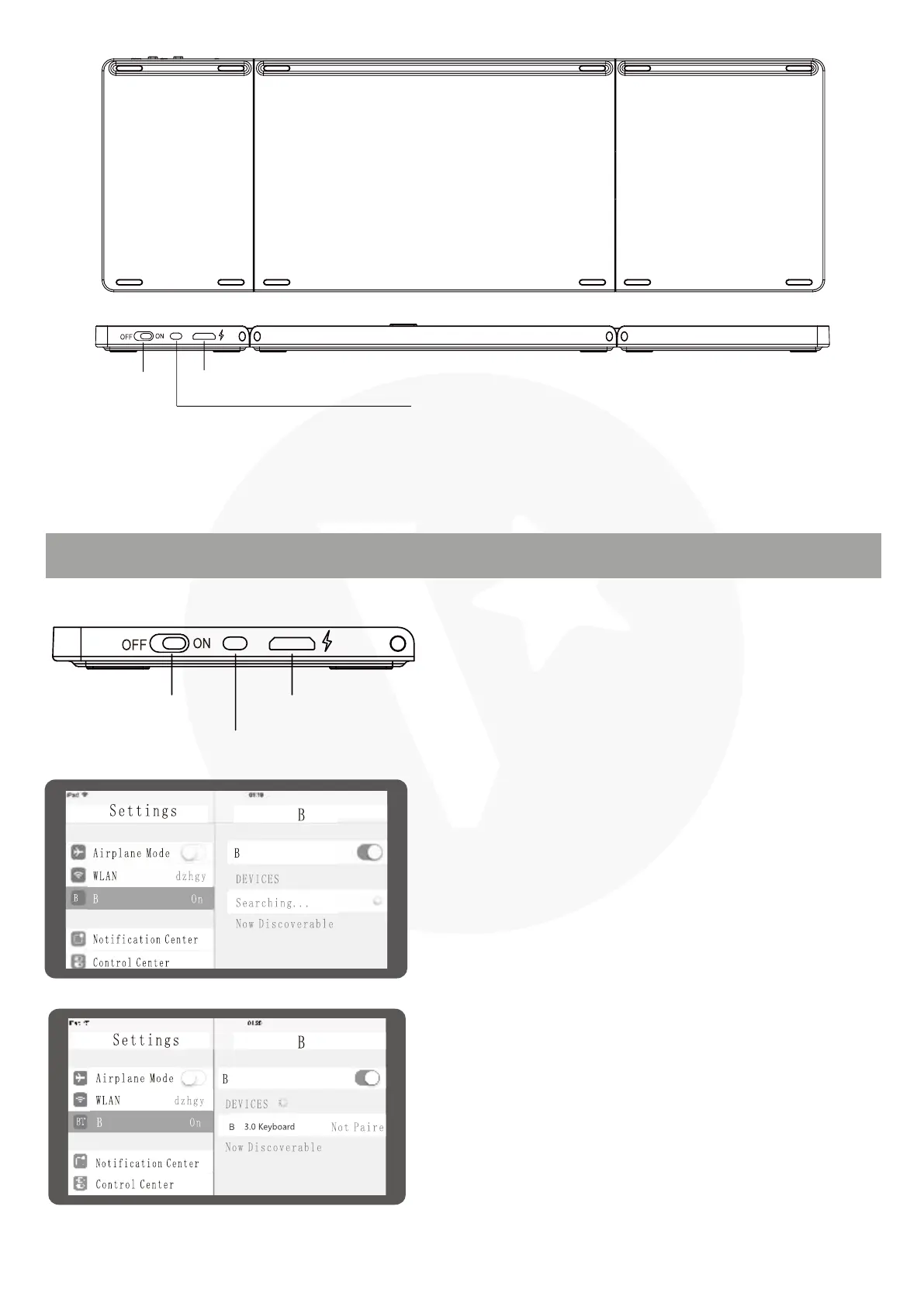
Charging Interface
BT Connection
BT Connection
Charging Interface
Power Switch
Power Switch
BT PAIRING CONNECTION
Please open the power switch, blue lights up.
Select the channel, press the Fn+C connect
button, blue light twinkles.
1.
Open the tablet PC setting "BT" into
searching and pairing status.
2.
You will find the "BT 3.0 Keyboard" and then
click to next step.
3.
T
T
T
T
T
T
T
T



 To Next Page