Remarks: After successfully connecting for the first time, there is no need to enter a
matching code again. Simply turn on the power switch of the Wireless keyboard and enable
the "BT" function on the tablet PC. The Wireless keyboard will automatically search for the
device and connect to it.
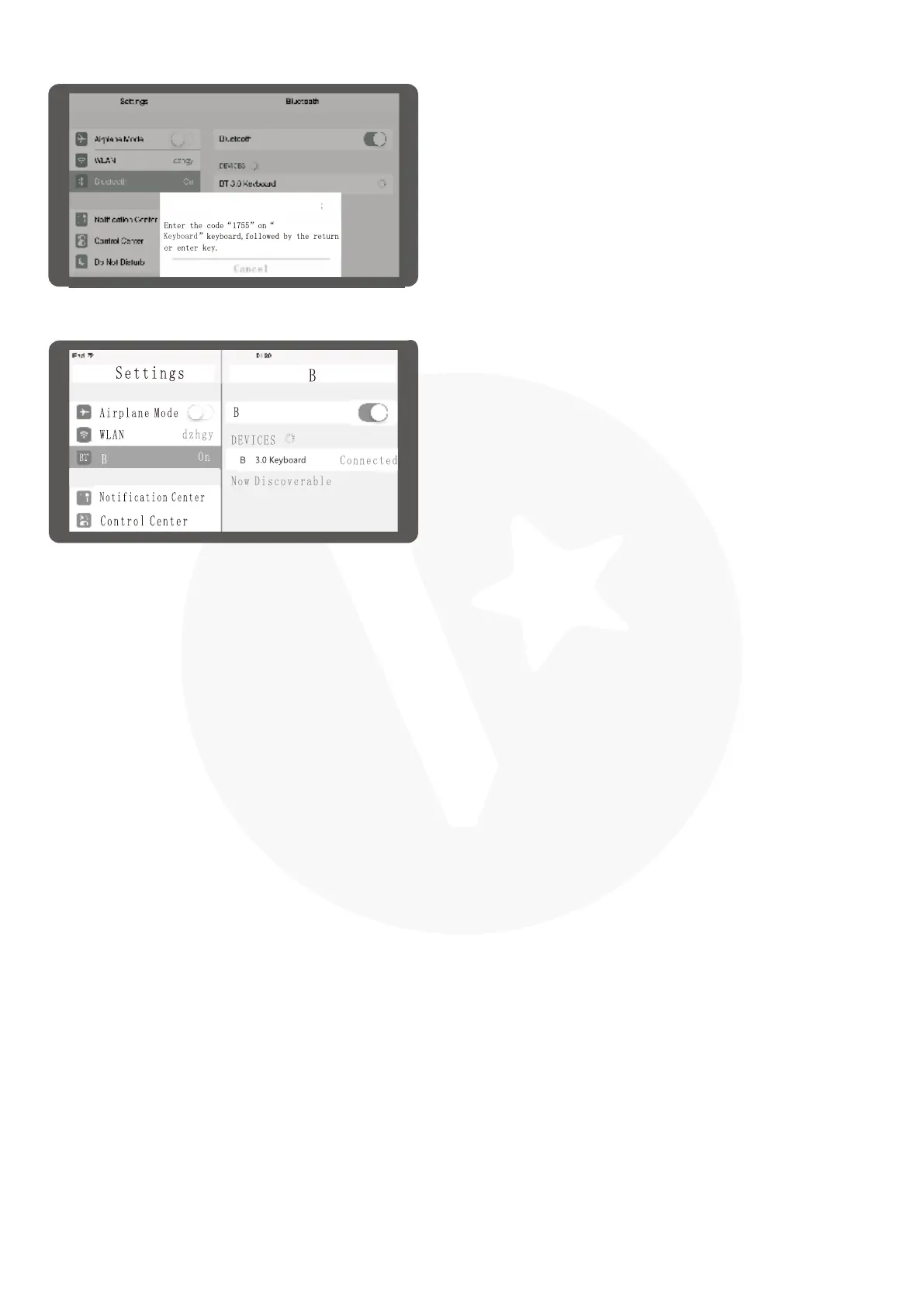
According the table PC tips to input the
correct password then click "Enter" button.
4.
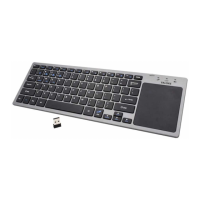
There have a tip for connecting successfully,
you can use your keyboard comfortably.
5.
T
T
T
T
BT Pairing Request
BT 3.0



 To Next Page