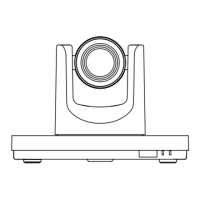
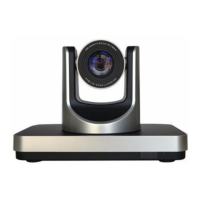
VHD-V600(S) Video Conference Camera User Manual
1
1 Note
Electric Safety
Installation and operation must accord with
electric safety standard.
Use caution to transport
Avoid stress, vibration or soakage in transport,
storage and installation.
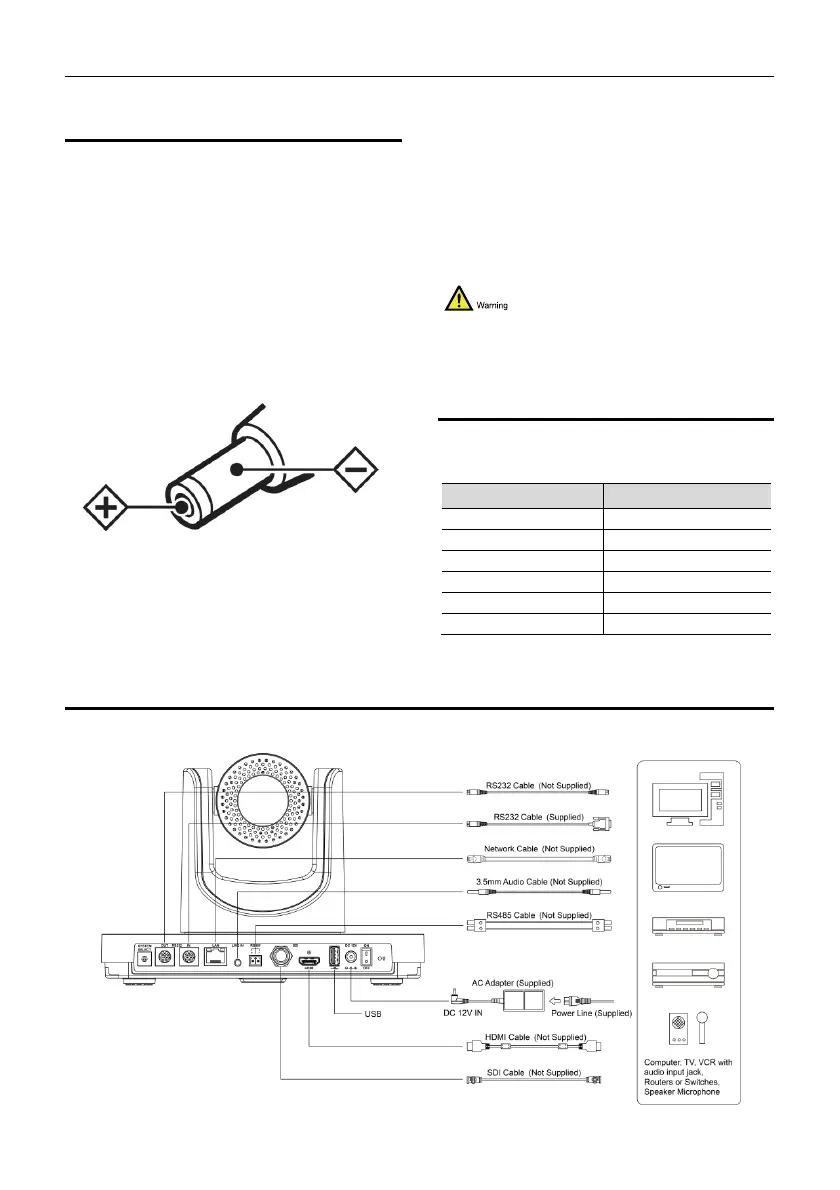
Polarity of power supply
The power supply of this product is +12V, the
max electrical current is 2A. Polarity of the
power supply plug drawing shows as below.
Installation Precautions
Do not grasp the camera lens when carrying it.
Don’t touch camera lens by hand. Mechanical
damage may be caused by doing so.
Do not use in corrosive liquid, gas or solid
environment to avoid any cover (plastic
material) damage. Make sure there is no
obstacle within rotation range.
Please never power on before installation is
completed.
Do not dismantle the camera
We are not responsible for any unauthorized
modification or dismantling.
Specific frequencies of electromagnetic field
may affect the image of the camera!
2 Packing List
When you unpack, check that all the supplied
accessories are included:
Name Quantity
Camera 1
AC Power Adaptor 1
Power Cable 1
RS232 Cable 1
Remote Control 1
Quick Start 1
3 Quick Start
1) Please check connections are correct before starting.


 To Next Page