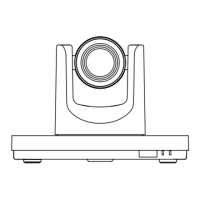
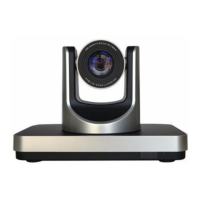
VHD-V600(S) Video Conference Camera User Manual
4
Item Name
1 System Video Format Switch
2 RS232 OUT Interface
3 RS232 IN Interface
4 Network Interface
5 LINE IN Interface
6 RS485 Interface
7 SDI Interface
8 HDMI Interface
9 USB 2.0 Interface
10 DC 12V Interface
11 Power Switch
12 Power Lamp
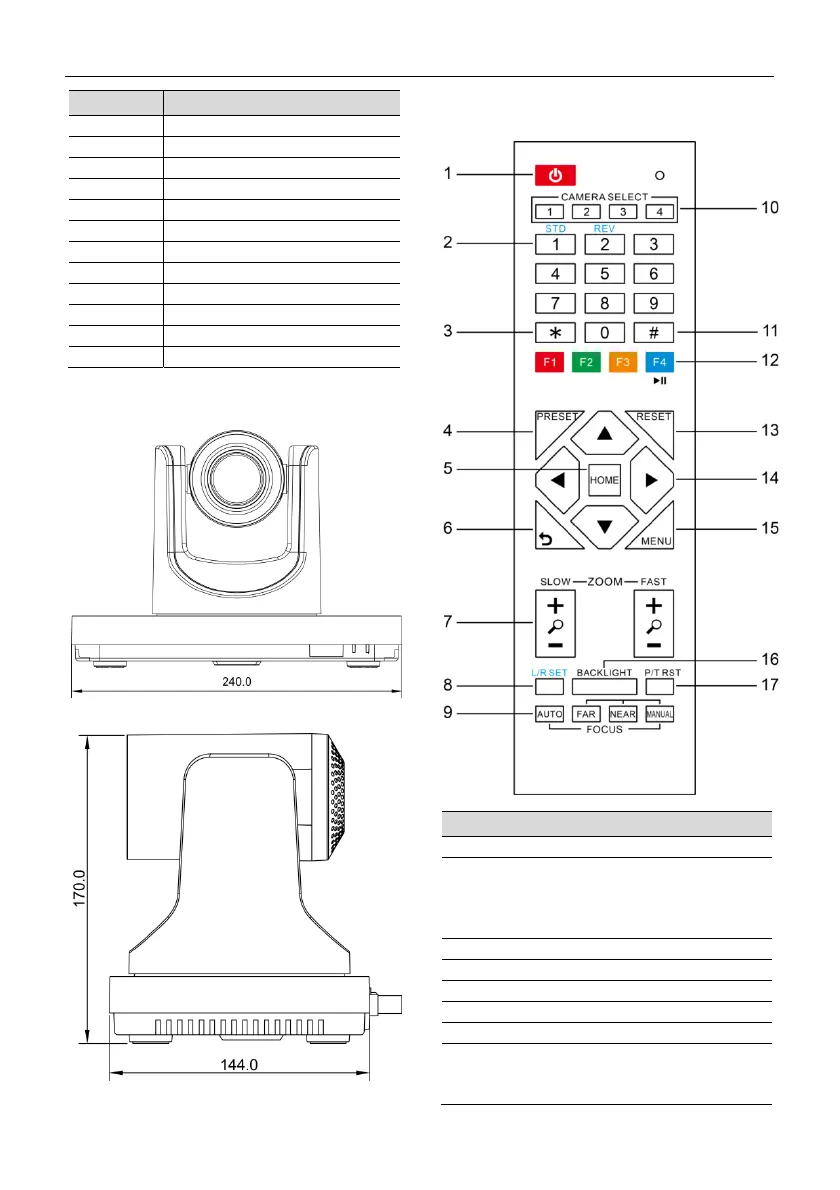
4.4 Dimension
4.5 Remote Control
Key Description
1. Standby Key
Press this button to enter standby mode. Press
it again to enter normal mode.
Note: Power consumption in standby mode is
approximately half of the normal mode
2. Number Key
To set preset or call preset.
3. *Key
Used with other buttons.
4. Preset Key
Set preset: Store a preset position.
[SET PRESET] + Numeric button (0-9): Setting
a corresponding numeric key preset position.


 To Next Page