33
Check the following:
A loose or missing fuel cap may
cause the light to come on. SEE
FILLING THE TANK 57. A few
driving trips with the cap properly
installed may turn the light off.
Poor fuel quality can cause
inefficient engine operation and
poor drivability, which may go
away once the engine is warmed
up. If this occurs, change the fuel
brand. It may require at least one
full tank of the proper fuel to turn
the light off. SEE FUEL 57.
If the light remains on, see your dealer.
Enabling and Disabling Check engine
Alert
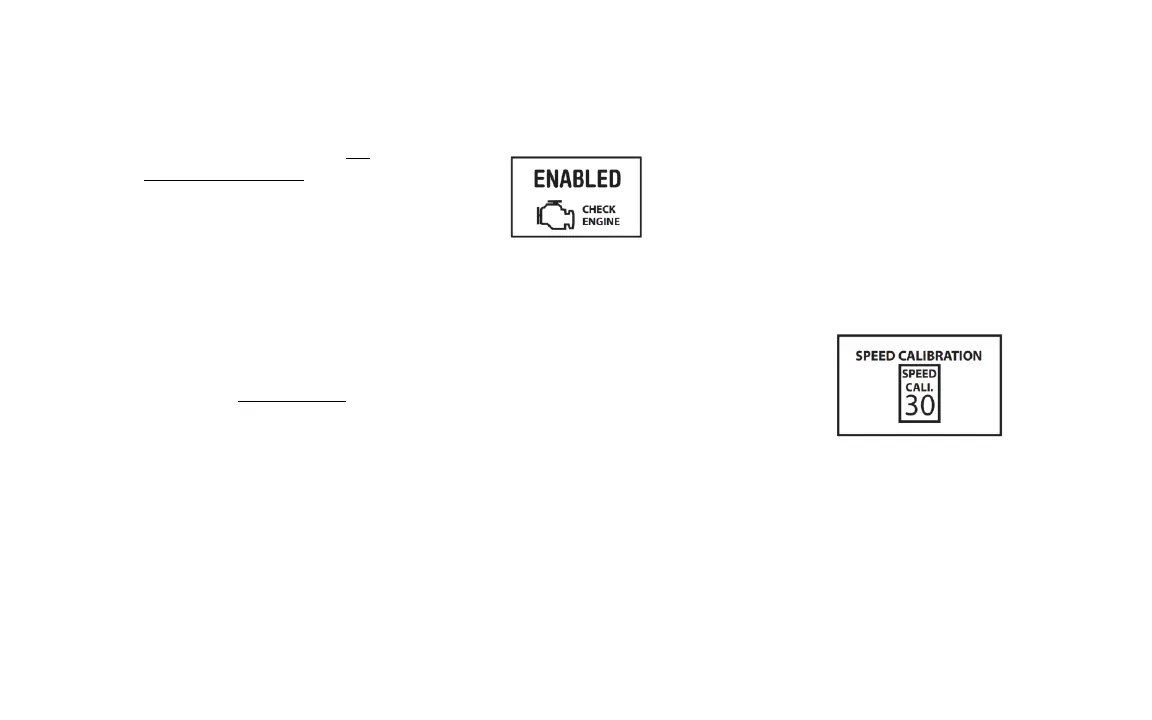
By default the Check Engine Alert is
enabled. To access the control menu short
press the button the speedometer until the
check engine icon is shown
Press and hold the button to toggle
between “ENABLED” and “DISABLED”.
ENABLED - Speedometer will show check
engine codes and allow you to clear them
from the vehicles computer.
DISABLED - Speedometer will not show any
check engine codes.
Calibrating Vehicle Speed
The Vehicle speed calibration is performed
at the vehicle manufacturing facility.
However if recalibration is required
because of a significant change in tire size.
Short press the button the speedometer
until the Speed Calibration icon is shown.
1. Press and hold button for 2-3 seconds to
initiate the calibration mode.
2. The LCD screen will prompt you to drive
the vehicle to a calibration speed of 30 mph


 To Next Page