EasyManua.ls Logo

vanEE 40H+ 44252 - User Manual

Default Icon
18 pages
Print Icon
To Next Page IconTo Next Page
Loading...
21780 REV. 01
*THESE PRODUCTS EARNED THE ENERGY STAR
®
BY MEETING STRICT ENERGY EFFICIENCY
GUIDELINES SET BY NATURAL RESOURCES CANADA AND THE US EPA. THEY MEET ENERGY
STAR
REQUIREMENTS ONLY WHEN USED IN CANADA.
READ AND SAVE THESE INSTRUCTIONS
User Guide
®
40E, 40H+ AND 50H
VB0200
VB0200
VB0201
VB0201
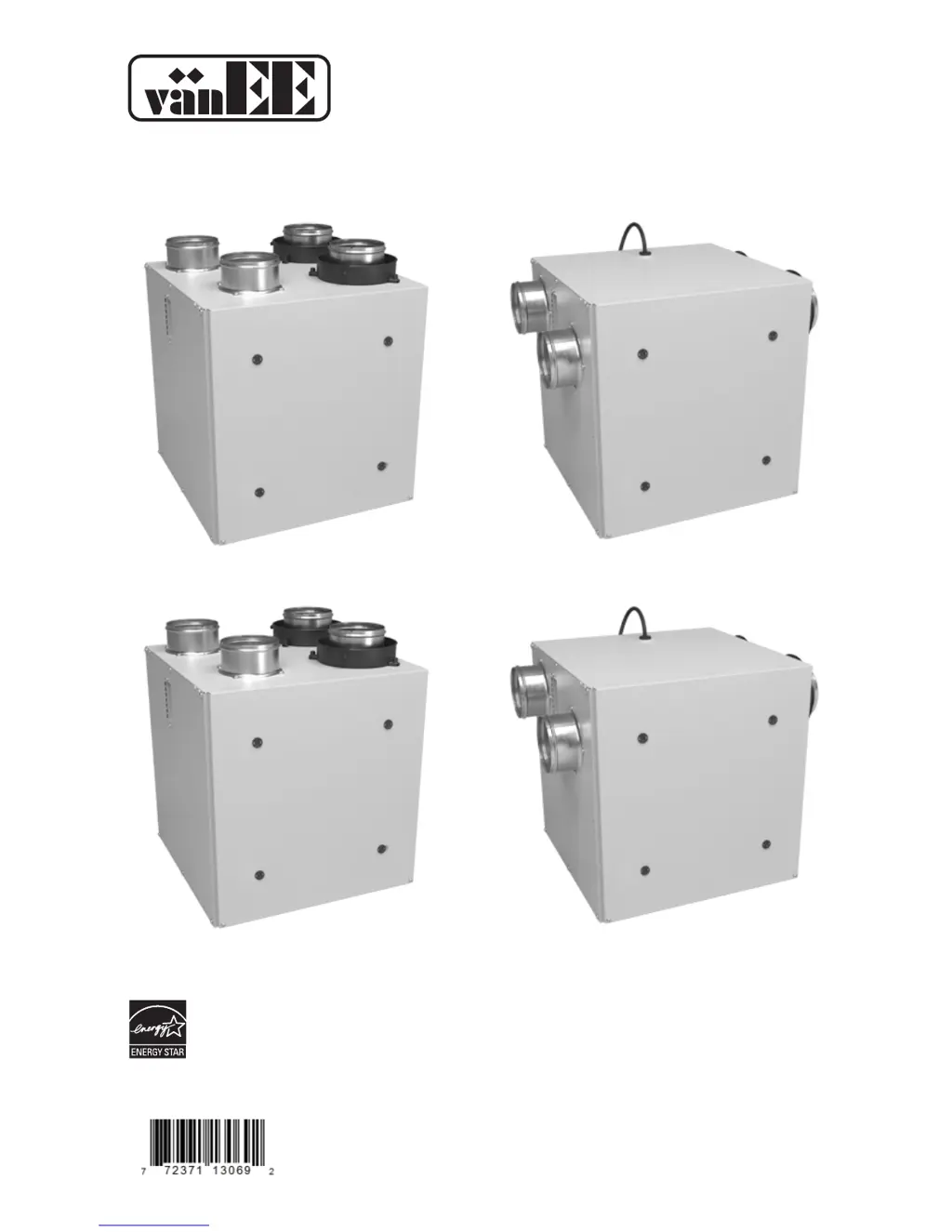
40E MODEL NO. 44262
TOP PORTS SIDE PORTS
40E MODEL NO.44263
40H+* M
ODEL NO. 44252
50H* MODEL NO. 44600
40H+* MODEL NO. 44253
50H* MODEL NO. 44602

Questions and Answers

  • K
    Katherine SinghAug 8, 2025
    What to do if the air from my vanEE Fan is too cold?
    • J
      Jenna BrownAug 8, 2025
      If the air is too cold at the air supply grille of your vanEE Fan, you can try the following: 1. Check to see if the exterior hood is blocked. 2. Operate the unit at a low speed, intermittently, or in recirculation mode (if this feature is available). 3. Consider installing a duct heater.
  • L
    Linda GrossAug 18, 2025
    How to troubleshoot a vanEE 40H+ 44252 Fan that isn't working?
    • D
      Damon ChapmanAug 18, 2025
      If your vanEE Fan isn't working, check if the unit is properly plugged in and confirm that the house circuit breaker or fuse is providing power to the unit.
  • T
    Timothy BradshawAug 28, 2025
    What to do if the air is too dry when using my vanEE 40H+ 44252?
    • J
      Jonathan MartinAug 28, 2025
      If the indoor air is too dry when using your vanEE Fan, consider temporarily using a humidifier. You might also try operating the unit in recirculation mode, if available.

Summary

Important Safety and Operational Guidance

Understanding Control Symbols

Explains the meaning of WARNING, CAUTION, and NOTE symbols used in the manual.

Critical Operational Precautions

Highlights essential operational advice and potential hazards for unit use.

Defrosting Mode

Controls

2.1 Integrated Control

Details the basic integrated control unit, its LED indicators, and boot sequence.

2.2 Platinum Main Control

Explains the Platinum Main Control interface, keys, and settings for operation.

2.3 Deco-Touch Main Control

Covers the Deco-Touch control, its modes, and humidity settings.

2.4 Lite-Touch Bronze Main Control

Describes the Lite-Touch Bronze control and its mode indicators.

2.5 Simple-Touch Bronze Main Control

Explains the Simple-Touch Bronze control and its operating modes.

2.6 Bronze Main Control

Details the Bronze Main Control, air supply, and dehumidistat adjustments.

2.7 20;40;60-minute Push-Button Timer

Details the operation of the 20/40/60-minute push-button timer.

2.8 20-minute Lighted Push-Button

Explains the 20-minute lighted push-button operation.

2.9 Dehumidistat

Covers the adjustment and use of the dehumidistat control.

2.10 60-Minute Crank Timer

Describes the functionality of the 60-minute crank timer.

Maintenance

3.1 Quarterly Maintenance

Outlines the steps for performing quarterly cleaning and filter maintenance.

3.2 Annual Maintenance

Details the procedures for annual cleaning of the unit and core.

Troubleshooting

Problem Diagnosis and Solutions

Provides common problems, their causes, and recommended solutions.

vanEE 40H+ 44252 Specifications

General IconGeneral
BrandvanEE
Model40H+ 44252
CategoryFan
LanguageEnglish

Related product manuals