17
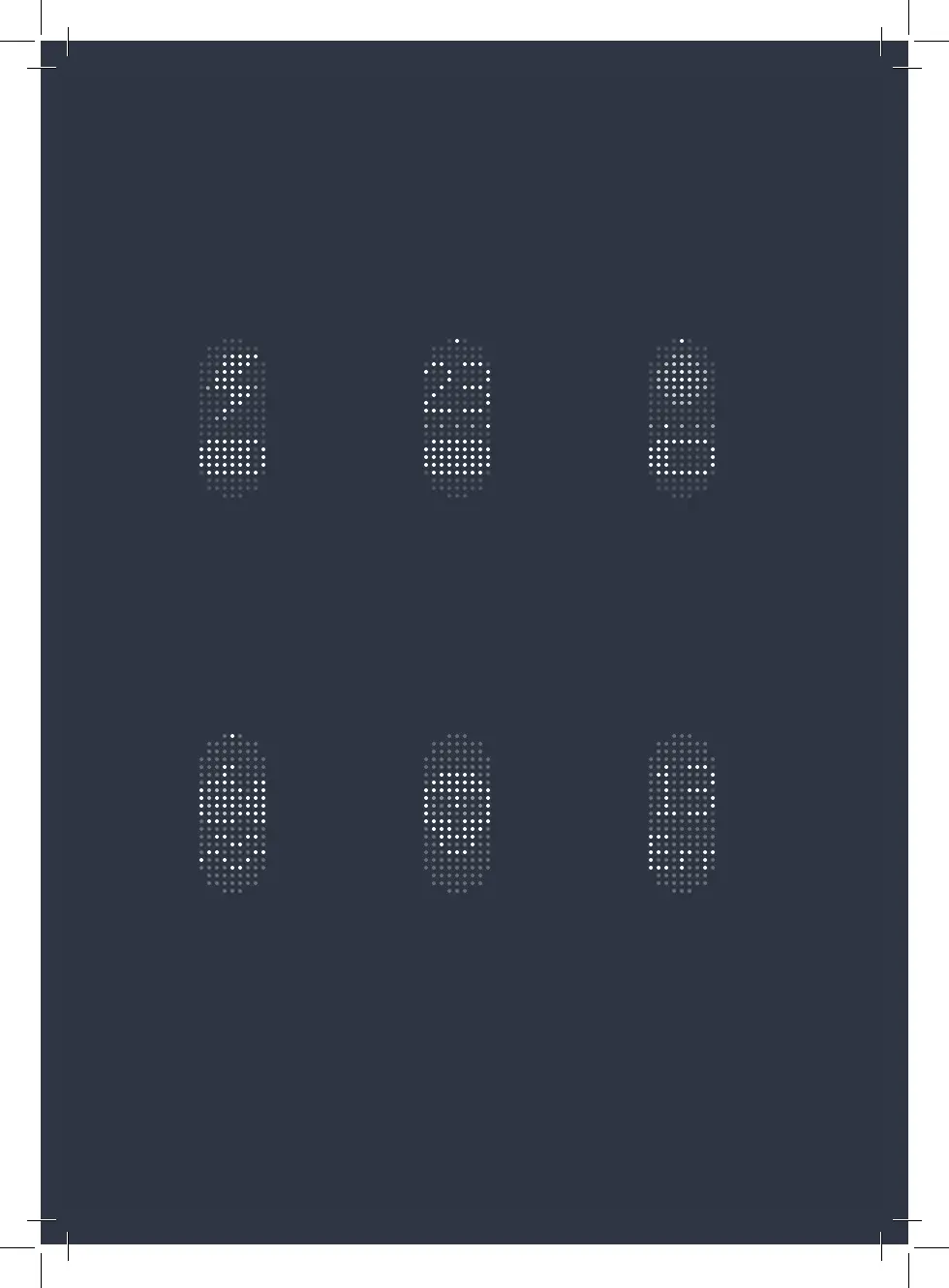
When stationary, you’ll see
the standby icon – time to
get moving!
If something goes wrong,
an error message will
appear.
When charging, a lightning
bolt will appear on the Matrix
Display.
When changing settings,
the Matrix Display will show
what you’re currently
adjusting.
While riding, you’ll see your
speed, gear, and current
battery level.
The alarm will be activated
if anyone tampers with your
bike.



 To Next Page