23
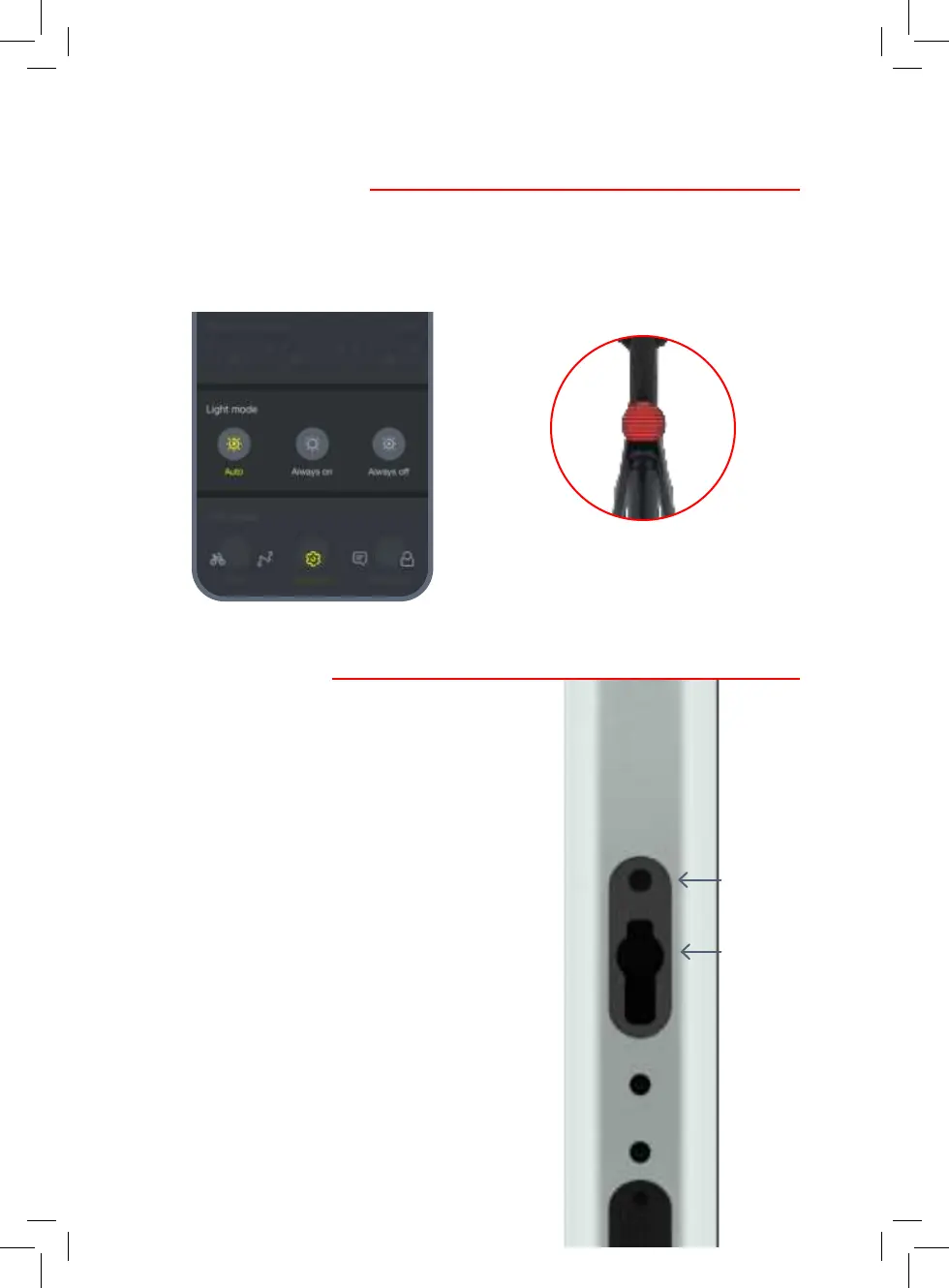
9. Controlling the lights
10. Power and reset
9.1 Open the VanMoof app to control the
front and rear lights.
9.2 We recommend the Auto setting – the
bike will automatically activate the
lights when it gets dark.
10.1 To power your bike on and o (when
unlocked), press either one of the
handlebar buttons or the reset button
once to power the bike on.
Reset button
Charging port
10.2 To reset your bike, press and hold
the button on the underside of the top
tube next to the charging port for
eight seconds. You’ll hear your bike
resetting.Your bike has now been reset.
Press either handlebar button to power
the bike on and use as normal.


 To Next Page