Need help?
Do you have a question about the Vantage Point Products VPEW13 and is the answer not in the manual?
Identify framing members (wood studs) near desired mounting position using a stud sensor.
Drill five holes, 2 1/2" deep using a 1/4" drill bit for lag screws.
Avoid oversized or undersized holes to prevent lag screw pullout or breakage.
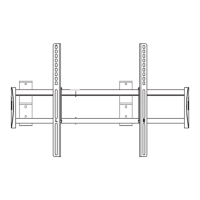
Mount wall plate using lag screws and washers; ensure it is level before tightening.
Do not over-tighten lag screws to prevent head breakage.
Install plastic bracket grommet to the platform bracket, ensuring it is fully engaged.
Tighten flat head allen screws to secure the arm to the previously mounted wall plate.
Place strap guides on the TV top, one inch from the back.
Place TV on mount and secure with safety strap immediately to prevent tampering.
 General
| Brand | Vantage Point Products |
|---|---|
| Model | VPEW13 |
| Category | TV Mount |
| Language | English |


 To Next Page