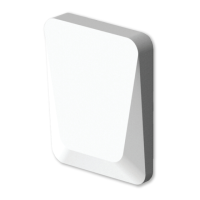
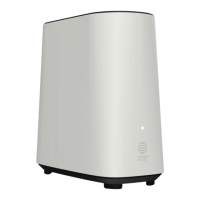
4 5
3. About the OWM7111
3.1. Wi‑Fi
Wi-Fi general
The OWM7111 is equipped with:
• One 6 GHz Wi-Fi 6E (IEEE802.11ax) interface that provides superior transfer
rates and is less sensive to interference. When the OWM7111 is used in a
Wi-Fi EasyMesh conguraon, this interface is primarily used for backhaul
connecons to the Gateway or to another OWM7111.
• One 5 GHz Wi-Fi 6E (IEEE802.11ax) interface which allows you to connect
Wi-Fi devices.
• One 2.4 GHz Wi-Fi 6 (IEEE802.11b) interface which allows you to connect
Wi-Fi devices.
• One Wi-Fi HaLow (IEEE802.11ah) interface which allows you to connect Wi-FI
HaLow devices.
IoT
The OWM7111 is equipped with:
• Three IoT radio interfaces which allows you to connect zigbee, Bluetooth, and
thread devices simultaneously.
• One LoRA gateway which allows you to connect LoRA sensors.
• One LoRA client that can accept LoRAWAN messages.
One Wi-Fi 6E
Enabled with the latest Wi-Fi 6E technology, the OWM7111 oers ulmate
wireless networking by improving latency, providing faster throughputs, beer
performance and opmal link stability in your local network.
EasyMesh
The OWM7111 supports EasyMesh (as an EasyMesh Agent or controller) that
allows you to experience the ulmate in Wi-Fi experience by creang a unied
intelligent Wi-Fi environment throughout the space using mulple EasyMesh-
enabled access points.
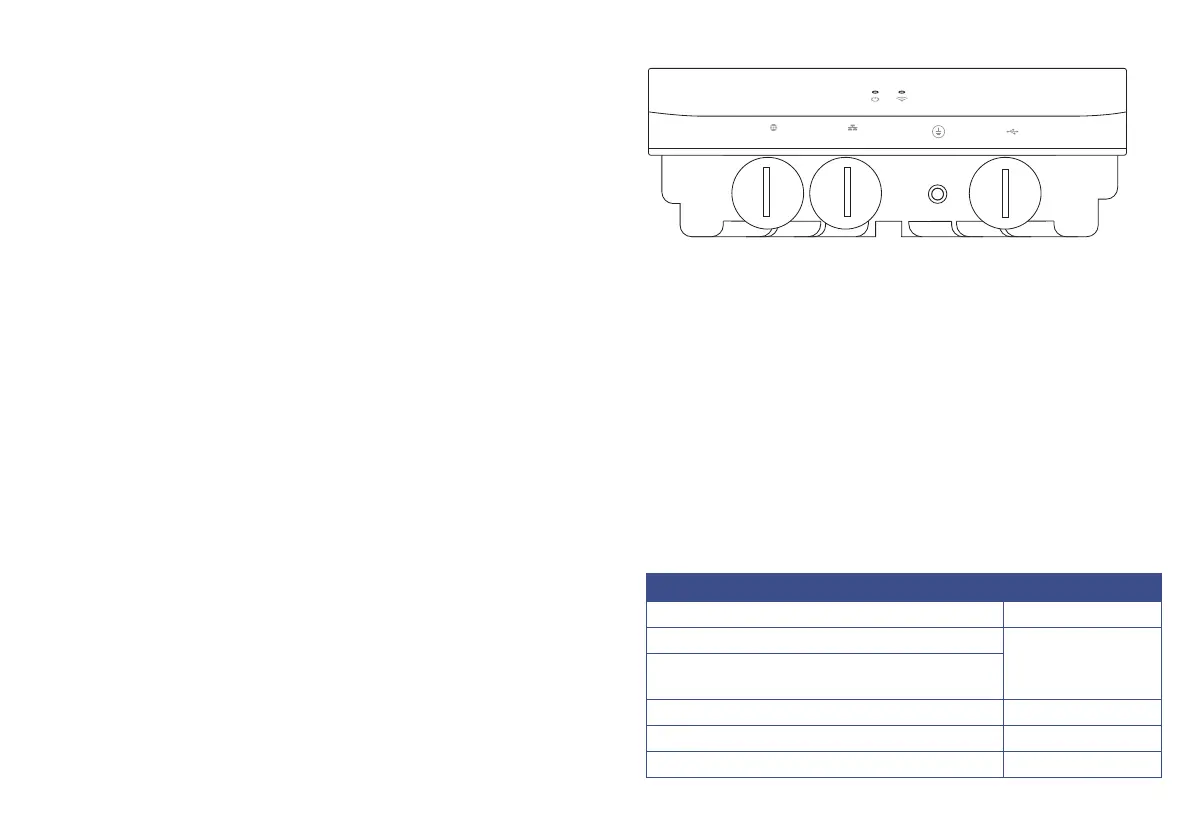
3.2. Bottom panel
PoE
2.5G
LAN
1G
USB
PoE and WAN port
The OWM7111 is powered by PoE only. The OWM7111 RJ45 PoE port is
simultaneously the WAN data port. This PoE/WAN port must be connected to
the PoE port of the supplied power brick. The LAN port of the supplied power
brick should be connected to the network’s gateway/router.
LAN port
The OWM7111’s LAN port can be used to connect a wired LAN client.
Ground
The OWM7111’s back panel is made of metal and should be grounded.
USB port
The OWM7111 is equipped with a usb port.
LEDs
The OWM7111 is equipped with two LEDs. One is a general status LED and the
other is a WiFi status LED.
General Status
Device O (Not powered) O
Boong up/Reseng
Blinking Blue
Connecon to paired GTW
(Extender only - Installaon done before)
Factory reset (Press pinhole for 5 seconds) Blinking Red
Boot failure (Not hing U-boot) Solid Red
OK no issues (Everything working as expected) O


 To Next Page
 Loading...