- 20 -
Note:
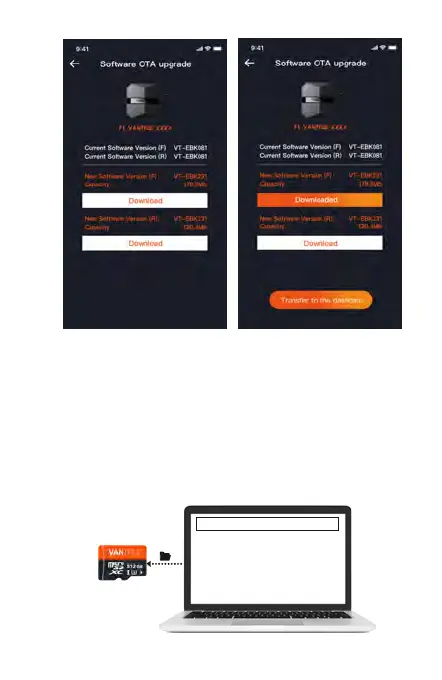
<1>. If the upgrade fails, please check whether the
Wi-Fi connection is normal. During the upgrade,
please do not disconnect the Wi-Fi, and make sure
the recorder host is powered on properly.
<2>. If the OTA upgrade has been failed, you can
use SD card upgrade, remove the SD card, copy
the upgrade software into the SD card, then insert
the SD card into the host computer, and then
power on the upgrade.
Upgraded Files



 To Next Page