11.Red power cable (positive power supply)
12.ACC signal wire (yellow wire)
13.Black ground wire (power negative)
14.Protective housing
3. Basic operation (App operation/remote
control operation)
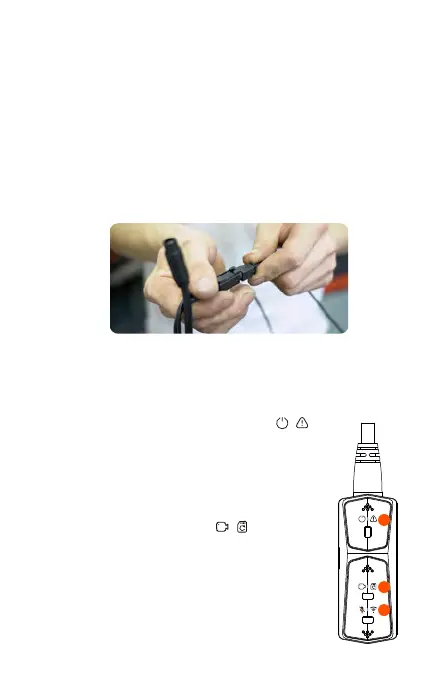
Remote control button function introduction
1
2
3
<1>.Power/Emergency button
Long press function: Power off
Short press function: Power on; After
power on, short press to lock the file,
and short press again when locking
the file to capture the picture.
<2>.Recording button
Long press function: After power on,
long press for 10 seconds to format SD
card.
Short press function: During recording,
short press to pause recording; during
standby, short press to start recording.
Note:
When connecting the front camera cable, until
you hear the "click" sound, indicating that the
cable buckle has been installed in place. You can
use a screwdriver to lift the end of the snap to
make the snap easier to snap into the slot.
- 8 -



 To Next Page