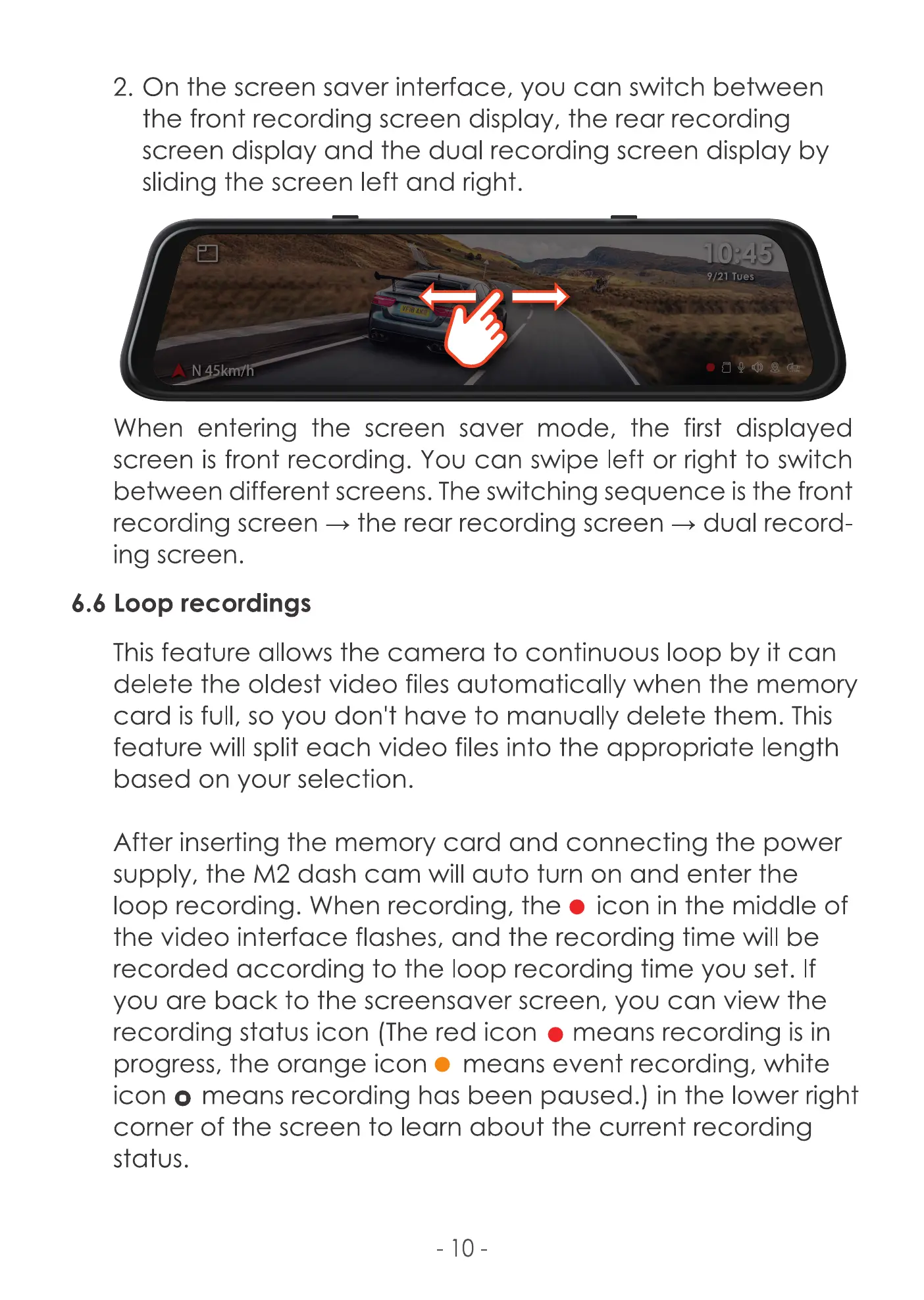
2. On the screen saver interface, you can switch between
the front recording screen display, the rear recording
screen display and the dual recording screen display by
sliding the screen left and right.
9/21 Tues
N 45k
When entering the screen saver mode, the first displayed
screen is front recording. You can swipe left or right to switch
between different screens. The switching sequence is the front
recording screen -9 the rear recording screen -+ dual record-
ing screen.
6.6 Loop recordings
This feature allows the camera to continuous loop by it can
delete the Oldest video files when the memory
card is full, so you don't have to manually delete them. This
feature will split each video files into the appropriate length
based on your selection.
After inserting the memory card and connecting the power
supply, the M2 dash cam will auto turn on and enter the
loop recording. When recording, the e icon in the middle of
the video interface flashes, and the recording time will be
recorded according to the loop recording time you set. If
you are back to the screensaver screen, you can view the
recording status icon (The red icon e means recording is in
progress, the orange icon o means event recording, white
icon o means recording has been paused.) in the lower right
corner of the screen to learn about the current recording
status.
-10



 To Next Page