o • 2:18
10:45
9/21 Tues
/ 21 e s
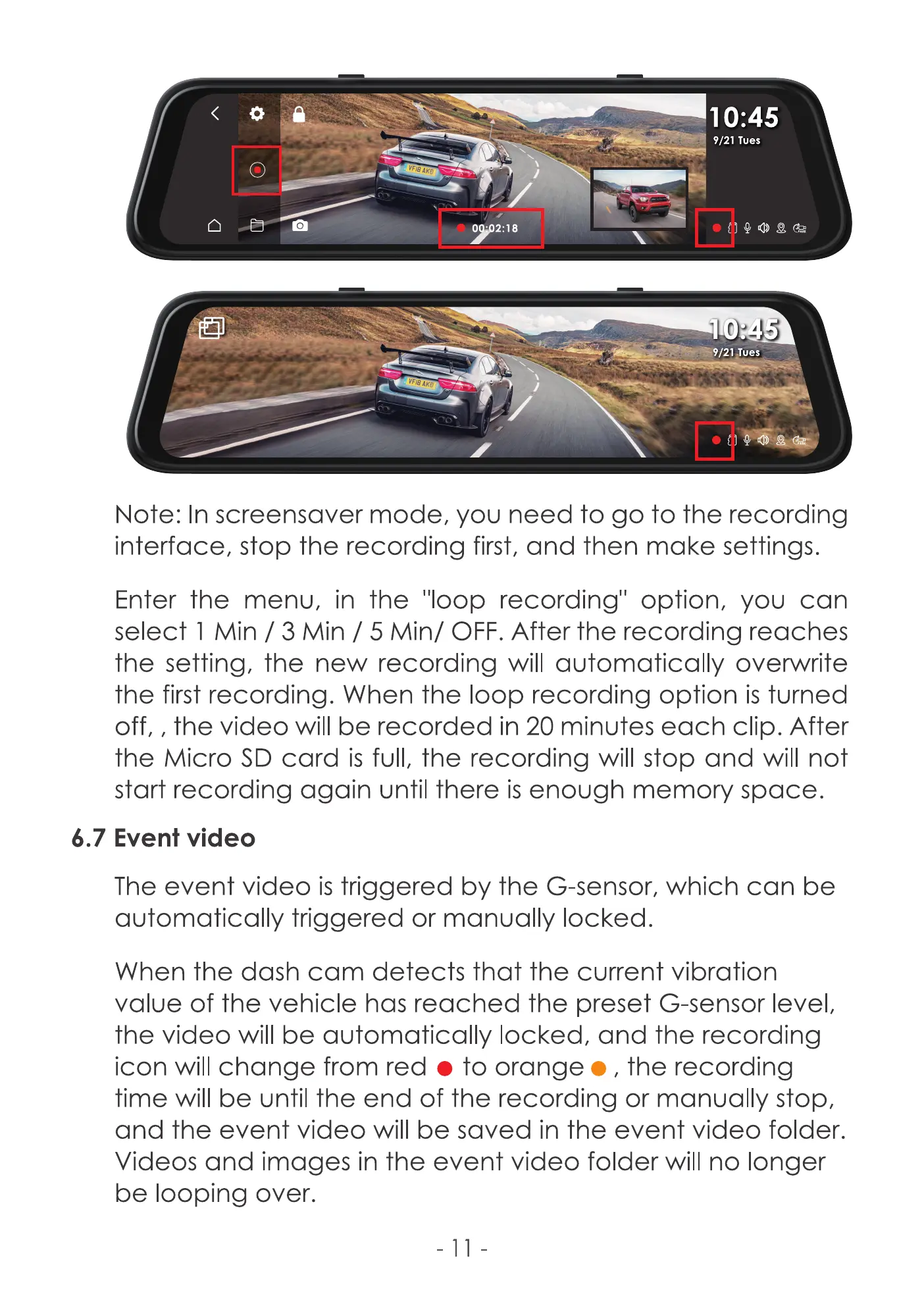
Note: In screensaver mode, you need to go to the recording
interface, stop the recording first, and then make settings.
Enter the menu, in the 'Iloop recording" option, you can
select I Min / 3 Min / 5 Min/ OFF. After the recording reaches
the setting, the new recording will automatically overwrite
the first recording. When the loop recording option is turned
off, , the video will be recorded in 20 minutes each clip. After
the Micro SD card is full, the recording will stop and will not
start recording again until there is enough memory space.
6.7 Event video
The event video is triggered by the G-sensor, which can be
automatically triggered or manually locked.
When the dash cam detects that the current vibration
valCJe of the vehicle has reached the preset G-sensor level,
the video will be automatically locked, and the recording
icon will change from red o to orange e , the recording
time will be until the end of the recording or manually stop,
and the event video be saved in the event video folder.
Videos and images in the event video folder will no longer
be looping over.



 To Next Page